Movavi Video Converter
The ideal way to get your media in the format you need!
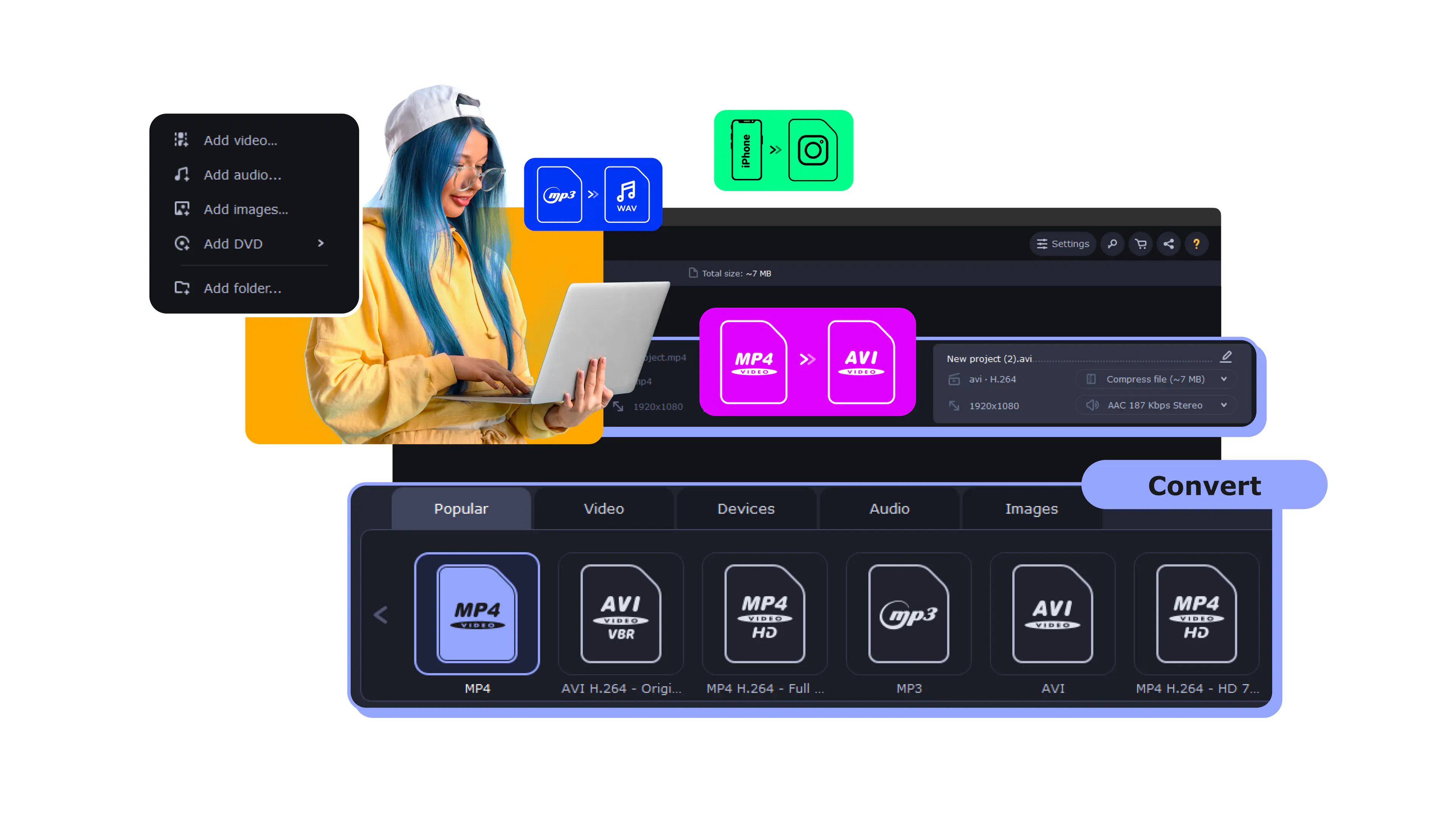
To convert DAT files to MP4, follow these simple steps:
Download and launch Movavi Video Converter.
Add files to the program.
Choose MP4 as the output format.
Convert your files.

Working with DAT files can be a bit of a challenge because they aren't supported by a lot of modern media players and devices. But if you convert DAT to MP4, it's a different story - your videos will be easy to play on smartphones, tablets, and streaming platforms, making them way more accessible.
Key takeaways:
DAT files are generic data containers that can hold various types of content. In video context, they're commonly found on Video CDs (VCDs) from the 1990s and early 2000s, or created by certain camcorders and surveillance systems. The challenge is that many modern devices don't recognize this format.
Best for: Users who need reliable conversion with basic editing features
Why it was picked: Combines fast conversion speeds with simple video enhancement tools
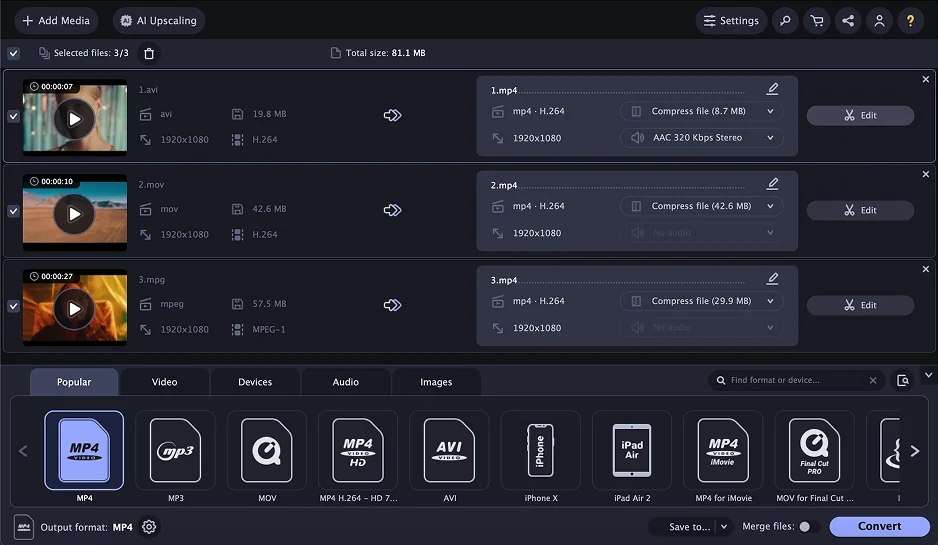
Movavi Video Converter handles DAT files smoothly and supports over 180 formats. The software uses hardware acceleration to speed up conversions, which is helpful when dealing with large video files from old camcorders.
Beyond format conversion, you get basic editing tools – trimming, rotating, and color correction. The compression settings let you specify exact file sizes, useful when you need to fit videos on specific devices or platforms.
How to convert DAT to MP4:
1. Download and install Movavi Video Converter
2. Click Add Media > Add Video and select your DAT file
3. Choose MP4 from the format list or pick a device preset
4. Adjust quality settings if needed
5. Click Convert to start the process
Hardware acceleration for faster processing
Batch conversion support
Built-in video enhancement tools
Preset optimization for different devices
Free trial adds watermarks
Full version requires purchase
No cloud storage integration
What users say on Reddit:
Users appreciate Movavi's straightforward interface and reliable performance for basic conversion tasks. Many recommend it for beginners who need decent quality without complex settings. However, some users find the subscription model expensive compared to one-time purchase alternatives, and a few report occasional crashes with very large files.
What YouTubers say:
Recent updates:
Movavi Video Converter recently introduced AI video upscaling features and improved conversion speeds with better GPU acceleration. The latest version also includes enhanced subtitle search capabilities and more device presets for modern smartphones.
Best for: Quick, free conversions without installing additional software
Why it was picked: Completely free with no file size restrictions
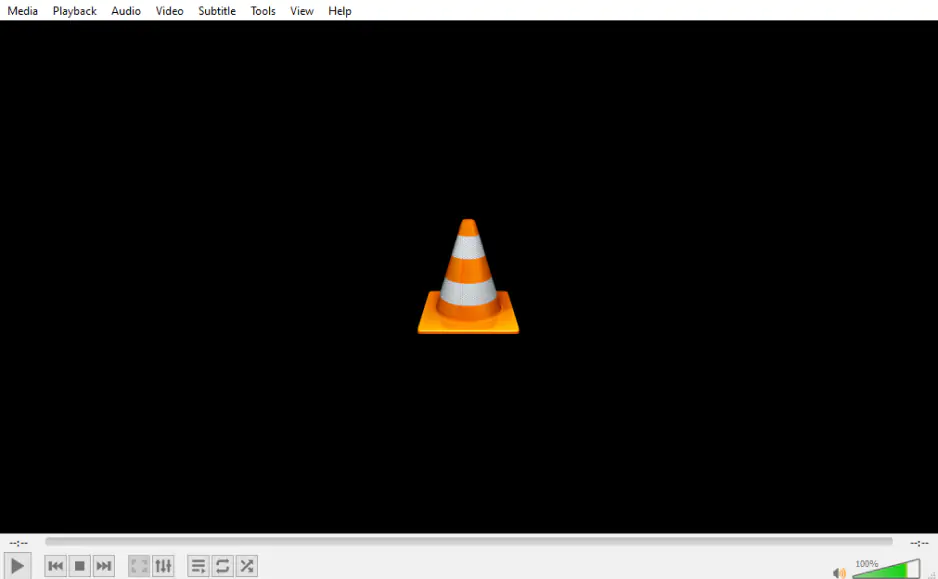
VLC isn't just a media player – it's also a capable converter that handles DAT files without issues. Since it's open-source and completely free, it's often the first choice for users who only need occasional conversions. According to PCMag, VLC's 3.0 update supports HDR10 and Chromecast streaming, making it even more versatile for modern media workflows.
The conversion process isn't as streamlined as dedicated converters, but it gets the job done. VLC also plays DAT files directly, so you can preview content before converting.
How to convert DAT file to MP4 in VLC:
1. Open VLC and click Media > Convert/Save
2. Add your DAT file using the Add button
3. Click Convert/Save at the bottom
4. Select Video - H.264 + MP3 (MP4) as the profile
5. Choose destination folder and click Start
Completely free with no limitations
No watermarks or trial restrictions
Plays nearly any video format
Available on Windows, Mac, and Linux
Interface not designed for conversion tasks
Limited quality control options
No batch processing capabilities
What users say on Reddit:
Reddit users frequently note that VLC works reliably across platforms and handles 99% of video formats without issues. Users particularly appreciate its universal compatibility and the fact that the PC version performs excellently for media playback. However, users consistently criticize the Android version for significant audio sync problems, where every video has audio out of sync with the lips that cannot be resolved even after hours of adjusting sync settings. Users also report that subtitles are frequently off in the Android version, making it frustrating for subtitle-dependent content. The media player UI is criticized as looking "old" and dated, with users suggesting it needs updating to match modern interfaces like Prime Video's cleaner design.
VLC 3.0.23 "Vetinari" was recently released with over 100 security fixes, dark mode support, and improved codec updates. The update includes fixes for Opus, Flac, ProRes, DVD subtitles, and various crash issues.
Best for: Users who want detailed control over video encoding settings
Why it was picked: Professional-grade encoding options with excellent compression
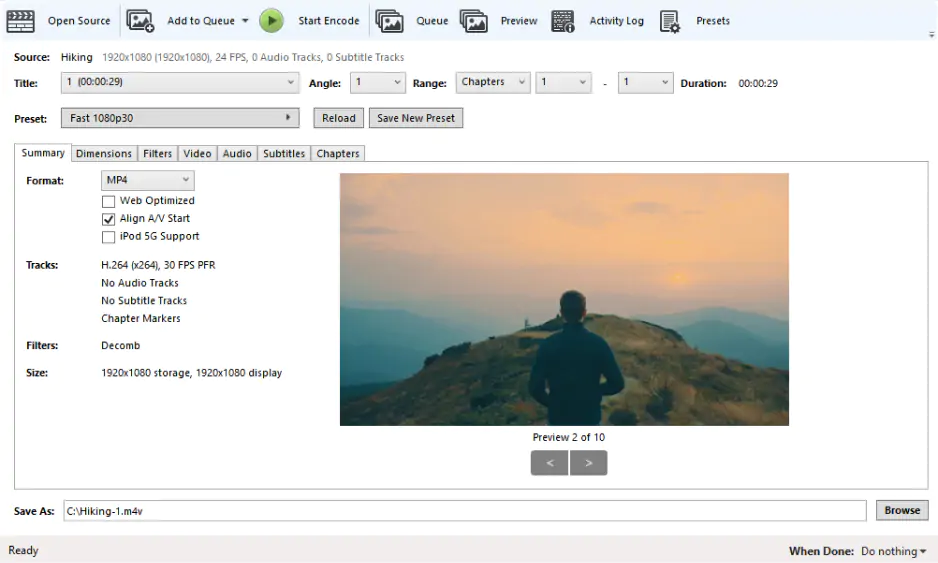
HandBrake is an open-source video transcoder that excels at converting DAT files while maintaining quality. It offers granular control over encoding parameters, making it popular among users who understand video codecs.
The software includes presets for various devices and streaming platforms. For DAT files from old sources, HandBrake's deinterlacing filters can improve video quality significantly.
Advanced encoding options
Excellent compression efficiency
Built-in video filters for quality enhancement
Completely free and open-source
Learning curve for beginners
Interface can be overwhelming
No direct editing features
What users say on Reddit:
Users consistently praise HandBrake as a powerful and reliable free video conversion tool, particularly for its excellent compression algorithms and quality output. Many appreciate its open-source nature and the fact that it's completely free without any limitations. However, users frequently mention the steep learning curve, with beginners often finding the interface overwhelming and the numerous settings confusing. Some users also note that while HandBrake excels at video conversion, it lacks basic editing features that other converters provide.
What YouTubers say:
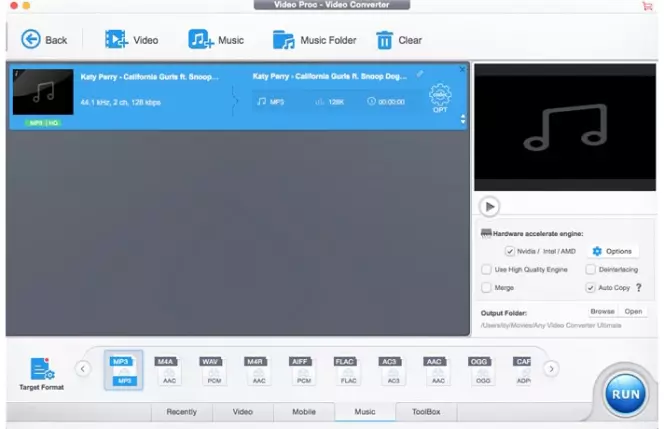
Best for: Batch converting multiple DAT files at once
Why it was picked: Handles large batches efficiently with good format support
This free converter focuses on simplicity while offering batch processing capabilities. It recognizes DAT files automatically and provides reasonable conversion speeds for free software. According to TechRadar, Any Video Converter Free is highlighted as an excellent choice for YouTube to MP3 conversions, demonstrating its versatility beyond just video format changes.
The interface is straightforward – drag files in, select output format, and convert. For users with multiple DAT files from old VCD collections, the batch feature saves considerable time.
True batch conversion support
Simple drag-and-drop interface
No file size limitations in free version
Regular updates with new format support
Ads in the free version
Basic editing tools only
Slower than premium alternatives
What users say on Reddit:
Users appreciate Any Video Converter Free as a reliable alternative to commercial software, particularly for basic conversion tasks without trial limitations. Many users value its straightforward interface and the fact that it's completely free without watermarks. However, some users report concerns about bundled software during installation and recommend careful attention during the setup process. A few users mention that conversion speeds can be slower compared to paid alternatives, but find it acceptable for occasional use.
Recent updates:
Any Video Converter V9.2.1 recently added support for the Seedance 2.0 video model in AI video generator and CPU processing support for AI video enhancer. The software now includes DVD/CD ripping capabilities and new AI video enhancement models.
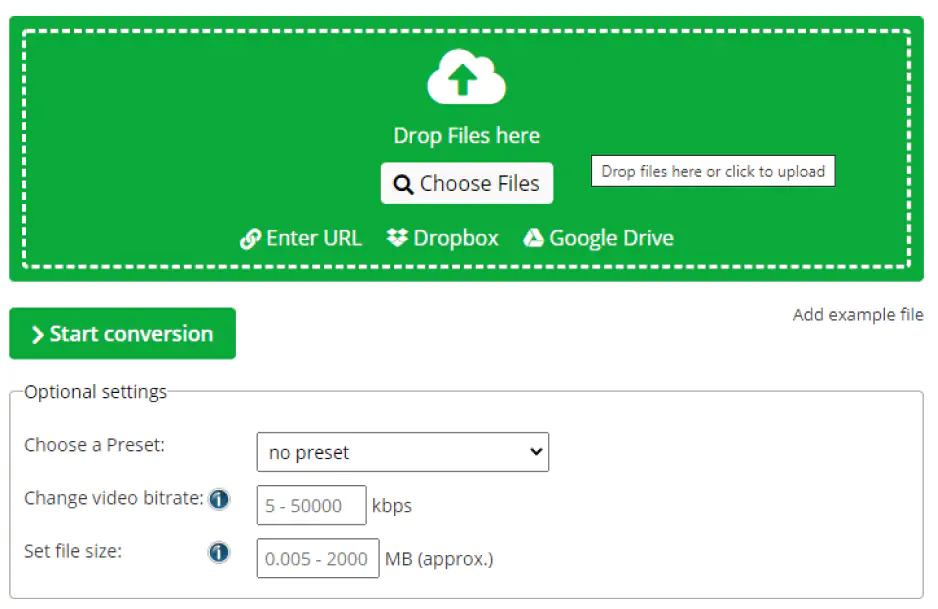
Best for: Converting small DAT files without software installation
Why it was picked: Clean web interface with good conversion quality
This online converter handles DAT files up to 100 MB without requiring registration. The service offers quality settings and basic video parameters adjustment through your web browser.
Upload speeds depend on your internet connection, but the actual conversion happens on their servers, so it works even on older computers with limited processing power.
No software installation required
Works on any operating system
Quality adjustment options
Free for files under 100 MB
File size limit of 100 MB
Requires stable internet connection
No batch processing
Privacy concerns with uploading personal videos
What users say on Reddit:
Based on general knowledge about online conversion services, users typically appreciate the convenience of browser-based converters for quick, small file conversions without software installation. However, many users express concerns about uploading personal or sensitive files to online services due to privacy considerations.
What reviewers say:
6. FFmpeg
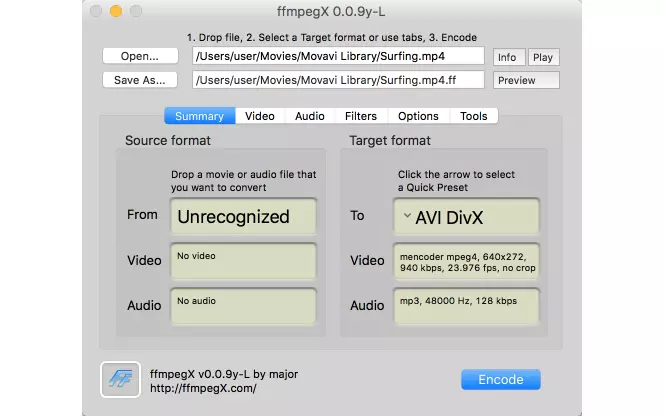
Best for: Advanced users who prefer command-line tools
Why it was picked: Maximum flexibility and automation possibilities
FFmpeg is the underlying engine that powers many video converters. Using it directly gives you complete control over the conversion process and enables automation through scripts. According to TechRadar, FFmpeg recently achieved a 100x performance gain in specific functions through optimized Assembly code, demonstrating its continued development and technical excellence.
For DAT files with unusual codecs or from specific hardware, FFmpeg often succeeds where GUI applications fail. The learning curve is steep, but the results are worth it for technical users.
Supports virtually every video format
Scriptable for automation
No GUI limitations
Completely free and open-source
Requires command-line knowledge
No graphical interface
Documentation can be overwhelming
What users say on Reddit:
Reddit users praise FFmpeg for its powerful video conversion capabilities and its ability to be integrated into custom desktop applications for specialized use cases like the Innioasis Y1 device. Users highlight that FFmpeg enables complete subtitle customization functionality, allowing for burned-in subtitles with full control over appearance and formatting. The technology is particularly valued for running 100% locally without requiring wifi, uploads, cloud processing, or background connections, ensuring complete privacy and offline functionality. Users appreciate that FFmpeg-based applications can convert videos into specific device constraints while supporting comprehensive settings for video, audio, subtitles, and metadata editing. However, the raw posts do not provide specific criticisms or technical issues that users encounter with FFmpeg itself.
Sources:
What YouTubers say:
Recent updates:
FFmpeg 8.1 "Hoare" was released in March 2026 with new decoders including xHE-AAC Mps212 and MPEG-H decoding support. The latest builds include Vulkan compute-based codecs for ProRes encoding/decoding and various performance improvements.
7. CloudConvert
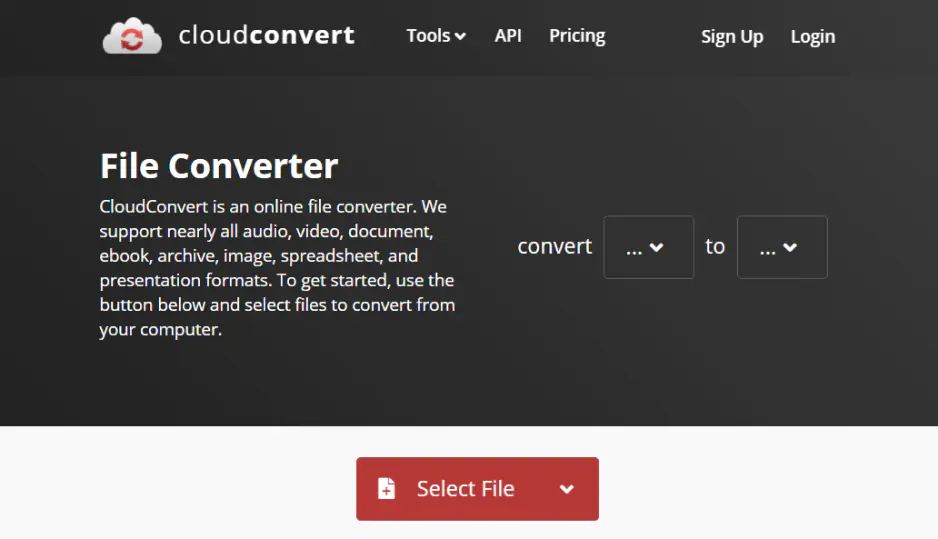
Best for: Converting large DAT files online with better size limits
Why it was picked: Higher file size limits compared to most online converters
CloudConvert supports files up to 1 GB in the free tier, making it suitable for longer DAT videos. The service offers API access for developers and integrates with cloud storage services.
The conversion quality is generally good, and you can adjust various parameters before starting the process. Multiple input methods include URL downloads and cloud storage connections.
1 GB file size limit on free tier
Cloud storage integration
API access available
Good conversion quality
Limited free conversions per day
Requires account creation for larger files
Upload times for big files
Privacy considerations
What users say on Reddit:
Users generally appreciate CloudConvert for its reliability and higher file size limits compared to other online converters. Many value its integration with cloud storage services and API access for automated workflows. However, users often express concerns about uploading sensitive files to online services and prefer offline alternatives for privacy-sensitive content. Some users also mention that the free tier limits can be restrictive for heavy usage.
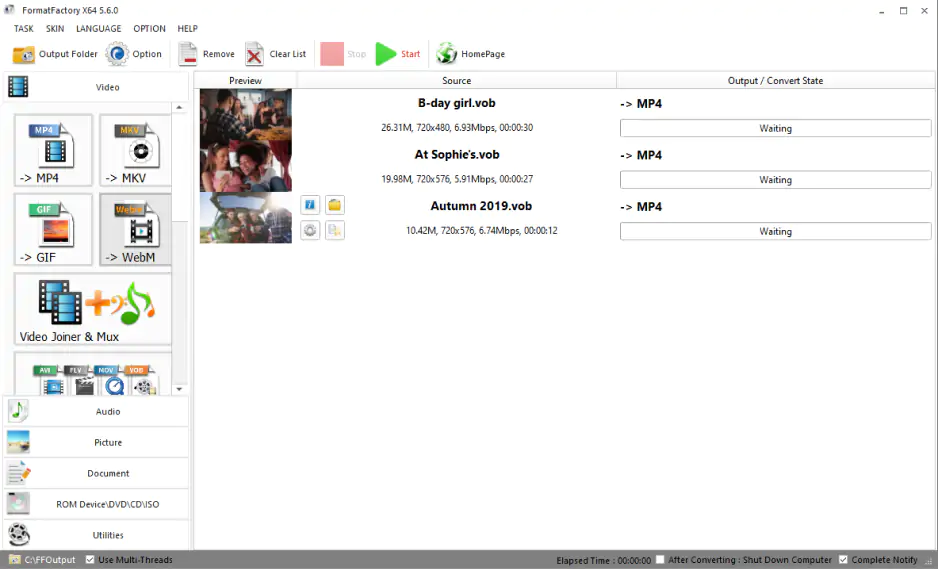
Best for: Windows users who need an all-in-one media converter
Why it was picked: Comprehensive format support with multimedia repair tools
Format Factory is a popular Windows application that handles not just video conversion but also audio, image, and document formats. It includes repair tools for damaged media files, which can be useful for old DAT files.
The software supports batch conversion and offers basic video editing features. For DAT files that won't open in other converters, Format Factory's repair function sometimes works.
Multimedia repair capabilities
Extensive format support
Batch processing
Free with no watermarks
Windows only
Interface looks dated
Can be slow with large files
Contains bundled software during installation
What users say on Reddit:
Reddit users discuss Format Factory as a free desktop video converter for Windows, though many note that it is adware-supported freeware rather than open-source software. Users appreciate that it offers comprehensive video and audio conversion capabilities while being completely free, making it a solid alternative to paid software. However, users note that Format Factory includes bundled third-party software during installation, requiring careful setup to avoid unwanted programs. Additionally, users point out its limited support for complex .ass stylized subtitle formats during conversion, leading many to prefer dedicated transcoders like HandBrake or FFmpeg when hardburning stylized subtitles into MP4.
9. Zamzar
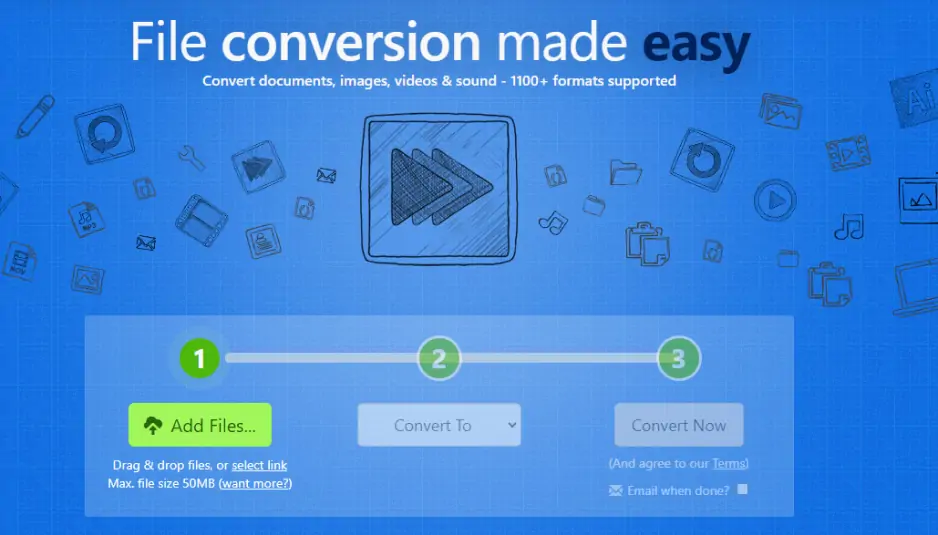
Best for: Simple online conversions with email delivery
Why it was picked: User-friendly interface with email notification system
Zamzar is an established online conversion service that handles DAT files reliably. After upload, you receive converted files via email, which is convenient when dealing with slower internet connections.
The service maintains good conversion quality and supports various output formats beyond MP4. For occasional use, the free tier provides sufficient conversions.
Email delivery of converted files
No software installation needed
Good conversion quality
Simple three-step process
50 MB limit on free tier
Requires email address
No real-time conversion status
Limited free conversions per month
What users say on Reddit:
Users generally appreciate Zamzar's simplicity and email delivery system, finding it convenient for occasional file conversions. Many users like that it doesn't require software installation and has a straightforward three-step process. However, some users express concerns about potential security issues, with occasional reports of malware detection during file downloads. Users also find the file size limitations restrictive and note that the service requires providing an email address, which some prefer to avoid for privacy reasons.
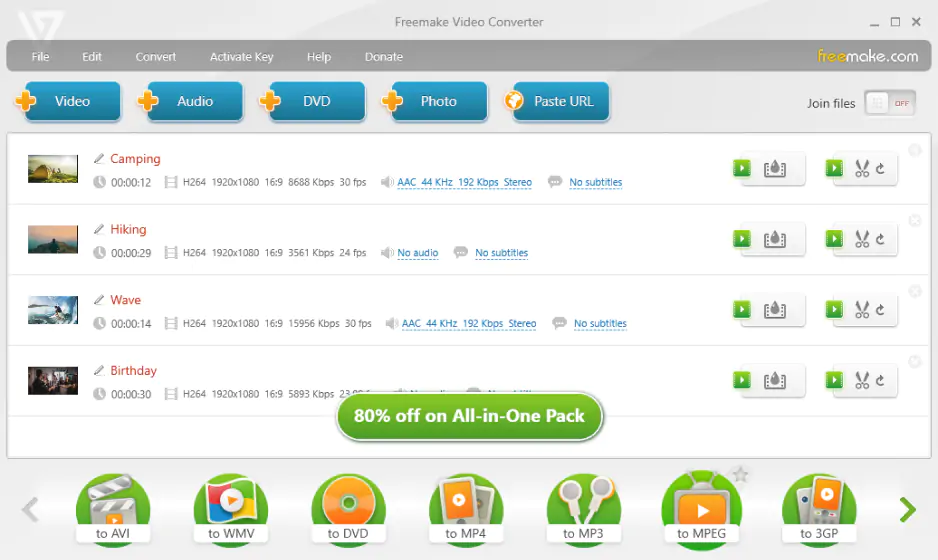
Best for: Casual users who want preset optimization for specific devices
Why it was picked: Extensive device presets with simple interface
Freemake offers over 500 preset formats optimized for specific devices and platforms. For DAT files, you can choose presets designed for smartphones, tablets, or streaming services.
The software includes basic video editing tools and supports batch conversion. The interface is designed for non-technical users, with clear device icons instead of technical format names.
Extensive device presets
User-friendly interface
Basic editing capabilities
Good conversion speeds
Adds watermarks in free version
Bundled software during installation
Limited advanced options
Some output formats require payment
What users say on Reddit:
Users have mixed opinions about Freemake Video Converter, with some appreciating its user-friendly interface and device presets for easy conversion. However, many users report significant concerns about the software's reliability and installation practices. Several users warn against using Freemake due to reports of bundled malware, inconsistent performance, and the software suddenly stopping to work. Users also criticize the addition of watermarks in the free version and the presence of unwanted software during installation. Many recommend alternative converters due to these issues.
11. Convertio
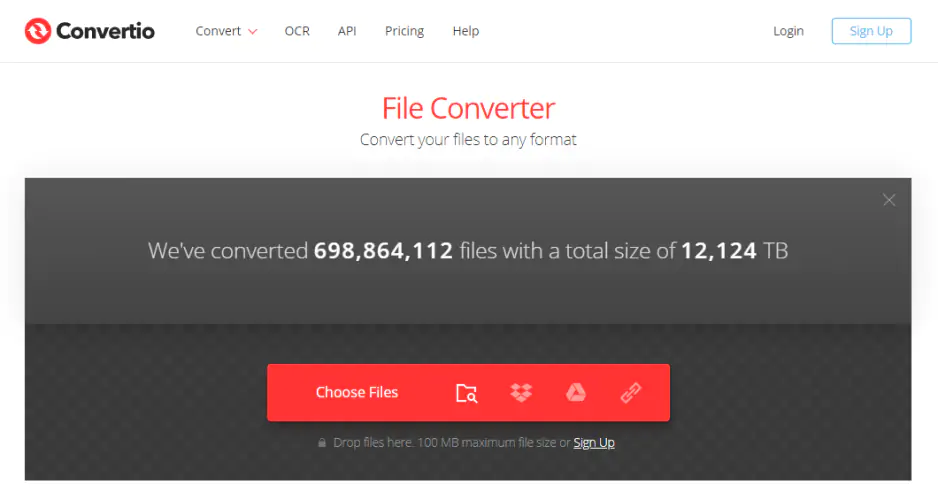
Best for: Quick online conversions with cloud storage integration
Why it was picked: Supports various input methods including cloud services
Convertio allows you to upload DAT files from Google Drive, Dropbox, or direct URLs, not just local storage. This flexibility makes it useful when DAT files are stored in cloud services.
The converter offers quality adjustment and basic video parameter modification. Processing happens in the cloud, so conversion speed doesn't depend on your computer's specifications.
Cloud storage integration
Multiple input methods
Quality adjustment options
Cross-platform compatibility
100 MB limit on free accounts
Requires internet connection
Limited free conversions daily
No batch processing in free version
What users say on Reddit:
Users generally find Convertio convenient for quick online conversions, especially appreciating its cloud storage integration and multiple input methods. Many users prefer it for occasional use when they need to convert files without installing software. However, users express concerns about security when uploading files to online services, with some questioning whether it's safe for sensitive documents. Users also find the file size limitations and daily conversion limits restrictive, particularly when working with larger files or multiple conversions.
What reviewers say:
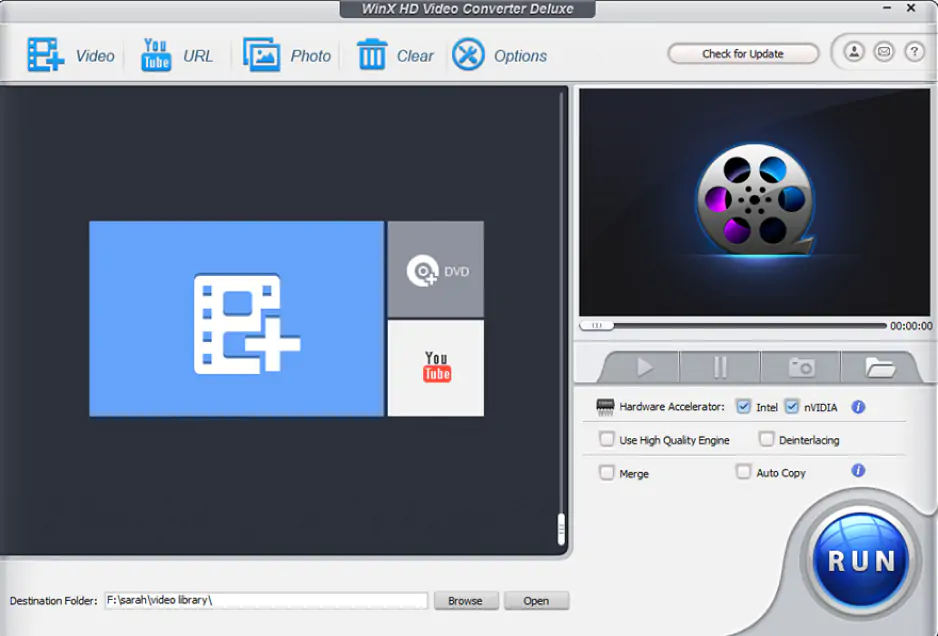
Best for: Windows PC users who need hardware acceleration
Why it was picked: Good balance of features and conversion speed
WinX Video Converter utilizes GPU acceleration to speed up dat to mp4 conversions significantly. The software is particularly effective with larger files where processing time becomes a concern.
The interface strikes a balance between simplicity and functionality. It includes basic editing tools and supports various output quality settings to control file size.
GPU acceleration support
Good conversion speeds
Basic editing features
Reasonable compression quality
Free version limits video length to 5 minutes
Windows only
Some features require premium version
Interface could be more modern
What users say on Reddit:
Users appreciate WinX Video Converter for its fast conversion speeds and GPU acceleration capabilities, particularly when working with larger files. Many find it effective for basic video conversion tasks and appreciate the balance between features and usability. However, users frequently mention frustration with the 5-minute limitation in the free version, which significantly restricts its usefulness for longer videos. Some users also note that while the software performs well, the interface feels dated compared to more modern alternatives.
What reviewers say:
For occasional, small files: VLC Media Player offers the best value – completely free with no restrictions.
For large files or batch processing: Desktop applications handle big DAT files more efficiently than online tools (open-source tools like HandBrake have no limits, while commercial software like Movavi provides trial access).
For quick conversions without installation: Online-Convert.com or CloudConvert work well if your files are under their size limits.
For technical users: FFmpeg provides maximum control and can handle DAT files that other converters struggle with.
Most DAT files from old VCDs convert easily, but surveillance system DAT files sometimes use proprietary codecs. If one converter fails, try FFmpeg or Format Factory – they handle unusual formats better.

Most online converters limit free users to files under 100 MB. For larger DAT files, desktop software like VLC or HandBrake works better since they have no size restrictions.
DAT files can contain various video codecs. If one converter fails, try VLC or FFmpeg – they support more codec variations than most other tools.
For DAT files from VCDs, use H.264 codec with medium quality settings. Higher quality won't improve the output since VCD resolution is already limited to 352x240 pixels.
Modern converters like Movavi Video Converter and VLC include necessary codecs. Only very old or proprietary surveillance DAT files might require processing through specialized tools like FFmpeg.
Yes, desktop converters like Any Video Converter Free and Movavi Video Converter support batch processing. Online converters typically handle one file at a time.



1.5M+ users already subscribed to our newsletter