Remote workers and presenters · BUSINESS
Professionals who record video presentations, training content, or client-facing demos often need a clean, branded background that does not reveal a home office or untidy room. Movavi lets them replace any background with a company-branded image or a neutral setting, giving recorded videos the same polished appearance as live virtual calls with virtual background features.
Content creators and YouTubers · CONTENT CREATION
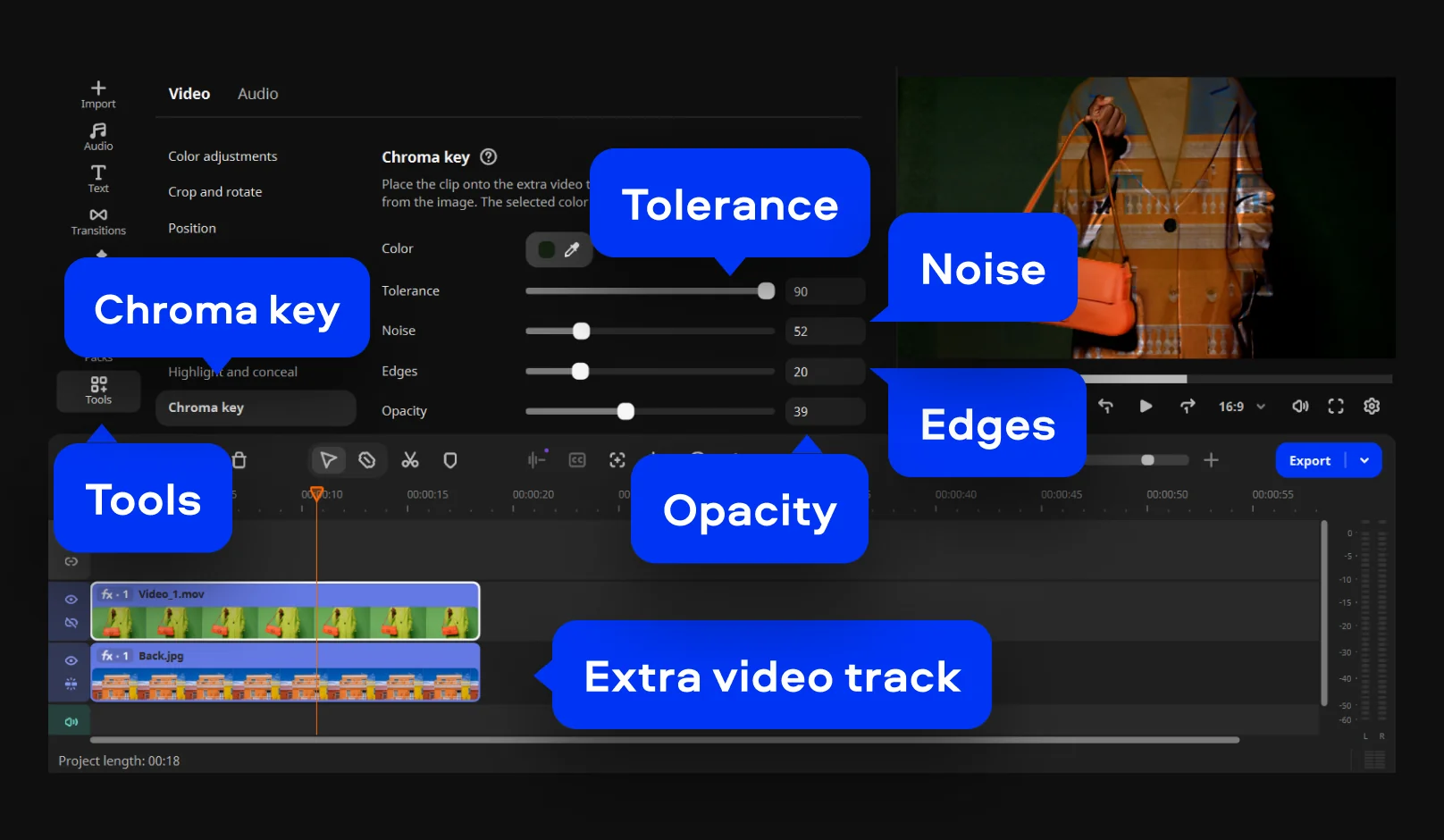
Video creators who shoot talking-head content, product reviews, or tutorial videos benefit from the ability to change the video background without setting up a physical green screen for every recording. AI-based removal means they can shoot anywhere and replace the background in post, keeping the production workflow fast and flexible.
Students and educators · EDUCATION
Teachers recording lectures and students producing video assignments often work in environments that are not visually appropriate for academic content. Movavi makes it straightforward to edit the background in a video and replace it with a clean, distraction-free setting or a relevant educational graphic, improving the overall quality and professionalism of the finished recording.