
*The free version of Movavi Video Editor may have the following restrictions depending on the build: watermark on exported clips, 60-second video or 1/2 audio length limit, and/or some advanced features unavailable when exporting videos.
Rotate Video Online for Free
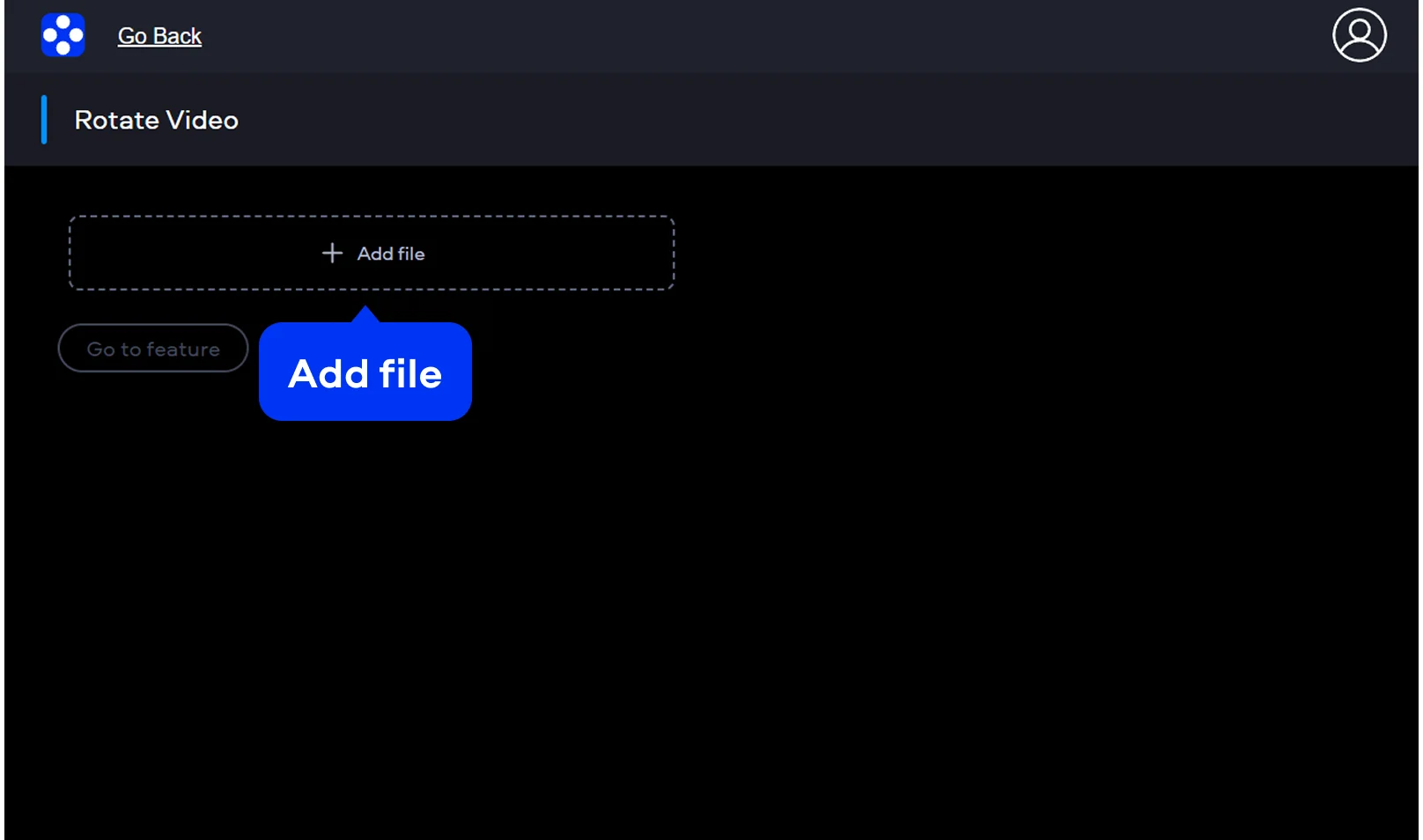
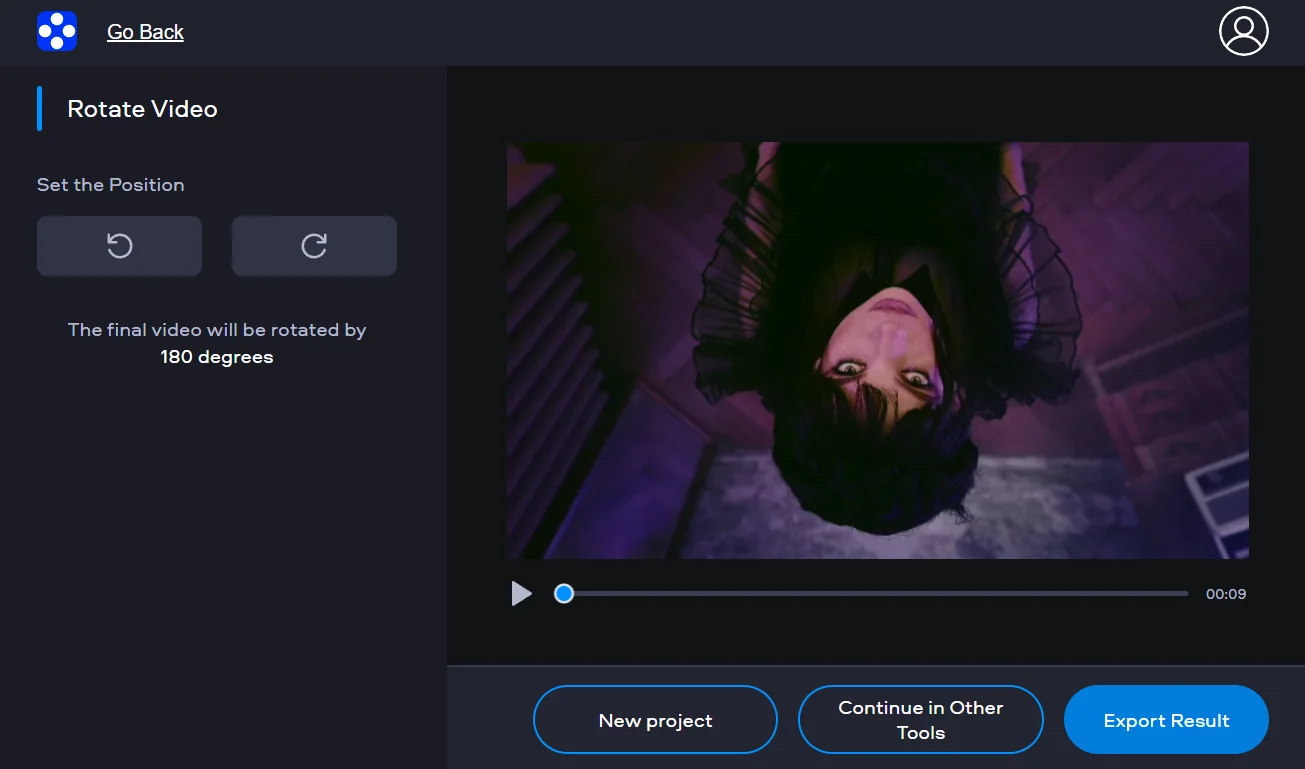
How to use the online video rotator
Movavi’s free online video rotator functions directly within your web browser. You do not need to install any extra software to rotate video files quickly. The online video rotator presents a secure and intuitive environment for every user. It helps you change video orientation without any complex technical knowledge. You can also flip videos online when you need a mirrored version of your clip. After you change video orientation, you may also want to change video speed online to match the desired pacing.
Supported formats for online video editing
MP4, AVI, MOV, WMV, M4V
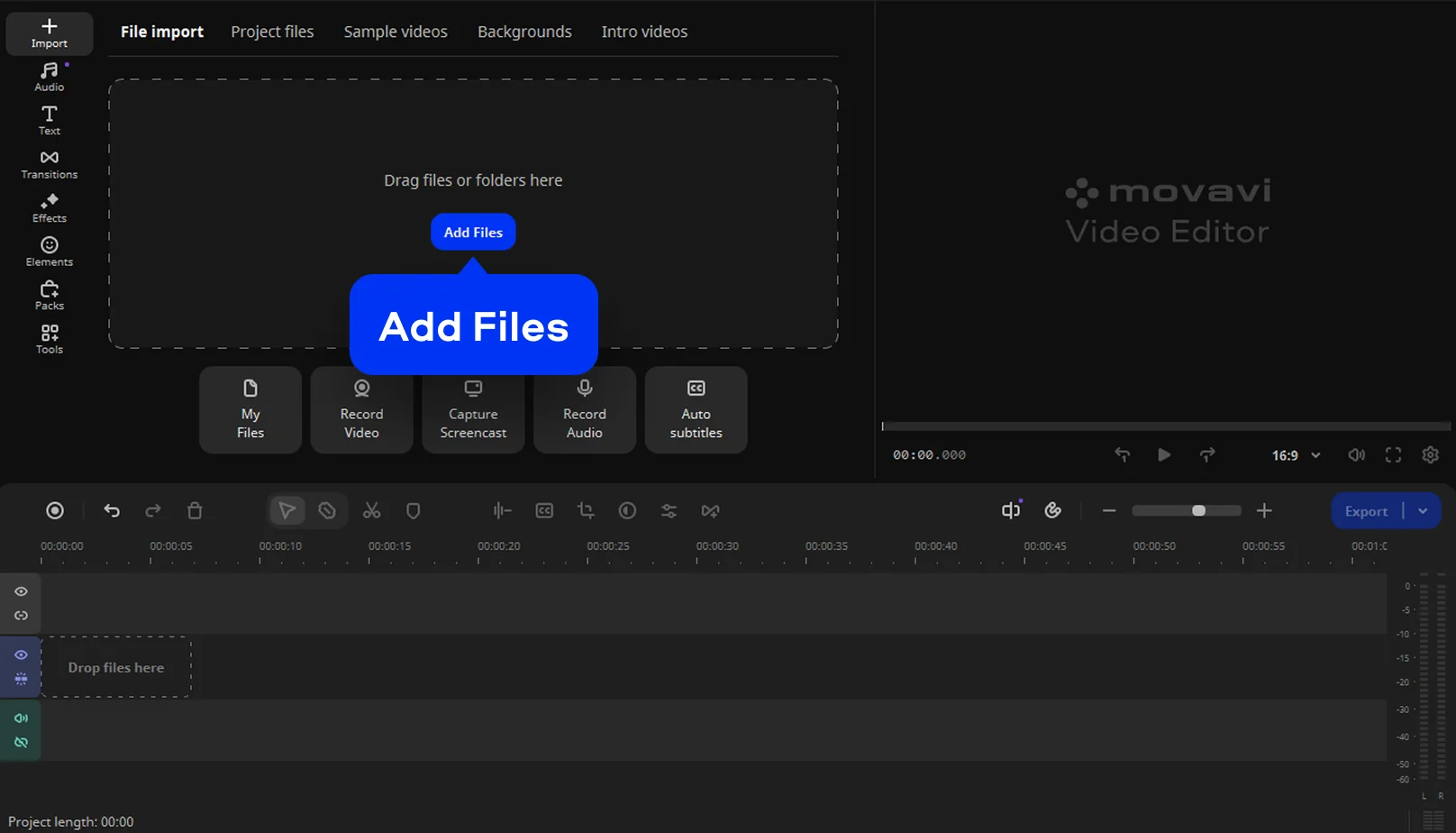
How to rotate a video on desktop
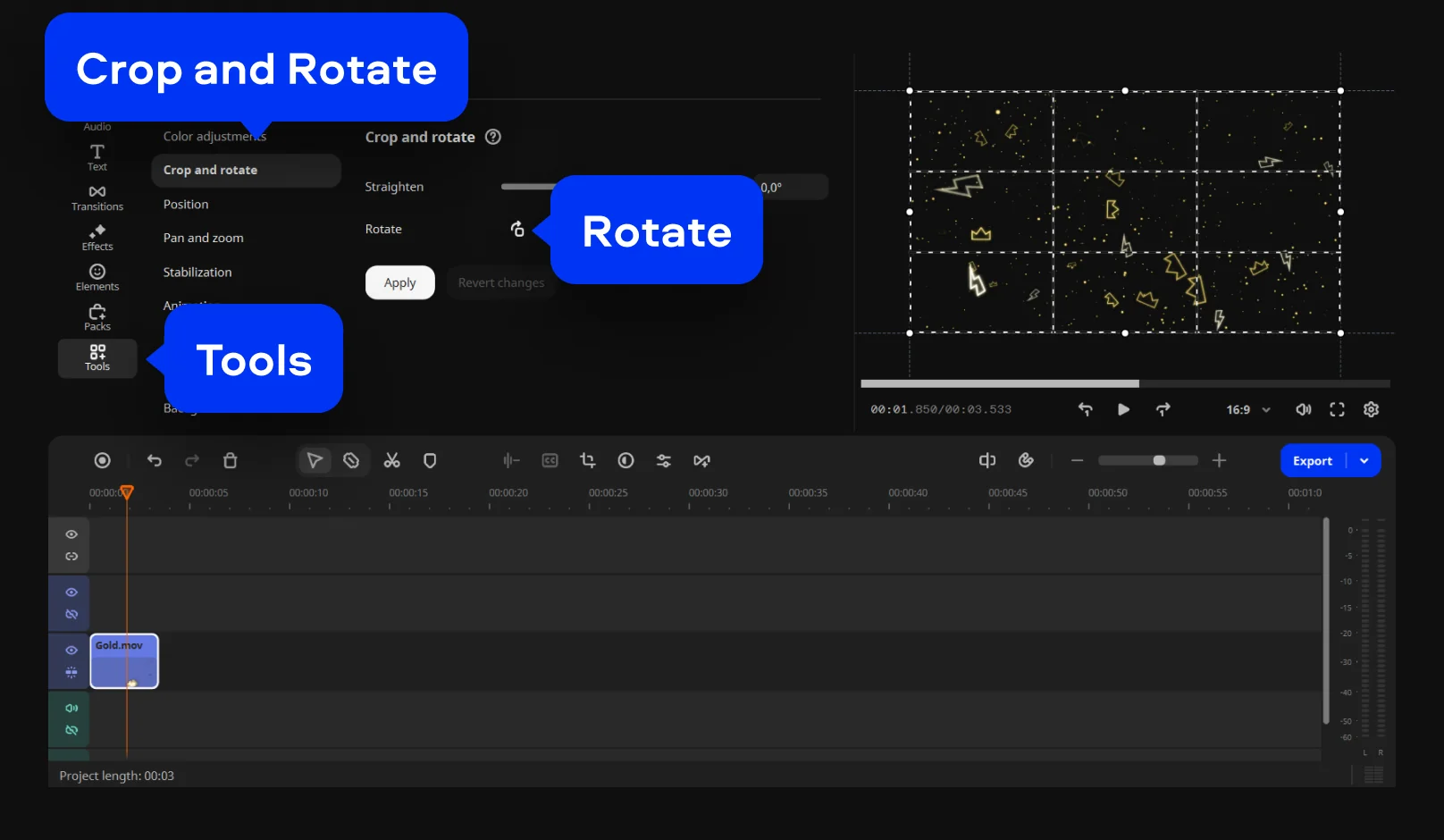
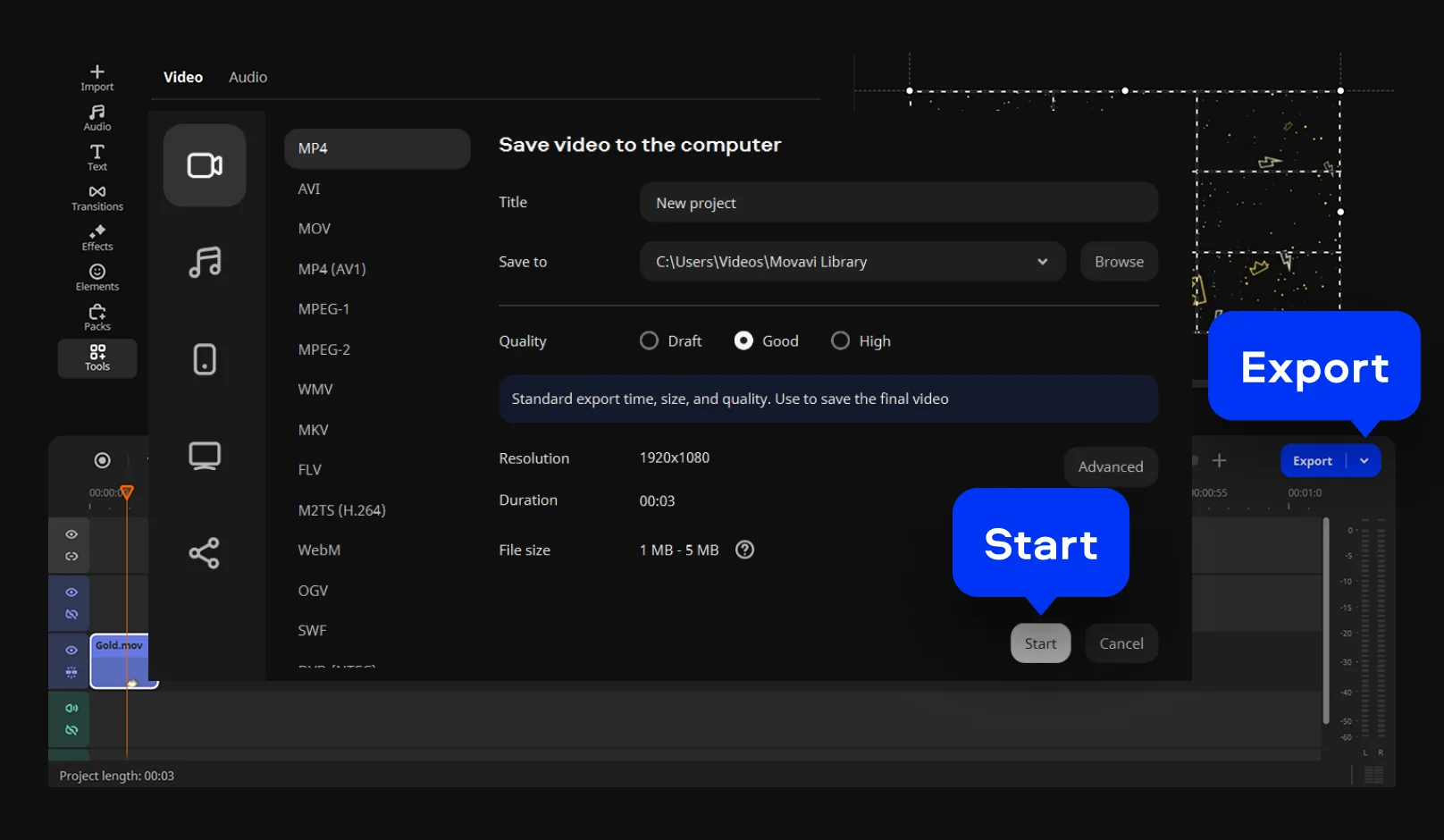
For users handling large files or multiple clips, the desktop app is ideal. Movavi Video Editor offers much more than a simple video rotator for quick fixes. You can perform video tilt correction and add cinematic transitions. It is perfect for turning a vertical video to horizontal for YouTube. The interface is clean, keeping advanced tools within easy reach. You will enjoy stable performance even with high-resolution footage.
Supported formats for video editing on PC and Mac
3GPP, 3GPP2, ASF, AVI, DivX, FLV, SWF, M2TS, M2T, MTS, TS, MKV, MOV, MP4, MPG, MPEG, MPE, M1V, MOD, TOD, MWV, M4V, MXF, OGV, QuickTime, RM, RMVB, WebM, WTV
More tools
Online slideshow maker
Compress a video
Video speed changer
Video cutter
Loop a video
Reverse a video
Online Video Merger – Combine Video Clips for Free
Resize Video Online for Free With No Watermark
Online Video Cropper – Crop Video Clips for Free
Split Video Online for Free With No Watermark
MP4 Video Editor – Edit Videos Online for Free
Reverse a Video | Free Online Video Reverser
Why choose Movavi
We’re the #1 choice for millions of people from all around the world. Join our thriving community and create stunning content with incredible ease.
Frequently asked questions
How do I rotate a video online for free?
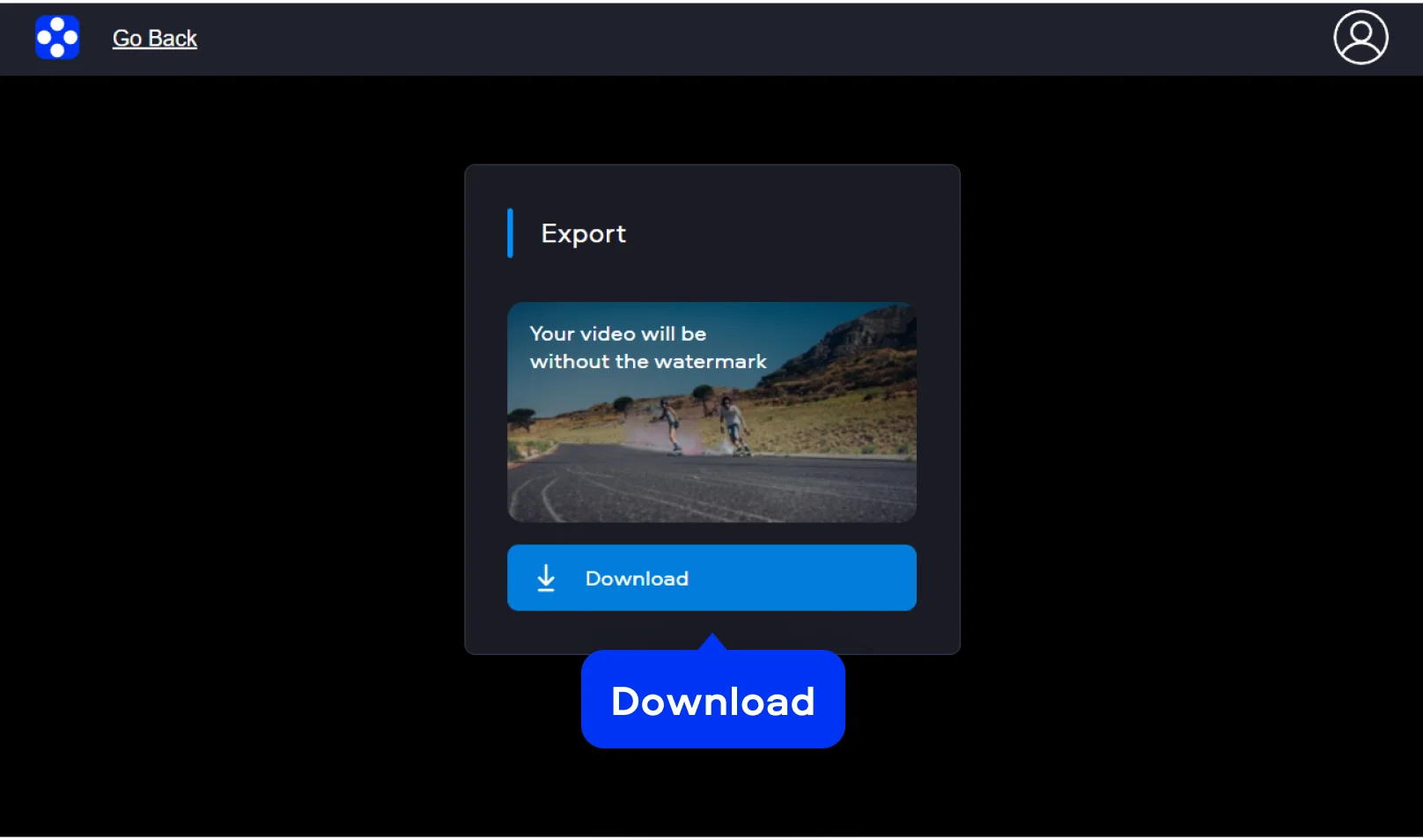
You can use Movavi’s dedicated free online video editor for this task. Simply visit the web service and upload your file using the banner. Choose the direction of the turn and watch the preview. Once the angle is correct, download the fixed file.
What video formats are supported for rotation?
Movavi Video Editor is quite versatile and handles many popular formats. You can easily rotate MP4s, which is the most common format. It is also possible to rotate MOV files from Apple devices. This wide compatibility makes it a great choice for various cameras.
How can I rotate video on an iPhone or Android?
Mobile users can change video orientation on iPhone using a mobile browser. There is no need to download an app from the store. Just open the Movavi online video editor on your smartphone and upload your clip. The interface is optimized for touch screens and smaller displays. You can flip an MP4 file online while you are on the go. It is a fast way to fix a clip.
Is it safe to upload my videos to this online rotator?
Yes, Movavi takes user privacy and data security very seriously. Your files are protected by encryption during the entire process. They are automatically deleted from the servers after a short time.
Can I flip or mirror my video vertically and horizontally?
Absolutely, the tools provide more than just simple rotation. You can mirror video online to change the perspective completely. This is great for fixing "selfie" movies where the text is backward. You can also flip a clip online to change the vertical orientation. These features are available in both the online and desktop versions. It helps you get the exact look for your project.
Can I use Movavi Online Video Editor on Android and iPhone?
Yes – it works on both Android and iPhone, and it’s free to use.
Is Movavi Online Video Editor completely free?
Yes. All features are available for free – no payment required.
Does Movavi Online Video Editor add a watermark when exporting videos?
No. You can export videos without a watermark.
1.5M+ users already subscribed to our newsletter