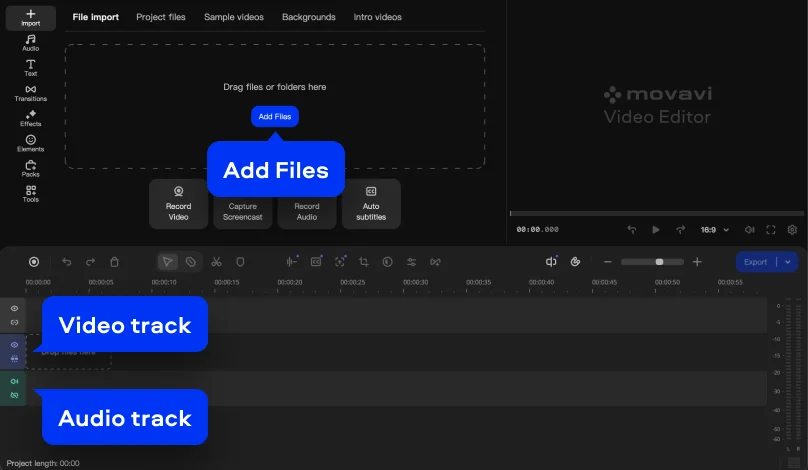
Step 1. Import your media files
Install and launch Movavi Video Suite 2026. Drop your video onto the timeline. The layout is super-intuitive, so even first-timers can get their bearings without taking a tutorial.
In Movavi Video Suite 2026, AI automatically cleans up audio by reducing wind noise, traffic sounds, and background voices. See how it works in the guide below – and unlock this tool plus all the other features with 55% off an annual subscription.
It happens: you record a video outside and get wind noise, or film in a café and hear other people talking in the background. The good news: you don’t have to reshoot the whole thing.
We want your videos to not only look great, but sound great too – that’s why we’ve added an AI-powered noise removal tool to the latest version of Movavi Video Suite. The program automatically cleans up unwanted sound from your audio track, so all that’s left for you to do is to save the result and keep editing.
Install and launch Movavi Video Suite 2026. Drop your video onto the timeline. The layout is super-intuitive, so even first-timers can get their bearings without taking a tutorial.
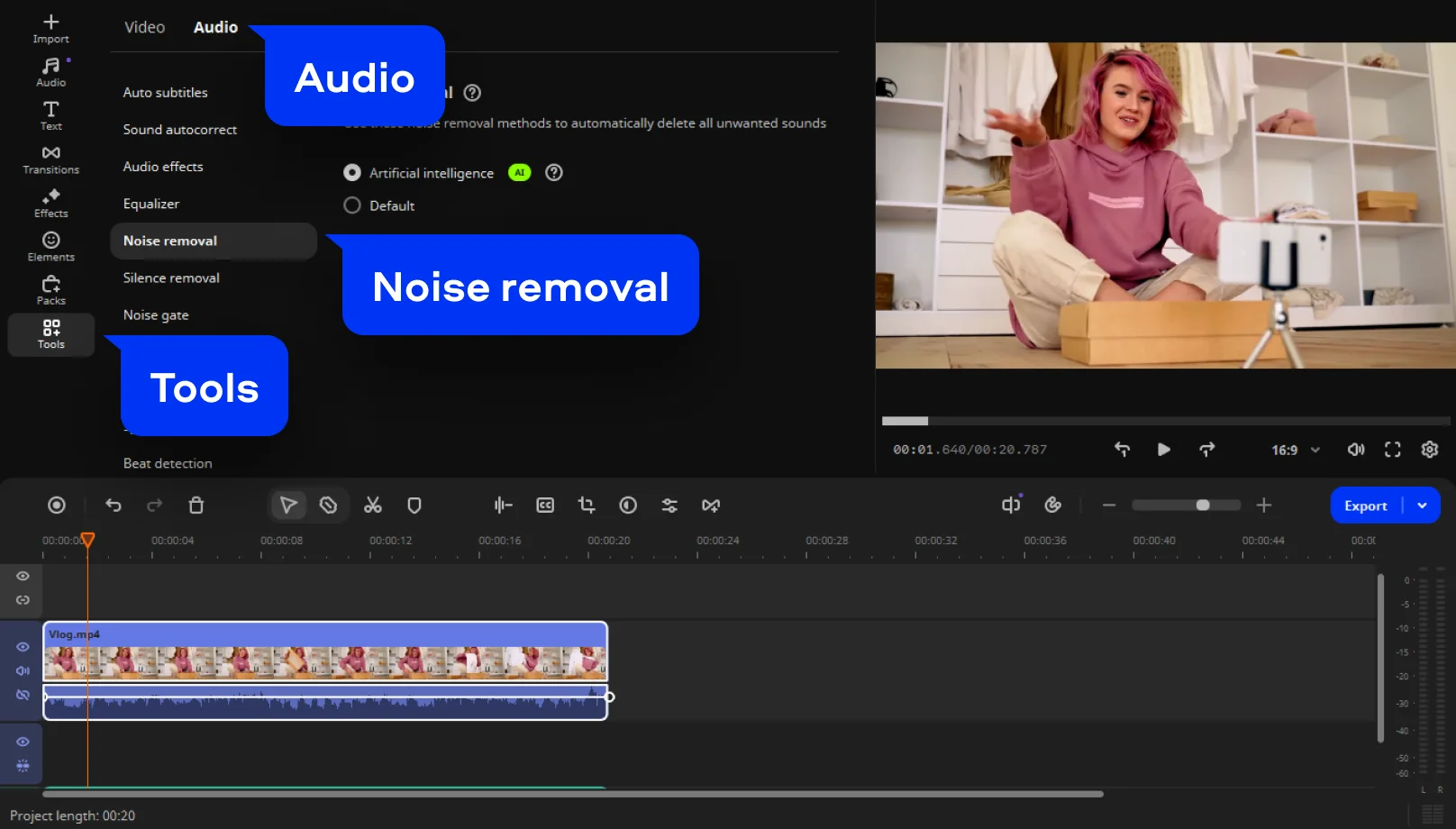
Open Tools > Audio and select Noise removal. This is where background noise removal begins, working quietly to enhance clarity without adversely impacting speech.
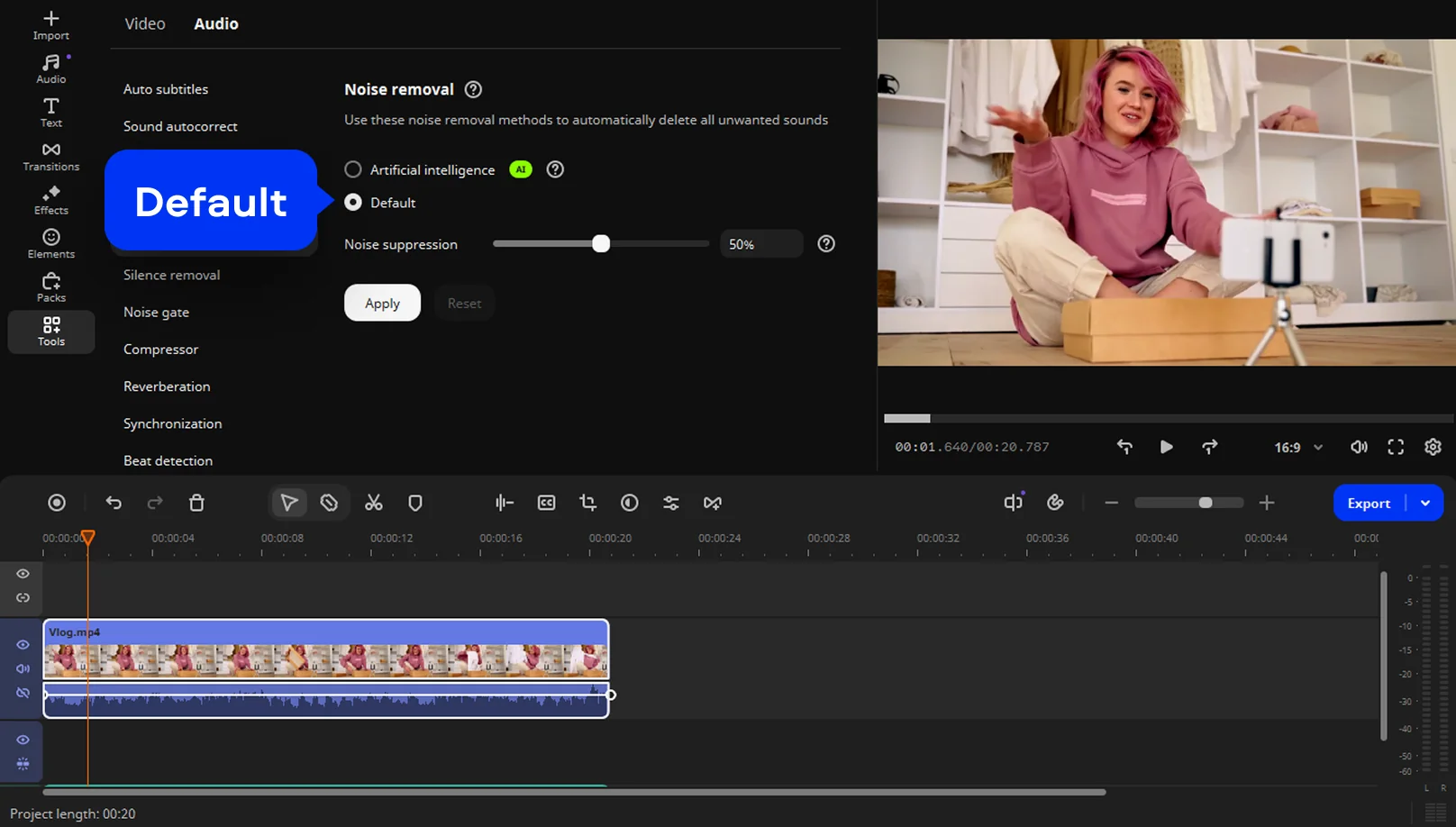
You can remove noise automatically – just select the AI option from the menu. To remove noise manually, choose Default and move the Noise suppression slider until you get the results you want.
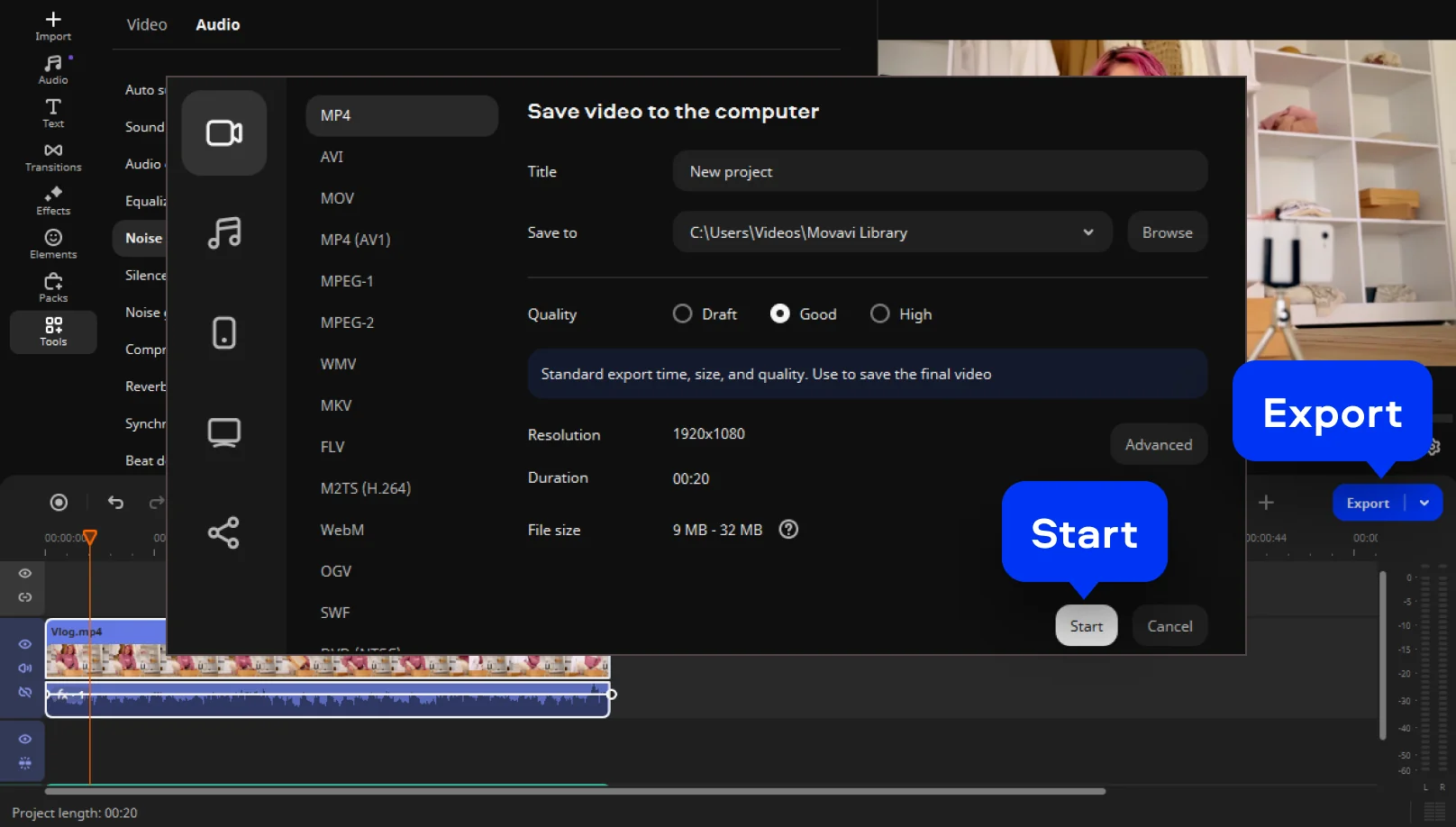
Click Export when your video is ready. Choose the desired format (MP4, MOV, AVI) and resolution up to 4K. Upload directly to YouTube or save it locally to share later.
1-month subscription
3-in-1 video bundle
Video Editor
Video Converter
Screen Recorder
1-year subscription
$94.95
55% off3-in-1 video bundle
Video Editor
Video Converter
Screen Recorder
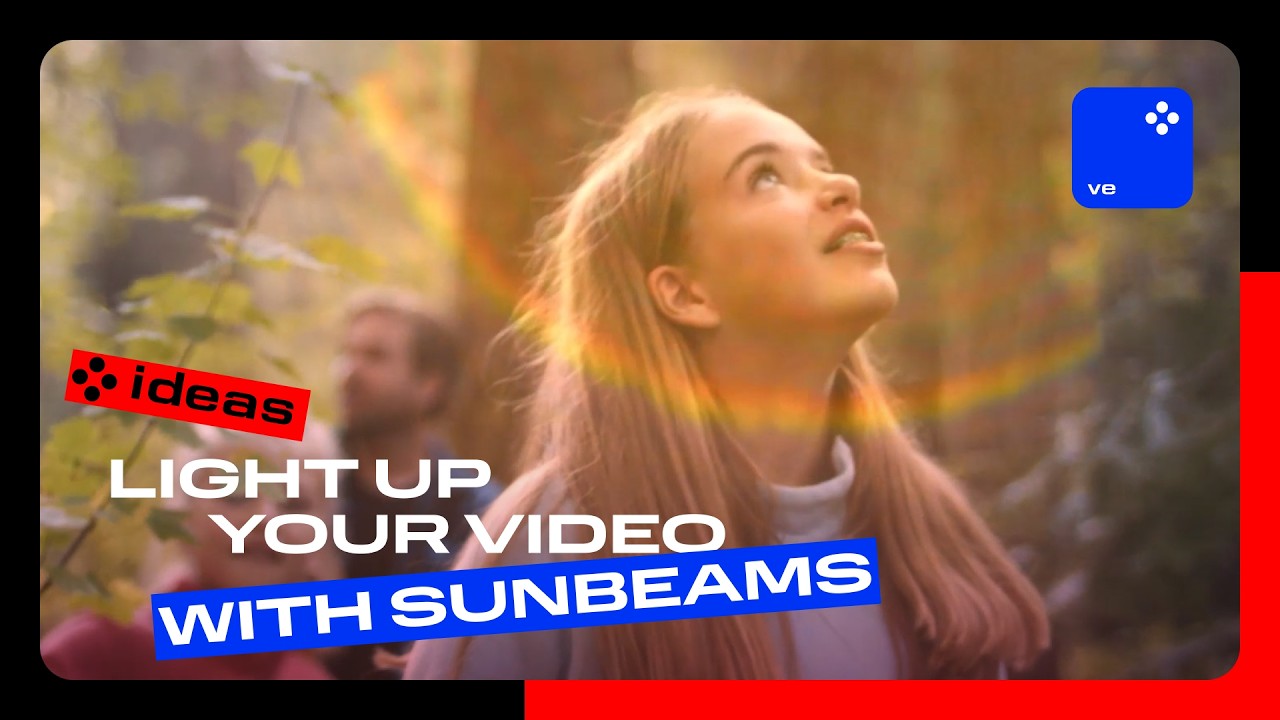
How to light up your video with sunbeams
No need to wait for the sun – add it yourself with a single overlay! Give any clip a warm, radiant vibe that feels like a sunny day, no matter the actual weather.
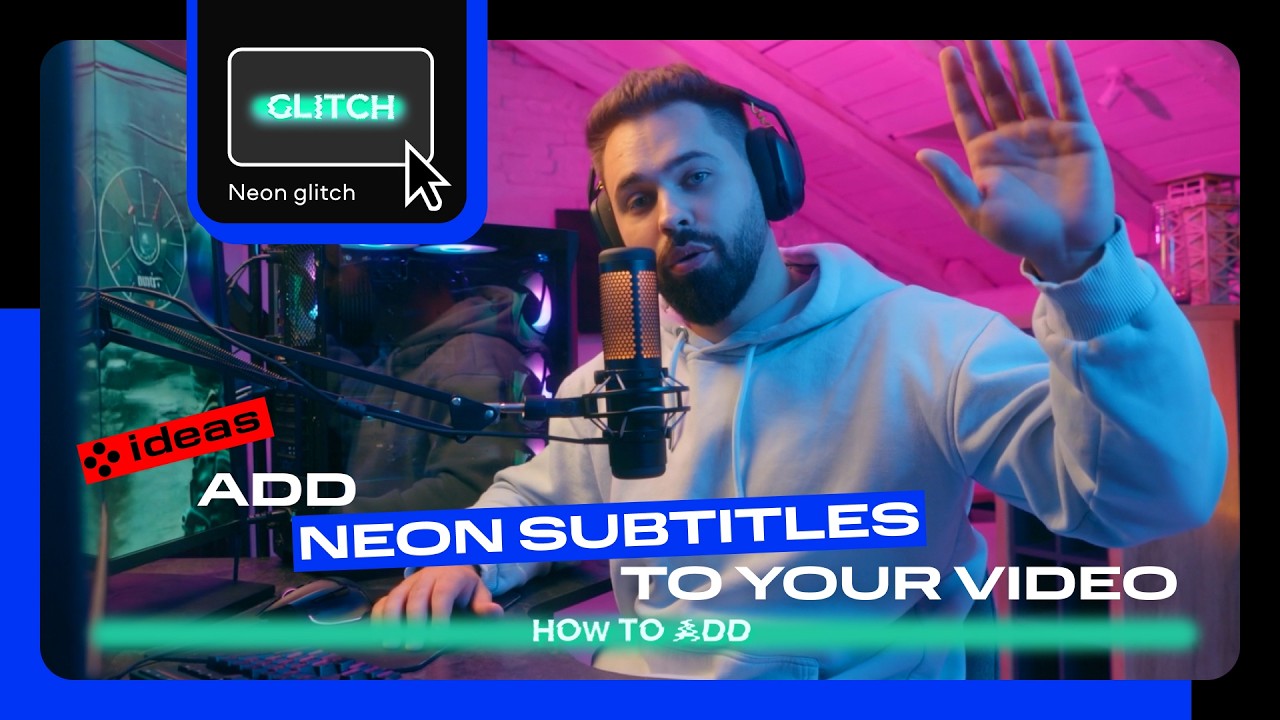
Add neon subtitles to your video
Turn your auto-generated captions into glowing neon text that makes your video impossible to ignore – even if viewers are watching on mute. Watch your videos light up feeds and get more double-taps.
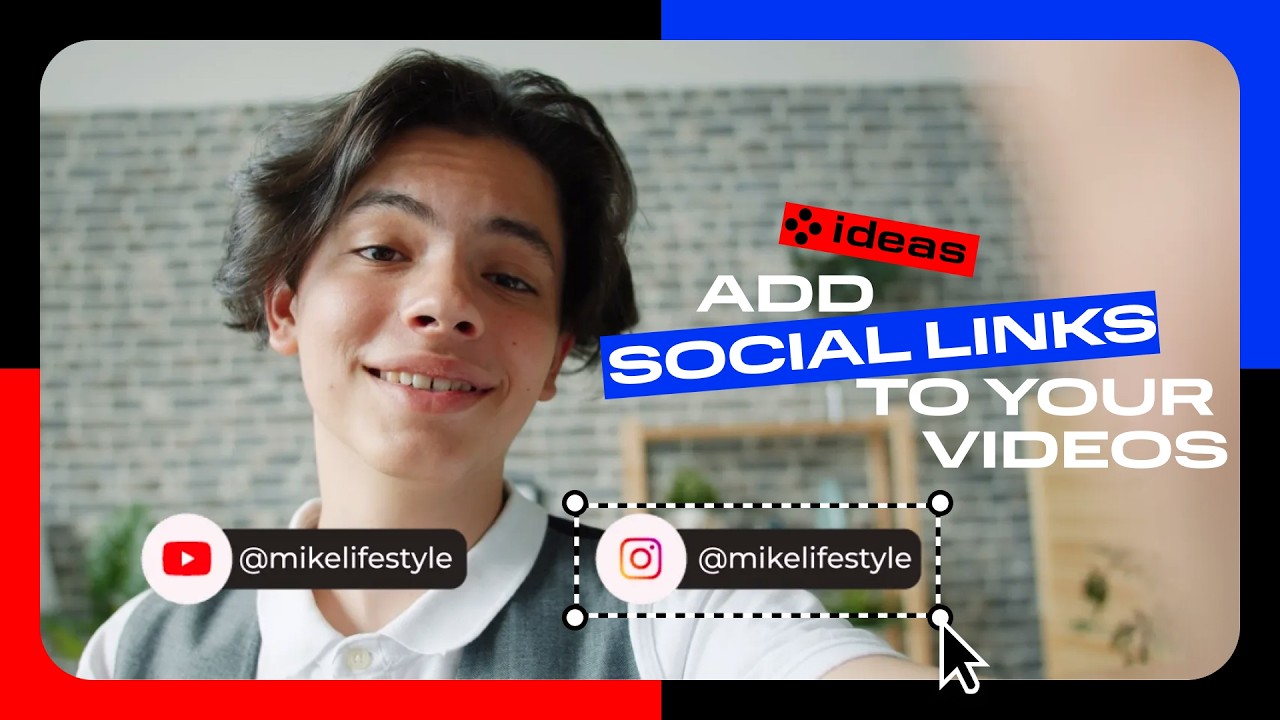
And don’t miss the social links
Make it easy for viewers to follow you – add your socials as on-screen titles and turn every video into a traffic booster for your accounts.


1.5M+ users already subscribed to our newsletter