Movavi Video Editor
Create awesome videos easily
Movavi Video Editor 2027
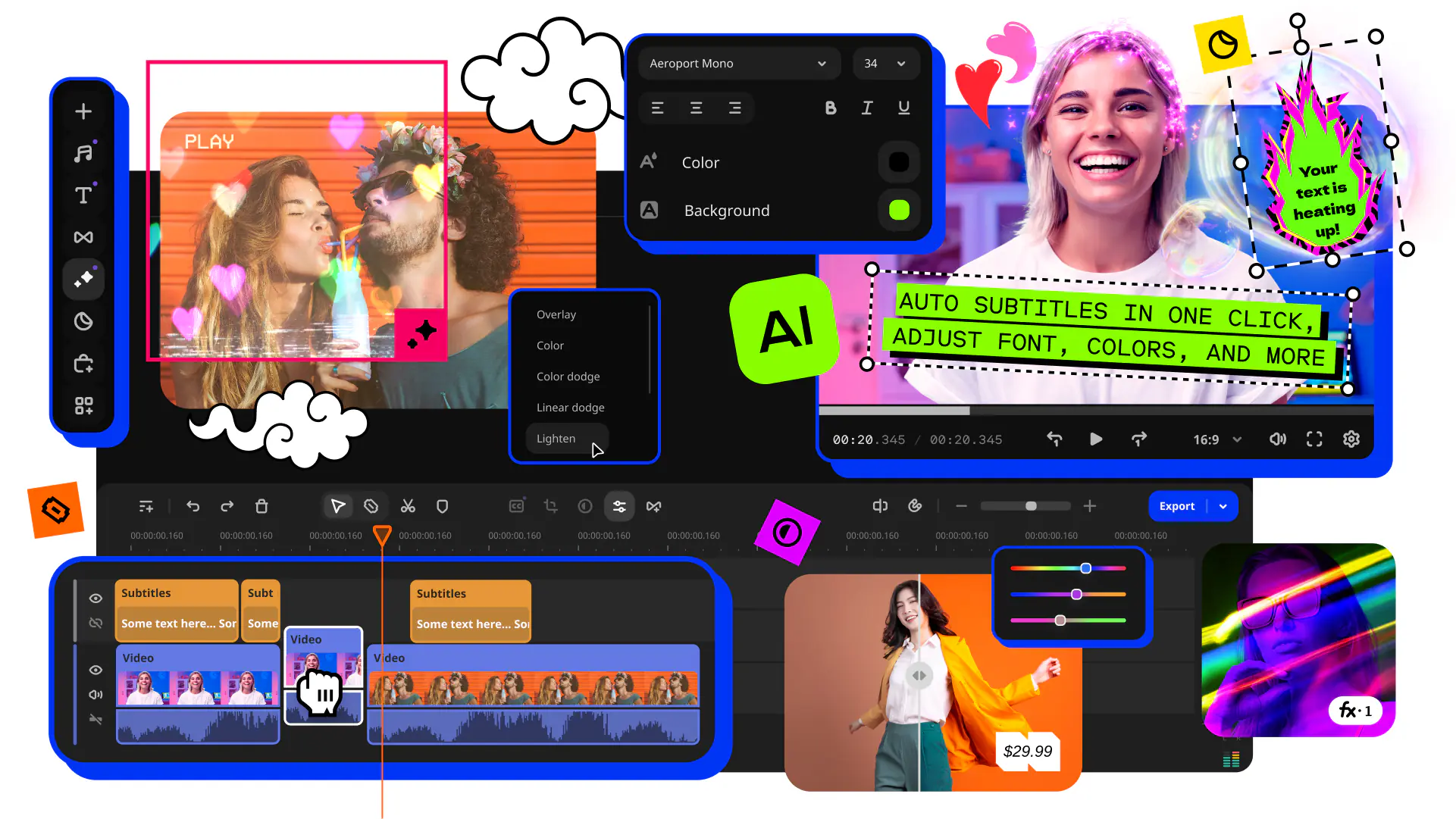
Fast and easy editing: cut, crop, adjust colors and speed
One-click AI tools: auto subtitles, noise removal, and more
Hundreds of filters, transitions, titles, overlays
By clicking the download button, you're downloading a free version of the program.*
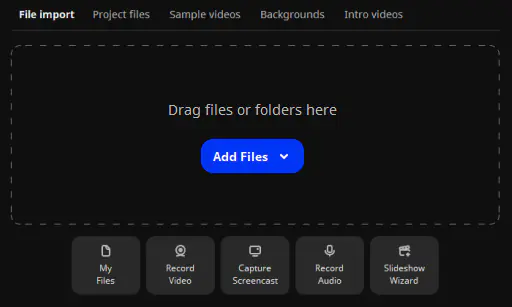
1. Upload your videos
Use the Add Files button to upload your videos. Then drag the files onto the Timeline and arrange them in the desired order.
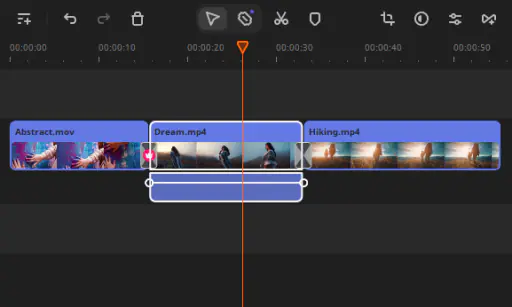
2. Add transitions
Choose a transition you like and place it on the Timeline between two clips. You can also use the Transition Wizard to add transitions automatically.
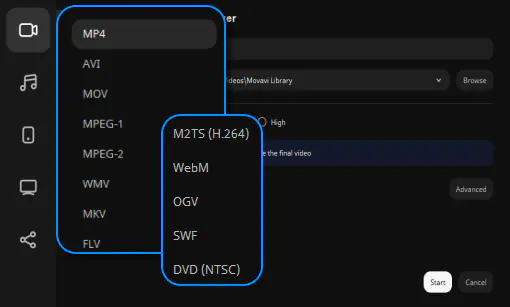
3. Save the result
Save your file in one of the many supported video formats or upload it to the web right from within the program.
Enhance your videos with other awesome features!
Experiment with filters, add titles and ready-made intros – Movavi Video Editor has everything you need to make the perfect video.
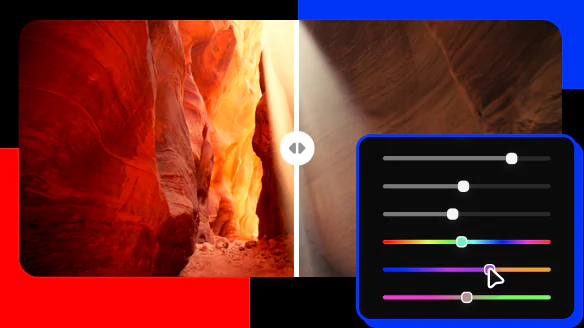
Filters
Try artistic and color filters to add a magic touch.

Transitions
Liven up your movie with animated transitions.

Titles
Apply animated titles to say what matters most.
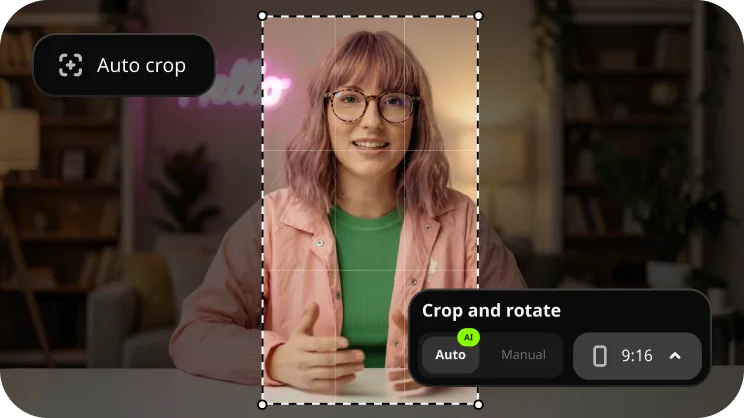
Crop and turn
Rotate and crop videos as you wish. Remove black sidebars.
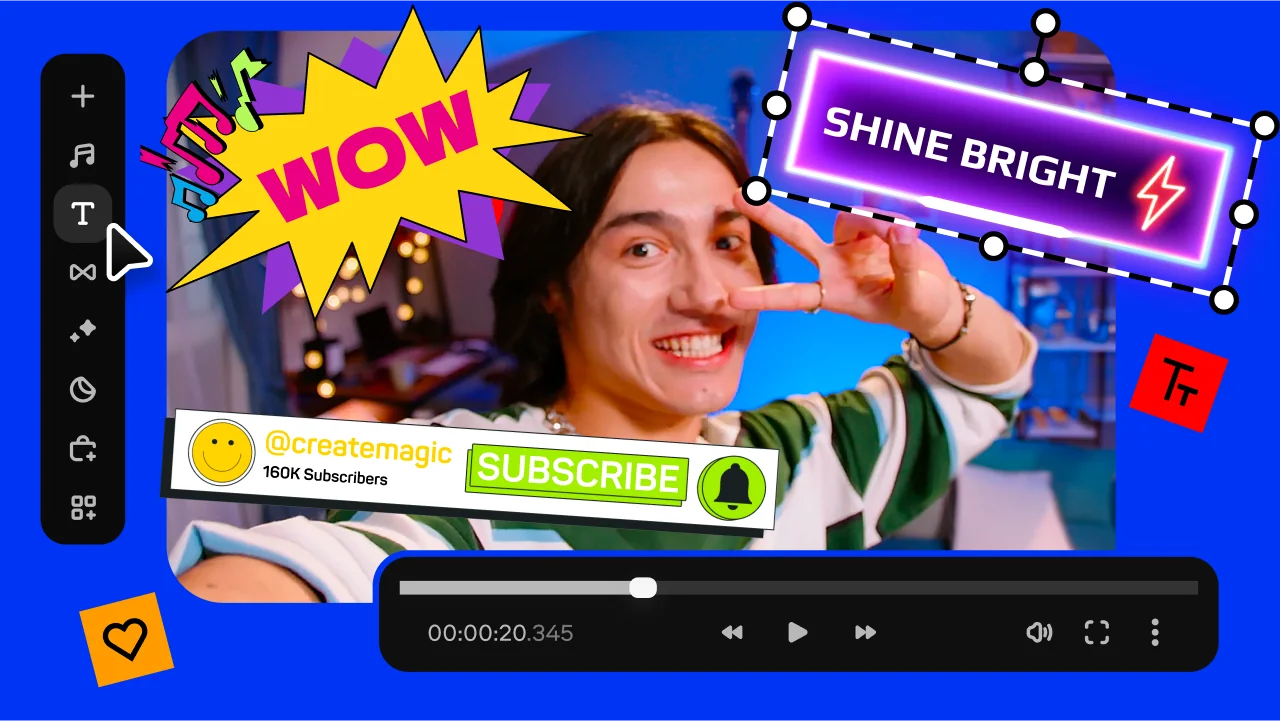
Intros
Use ready-made intros to launch your movie like a blockbuster.



1.5M+ users already subscribed to our newsletter