
1. Shotcut
Why I picked it:
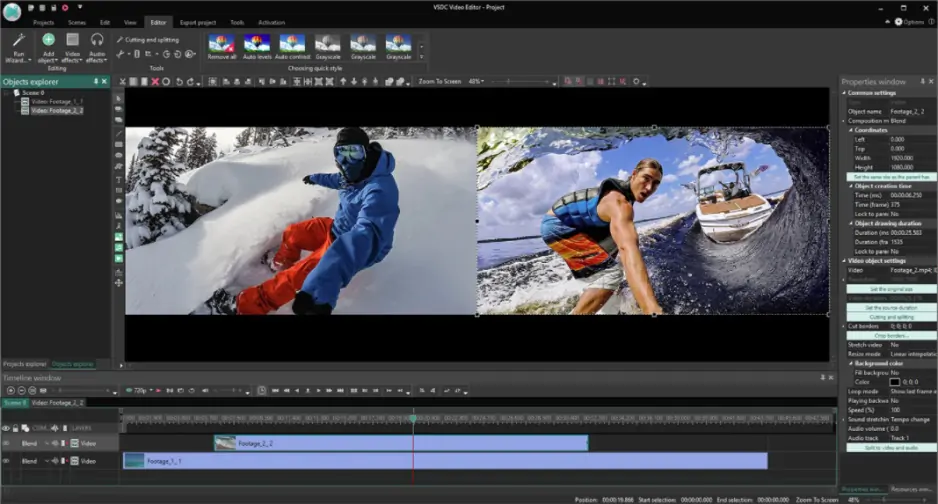
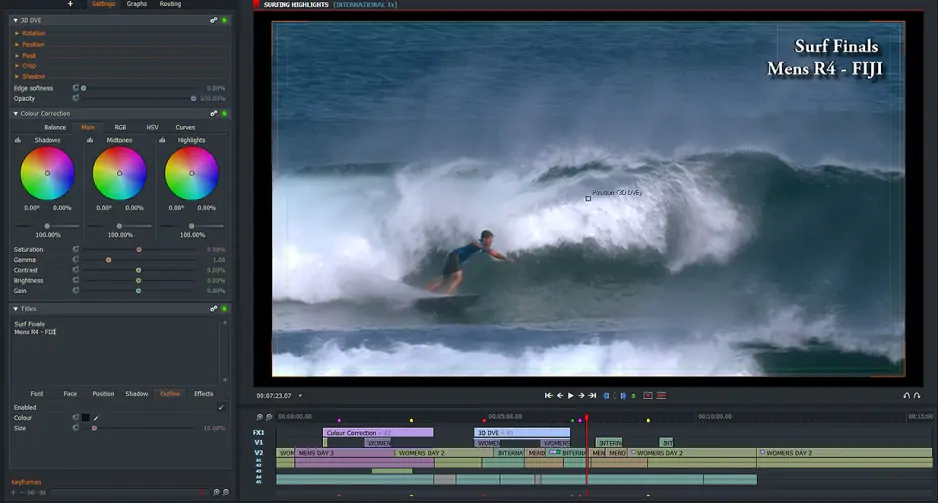
Shotcut felt right for editing AVI files. It’s open-source, works on every major system, and reads AVI files directly. No importing, no wasting time on conversions.
Next in line is Shotcut. This tiny free AVI video editor is perfectly calibrated for Windows, macOS, and Linux machines. Universal software, right?
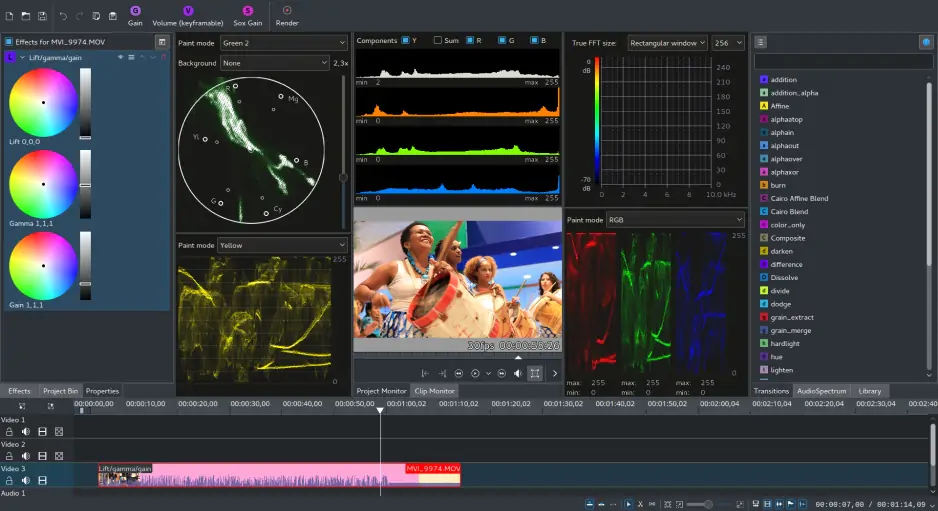
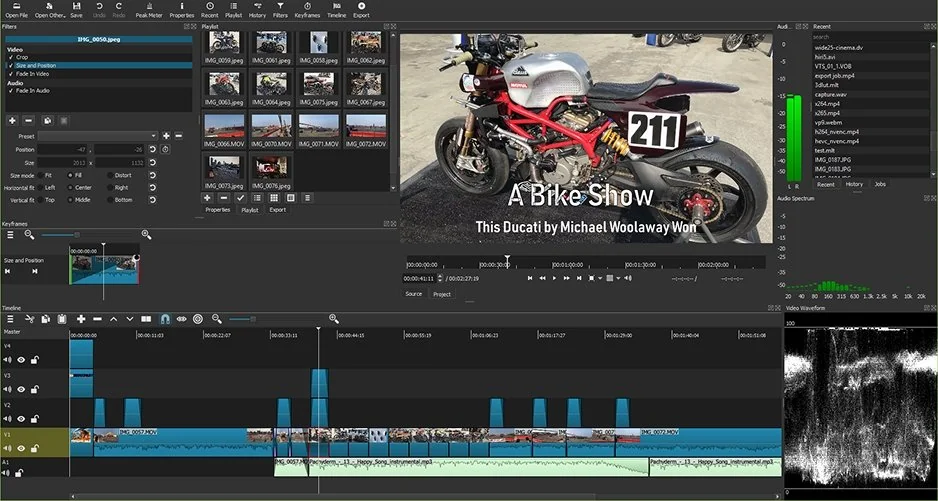
The interface looks plain at first. But after a few minutes, it becomes easy to use. I admired the fact that I could mix different file types in one project and keep everything frame-accurate.
Version 25.10.31 adds a host of handy additions. Utilities like screen recording, text-to-speech for subtitles, and an option to generate a video from HTML code are now available. FFmpeg 8 now powers it, which means broader codec support and better speed.
To put Shotcut through its paces, I tried cutting and exporting several AVI clips. Nothing crashed. Playback was clean, and export to MP4 finished fast. The new screen recording tool also worked fine on Windows 11. I liked how it saves files right where I need them.