Movavi Video Converter
The ideal way to get your media in the format you need!
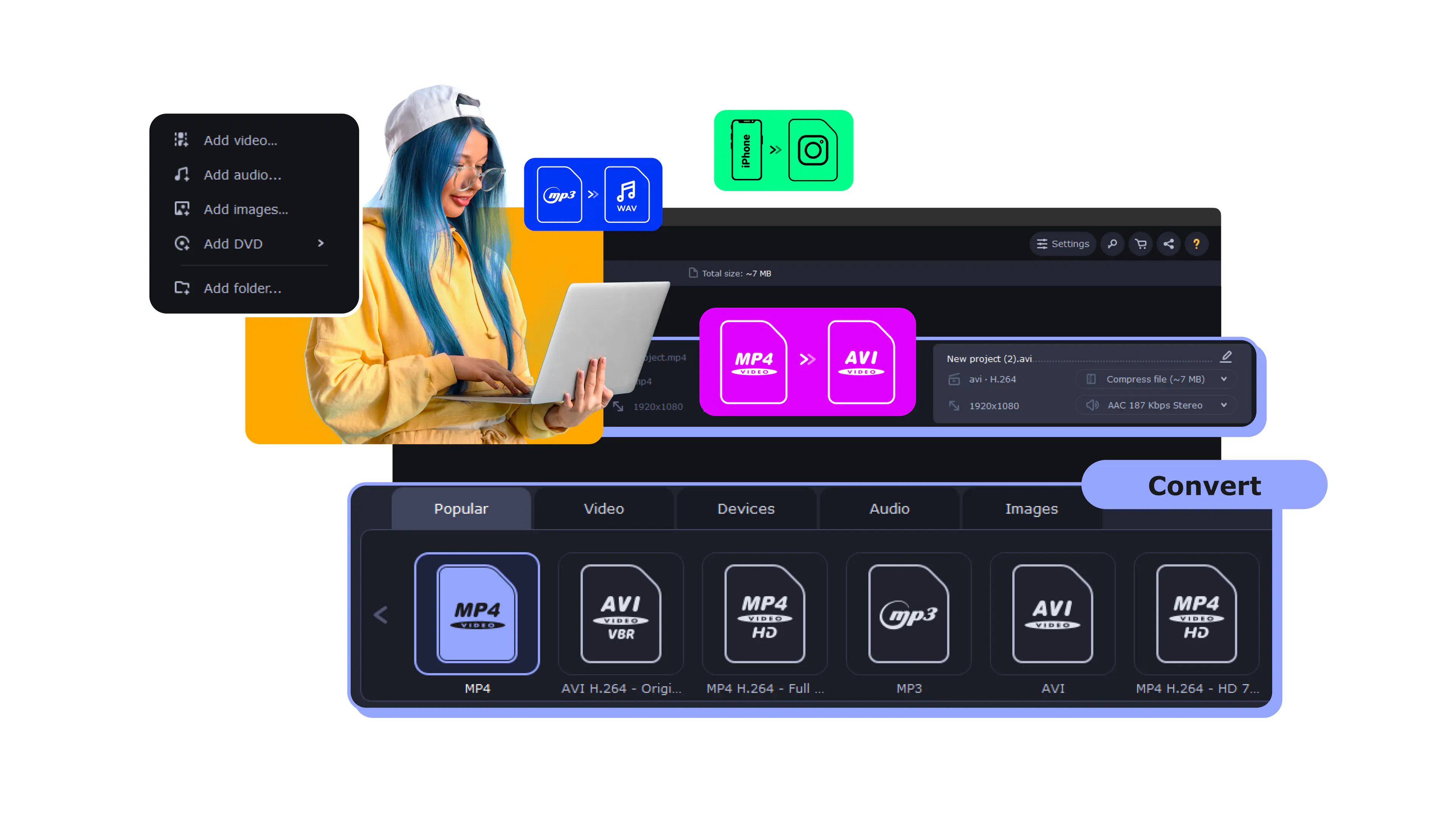
Upload your file.
Select the compression option.
Click the Convert button.
Full name
Advanced Audio Coding
Format type
Audio
Developed by
Moving Picture Experts Group (MPEG) with Fraunhofer, Dolby, and others
Description
Lossy audio compression format created as the successor to MP3
File extension
.aac (also .m4a, .mp4)
Technical details
Better quality than MP3 at the same bitrate; supports up to 48 channels and sample rates up to 96 kHz
Associated programs
Apple Music/iTunes, VLC, Windows Media Player, foobar2000
Lowering the bitrate reduces file size and can slightly affect quality, but at moderate settings most listeners won’t notice a difference, especially with speech or casual listening.
At the same bitrate, AAC generally sounds better than MP3 because it uses more efficient compression, which is why streaming services adopted it.
Upload it to Movavi’s online compressor, lower the bitrate, and download the smaller file – all in your browser, with no software to install.
For music, 128–256 kbps keeps good quality; for podcasts or voice, 64–96 kbps is usually plenty and keeps files small.
Movavi Video Converter
The ideal way to get your media in the format you need!



1.5M+ users already subscribed to our newsletter