Movavi Video Converter
The ideal way to get your media in the format you need!
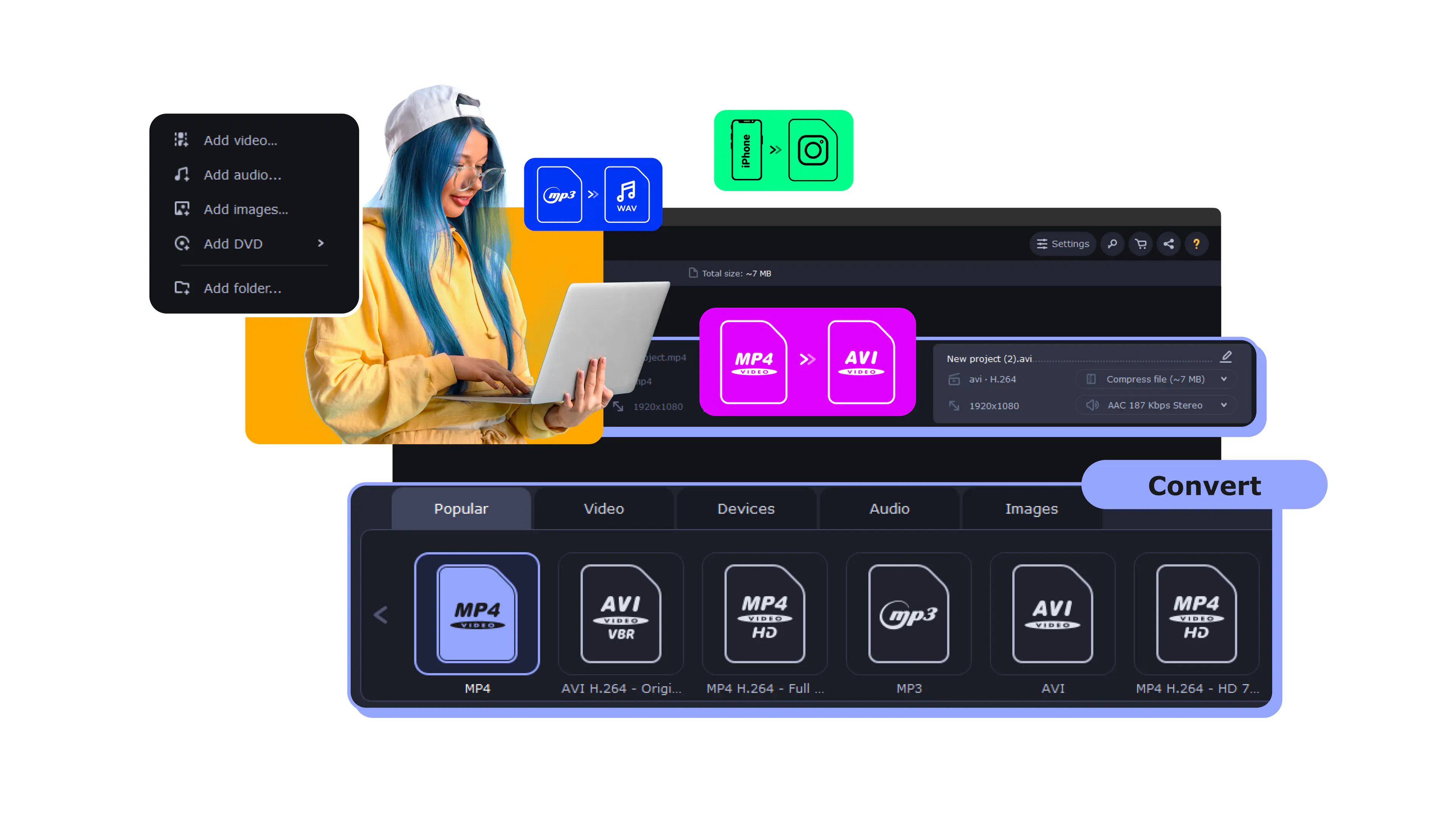
Upload your file.
Select the compression option.
Click the Convert button.
Full name
MPEG-4 Audio
Format type
Audio
Developed by
Apple
Description
Audio-only file based on the MP4 container, storing AAC or ALAC audio
File extension
.m4a
Technical details
Supports lossy AAC and lossless ALAC; sample rates up to 96 kHz; popularized by iTunes
Associated programs
Apple Music/iTunes, VLC, QuickTime, foobar2000
M4A usually uses AAC, which delivers better sound than MP3 at the same bitrate, and it can also hold lossless ALAC audio.
Reducing the bitrate makes the file smaller and may slightly affect quality, but moderate settings keep the sound clear for everyday listening.
Yes. Just upload the M4A to Movavi’s browser-based compressor, adjust the settings, and download the smaller file.
No, the Movavi online compressor runs entirely in your browser.
Movavi Video Converter
The ideal way to get your media in the format you need!



1.5M+ users already subscribed to our newsletter