Step 1. Install Movavi Video Editor
Download and install Movavi Video Editor on your computer. Launch the program to start working with your pictures.
Photo video maker by Movavi
Fast and easy editing: cut, crop, adjust colors and speed
One-click AI tools: auto subtitles, noise removal, and more
Hundreds of filters, transitions, titles, overlays
By clicking the download button, you're downloading a trial version of the program.*
Online Photo Video Maker
Features to make a video with pictures
Hundreds of drag-and-drop cinematic effects
Supercharge your videos with tons of creative, professionally designed effects. Add stickers for cool accents, transitions for smoother stories, overlays for extra style, and there’s even more!
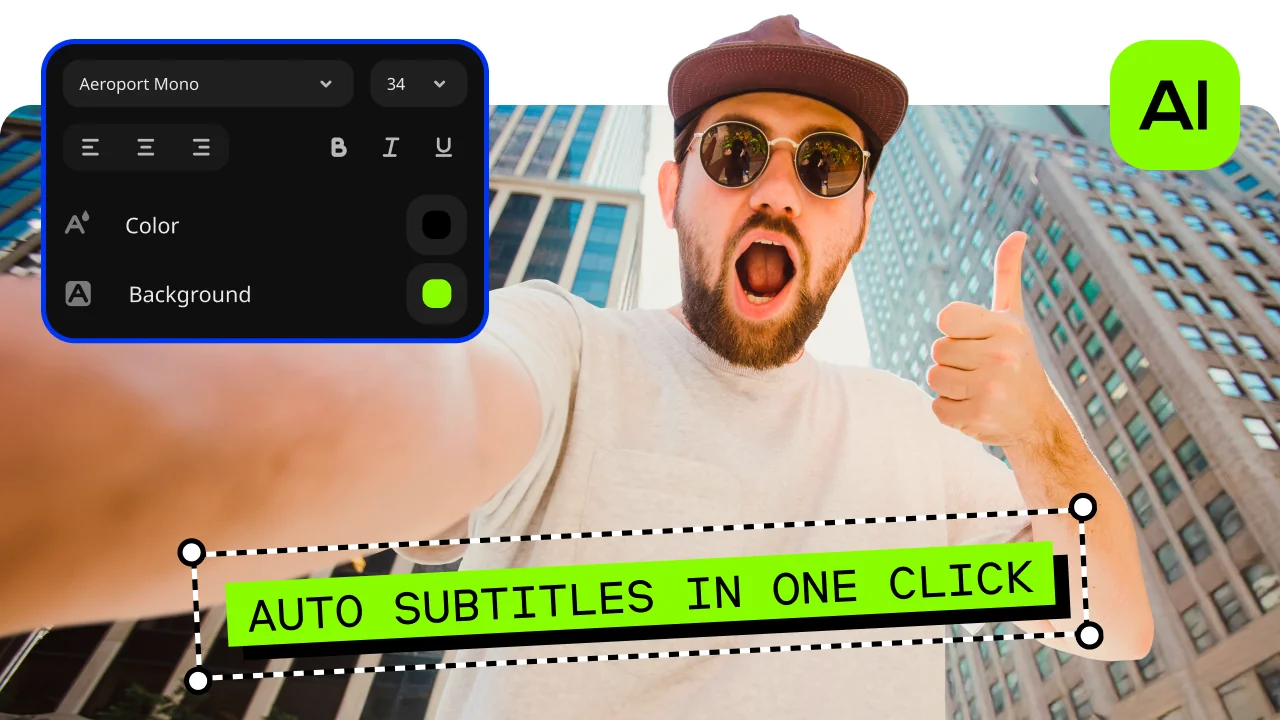
Automatic subtitles
Let AI quickly turn your speech into text and automatically create captions for your videos in almost any language. Just choose the font, text color, position – and you’re all set!
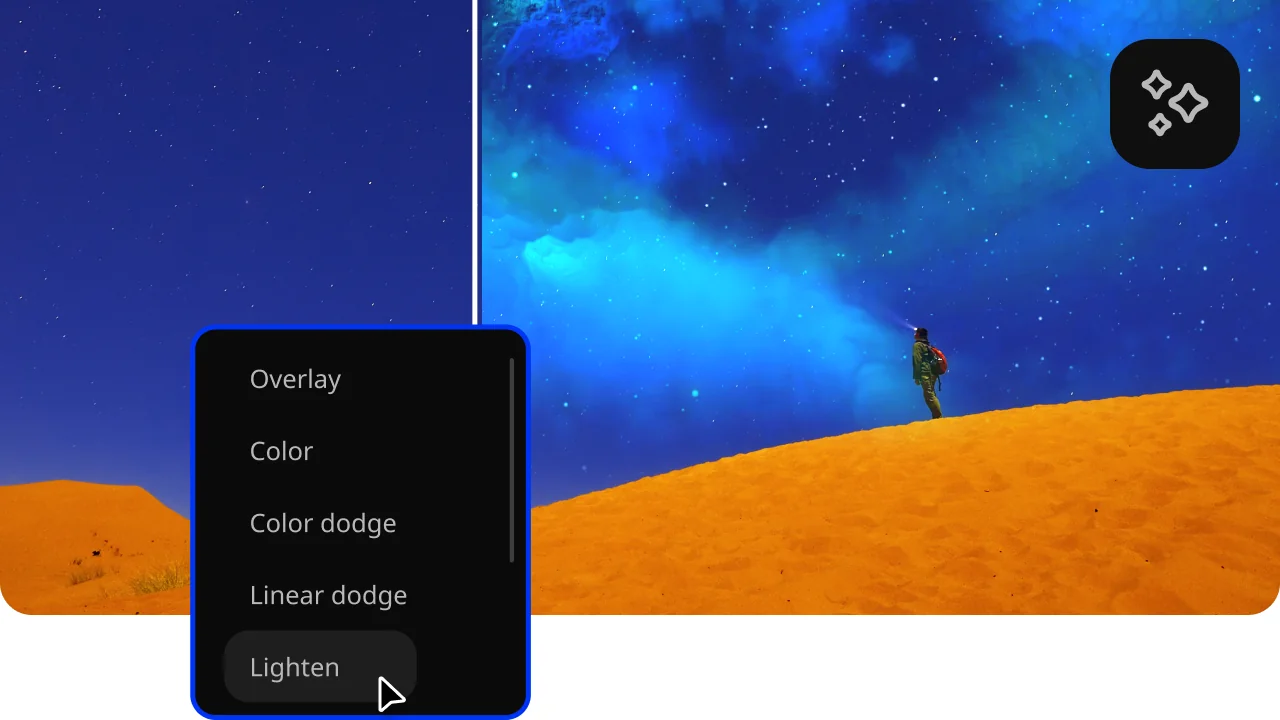
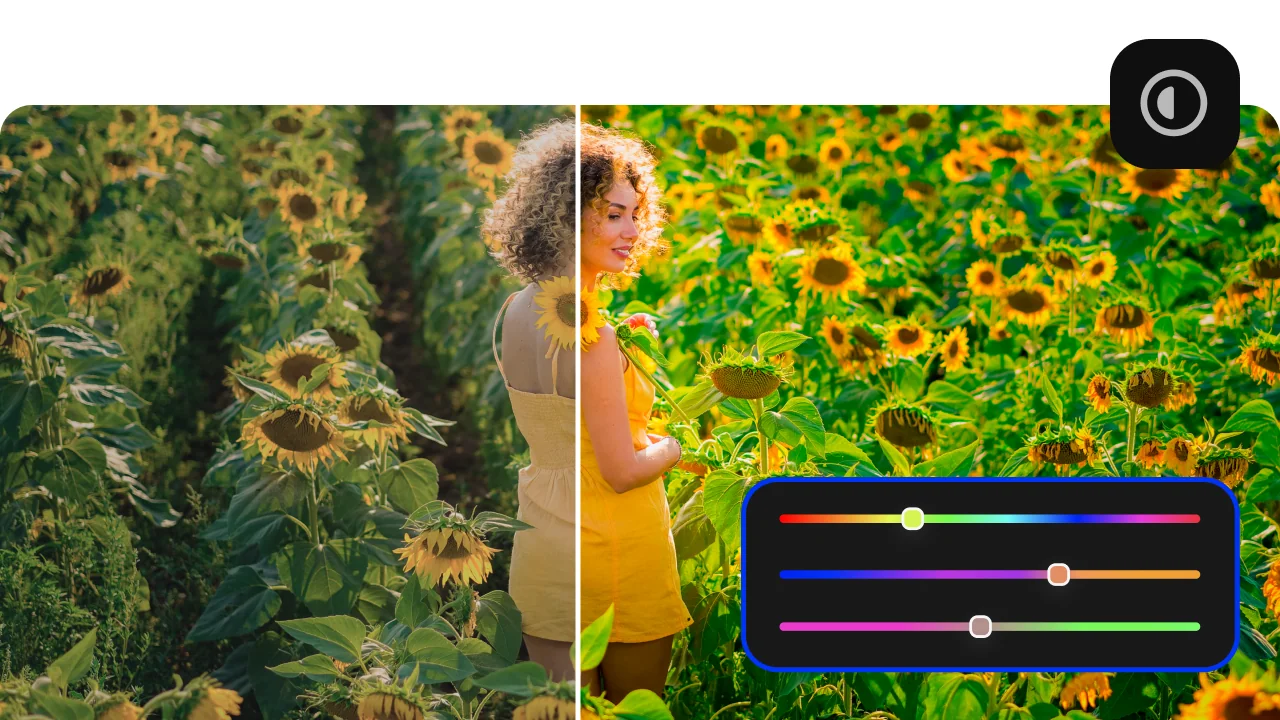
Filters and LUTs
Use filters and LUTs to instantly change the look and feel of your video. Create a cinematic vibe, fix the lighting, or give your clips a unique style in seconds.
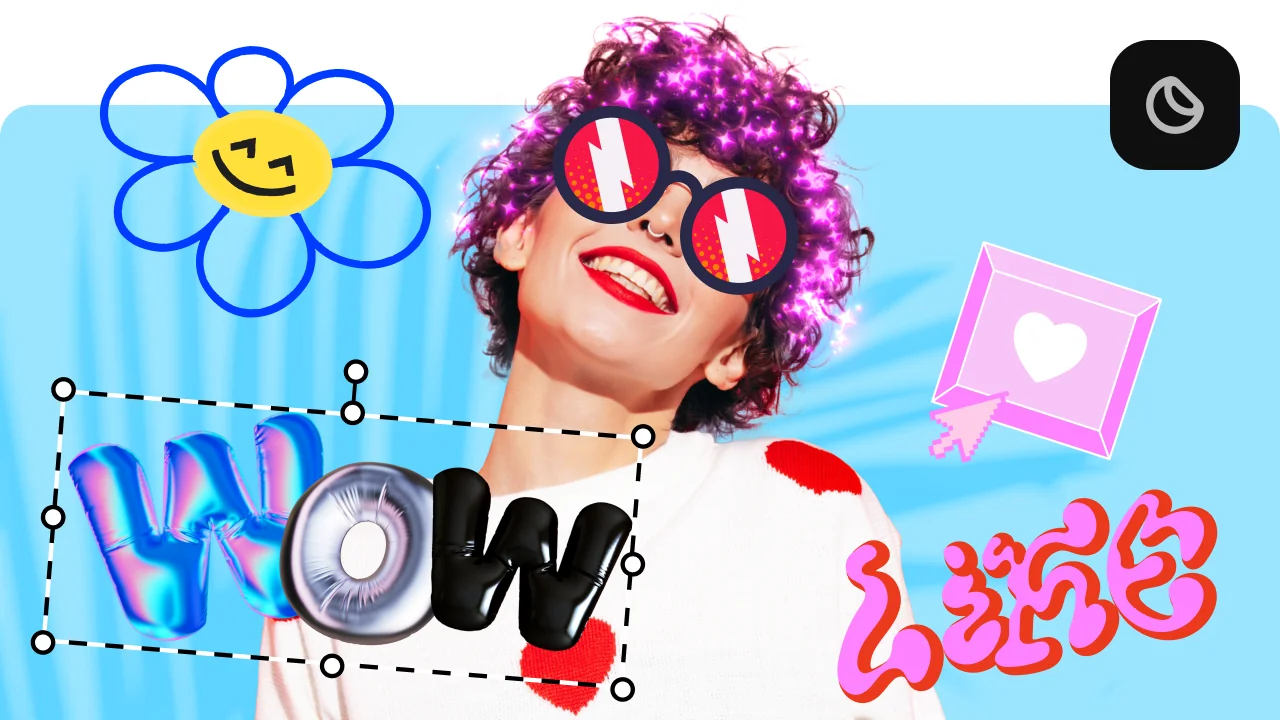
Overlays, stickers, and transitions
Use stickers to add fun and personality, overlays to give extra style, and transitions to keep your storyline flowing smoothly. Make every moment pop and keep your viewers hooked.
AI background removal
Use the power of the AI to instantly swap backgrounds in your videos with no green screens. Drop in a new vibrant scene and get ready for an avalanche of likes on socials!

How to make a video with pictures with Movavi Video Editor
Step 1. Install Movavi Video Editor
Download and install Movavi Video Editor on your computer. Launch the program to start working with your pictures.
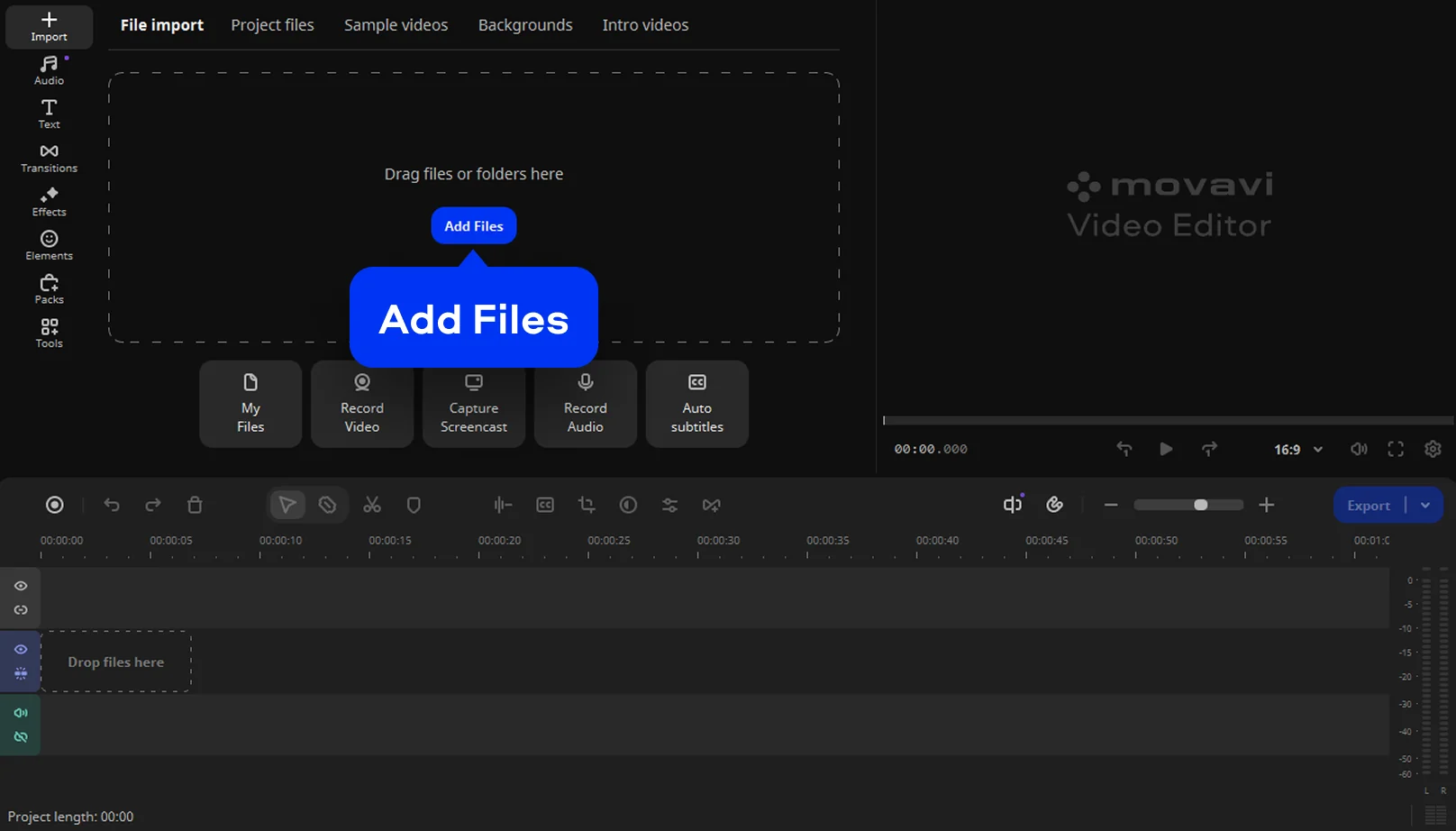
Step 2. Import your photos
Add images by clicking the Add Files button or dragging files into the program window. Place photos on the timeline in the order you want to build your video.
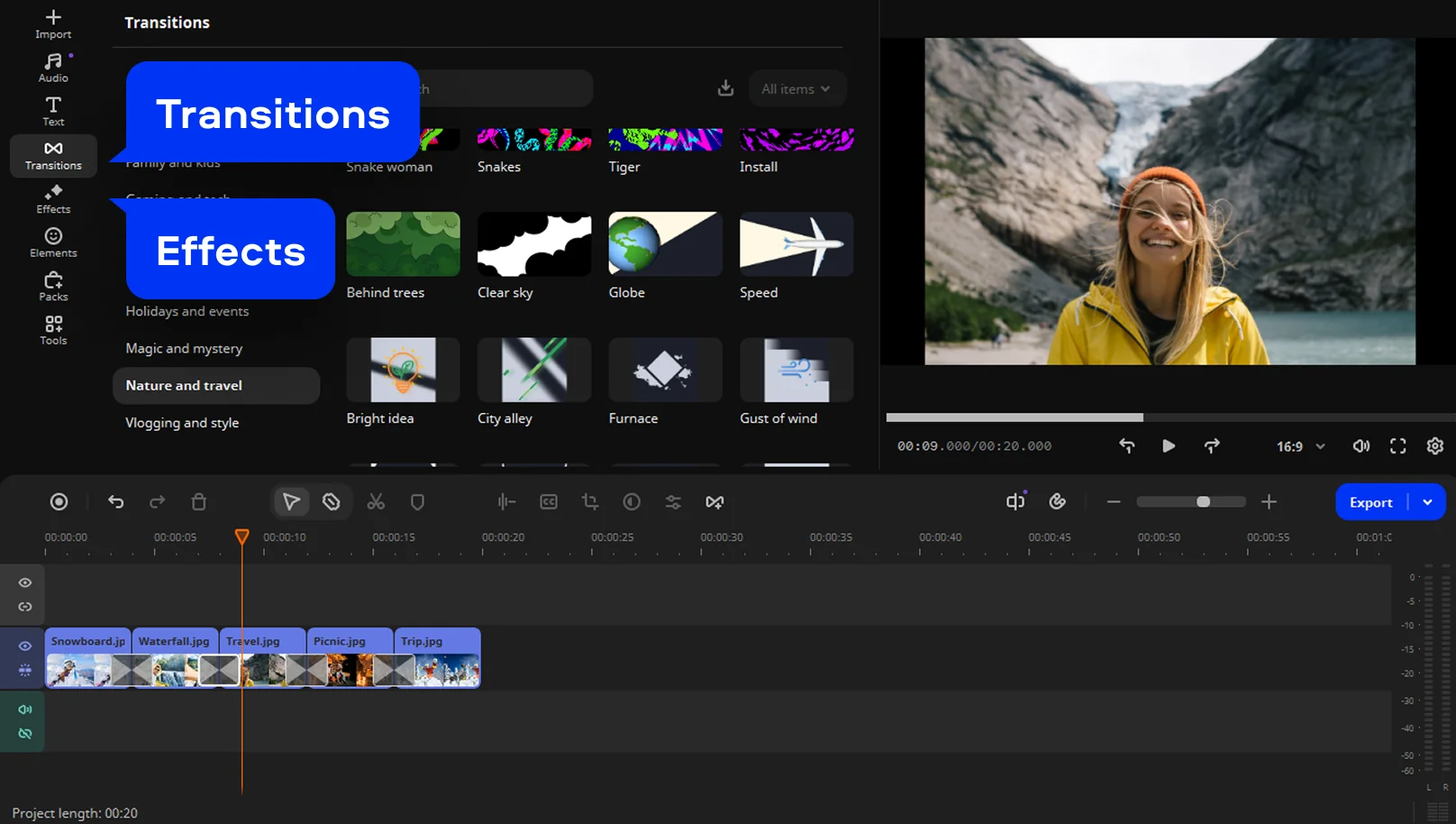
Step 3. Customize transitions and effects
Apply transitions, filters, and animations between images. These tools help transform static pictures into a smooth and engaging photo video.
Step 4. Add music and titles
Insert background music or a favorite song, then adjust the volume to match your visuals. Add titles or captions to highlight key moments and give your video more personality.

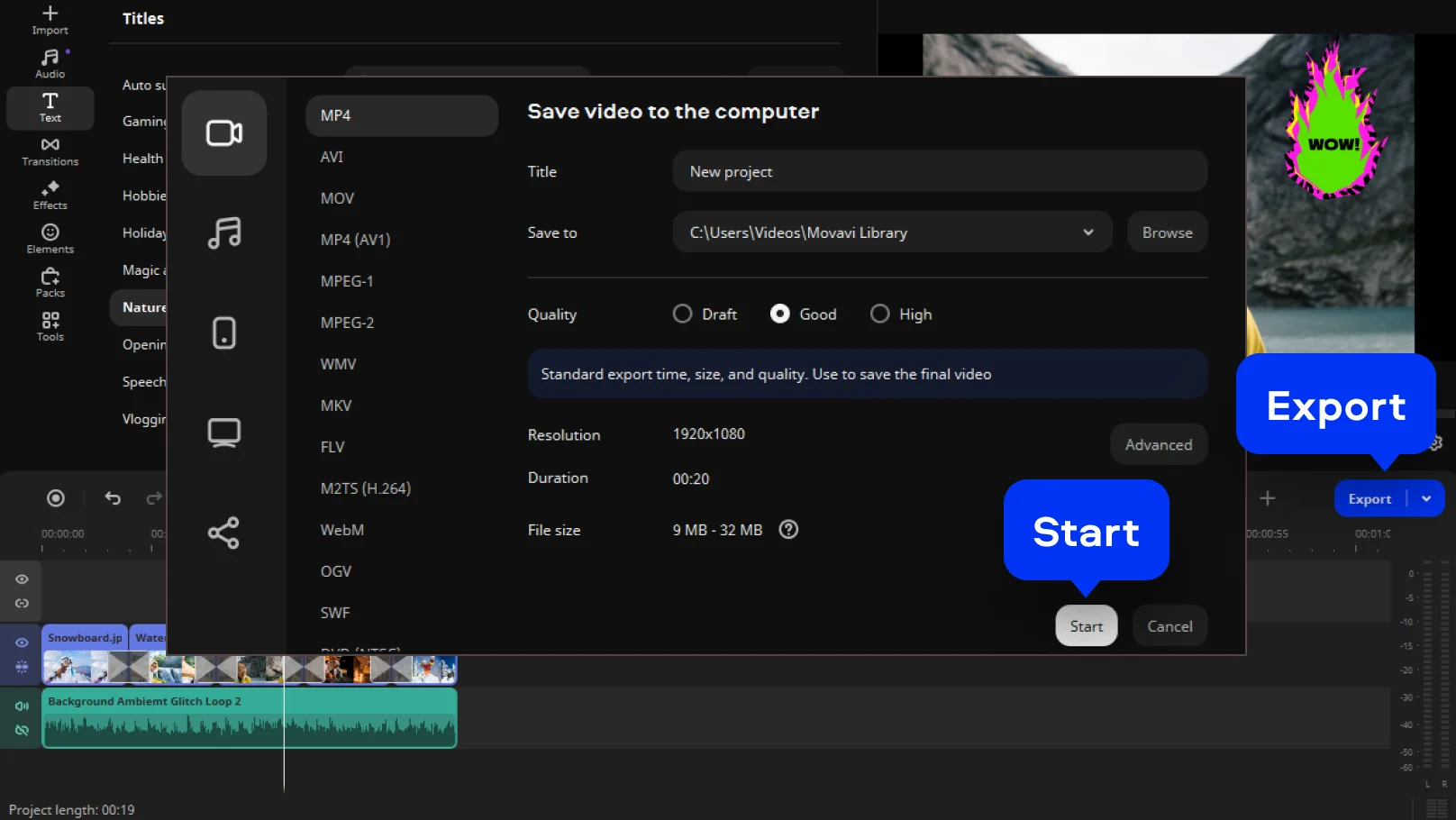
Step 5. Export the finished video
Click Export and select the desired format and resolution. Your video will be ready for saving, sharing, or uploading online.
More features to create a video from photos
How to choose the best photo video maker
Watching how the software fits into real projects often answers the question better than specs, especially for those wondering how to make video from photos without turning it into a technical exercise. The points below help narrow the options to tools that are practical and comfortable to use.
What to look for in a photo video maker
Before weighing different tools, it is worth knowing what really shapes both the process and the outcome.
How people actually use Movavi Video Editor
Examples from everyday use often matter more than features on paper, particularly when you are trying to create video from photos without overthinking it.
When a photo video maker supports these scenarios, it becomes a reliable part of your creative routine rather than just another tool.
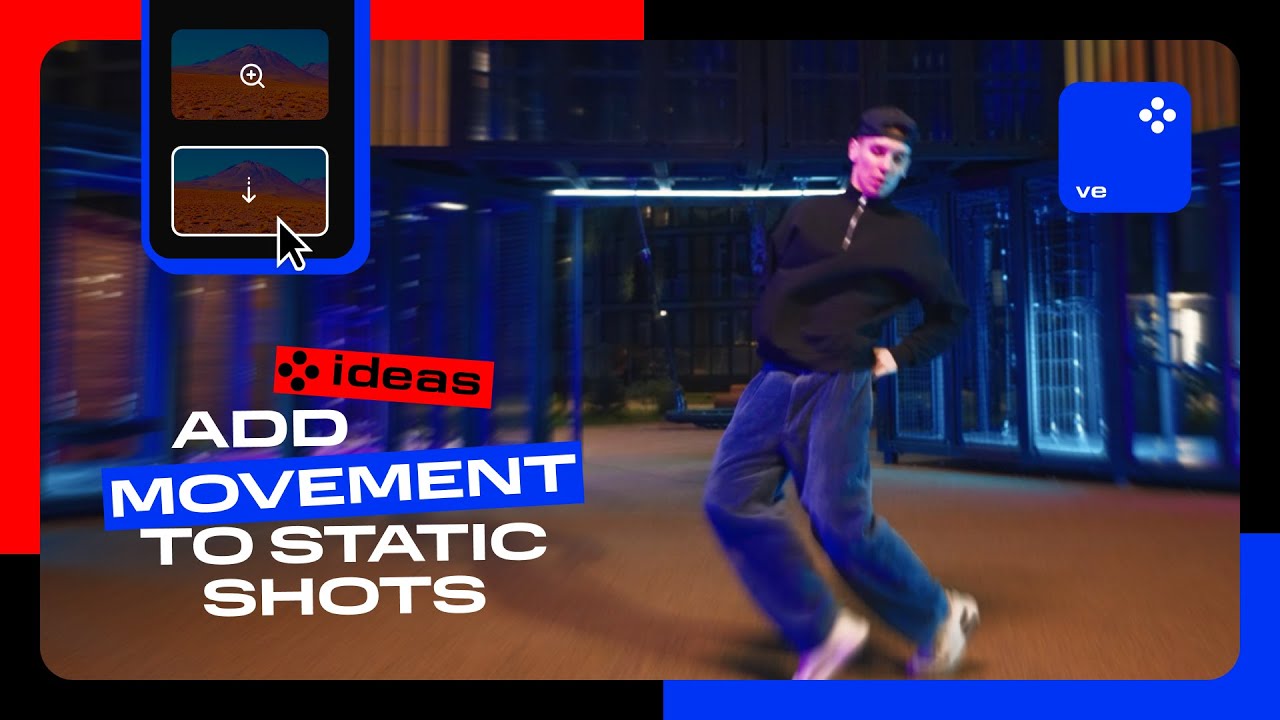
Add movement to static shots
Zoom in and out on static shots to add movement, make your videos dynamic, and ensure your audience never zones out!
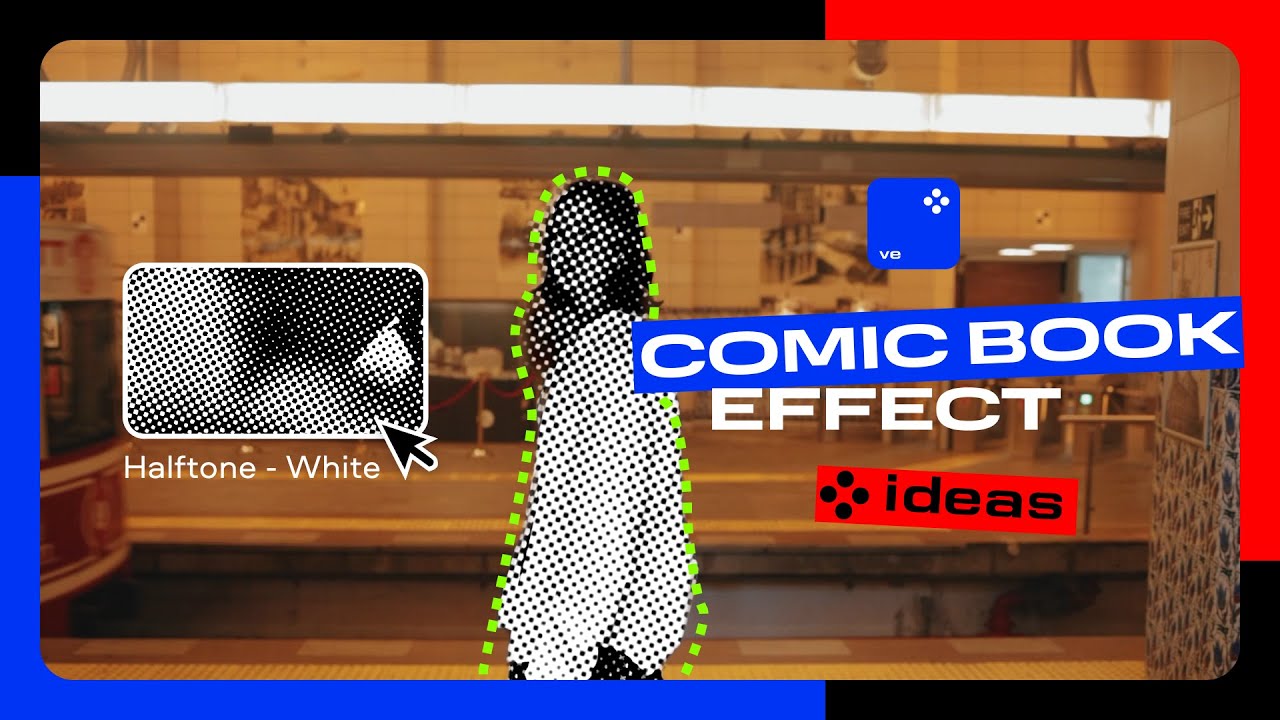
Nail that comic book effect
Easily apply a halftone filter to your vlog intro for a cool vibe that hooks your audience right from the first frame.
Frequently asked questions
Most people start by opening a folder full of images and wondering what to do next. A simple editor like Movavi Video Editor solves that quickly. You drop the photos onto a timeline, adjust the order, and preview the flow. If you have ever searched how to create a video with pictures, this is the moment it finally clicks. The whole process feels like a clean image to video conversion, without technical distractions.
Free usually comes with trade-offs, and that is something you notice fast. Online tools can be handy, but limits appear almost immediately. Movavi’s free trial gives a more realistic experience, especially if you want sound. When people ask how to make a video with pictures and music, this kind of desktop editor feels more reliable. It works as a flexible photo to video maker that lets you experiment before committing.
You do not have to leave your iPhone to make a video from your photos. A mobile editing app is enough. With Movavi’s iPhone app, you pick the images, put them in order, tweak how long they appear, add music, and save the result without much effort. It feels natural when all your photos are already on your phone.
If at some point you want deeper control, the desktop version is there. For quick ideas and short videos, the mobile app is usually all you need.
A free video maker using photos is simply a tool that lets you test the full process before paying. Some people call this type of software a picture video maker, especially when the goal is storytelling rather than effects. With Movavi Video Editor, you can turn into a finished video something that started as a random photo collection, and see if the workflow suits you before deciding to upgrade.
See other useful online tools
AI video-editing software
Video quality enhancer
YouTube video editor
Video resizer
Free movie maker
Video collage maker
Crop videos online
Flip videos online
Add text to videos online
Video trimmer online
Add subtitles to videos online
Video splitter online
Trailer maker online
Birthday video maker
Online YouTube intro maker
Merge video online
Online video editor no watermark
MP3 cutter
We’re the #1 choice for millions of people from all around the world. Join our thriving community and create stunning content with incredible ease.
70M+


Movavi Video Editor
*The free version of Movavi Video Editor may have the following restrictions depending on the build: watermark on exported clips, 60-second video or 1/2 audio length limit, and/or some advanced features unavailable when exporting videos.



1.5M+ users already subscribed to our newsletter