Choosing the right tool for sound control is less about chasing studio jargon and more about understanding how you actually work. A good video volume normalizer should feel helpful, not intimidating, and solve problems before you even realize they’re there. If you open an app and immediately feel like you need a degree in audio engineering, that’s already a red flag.
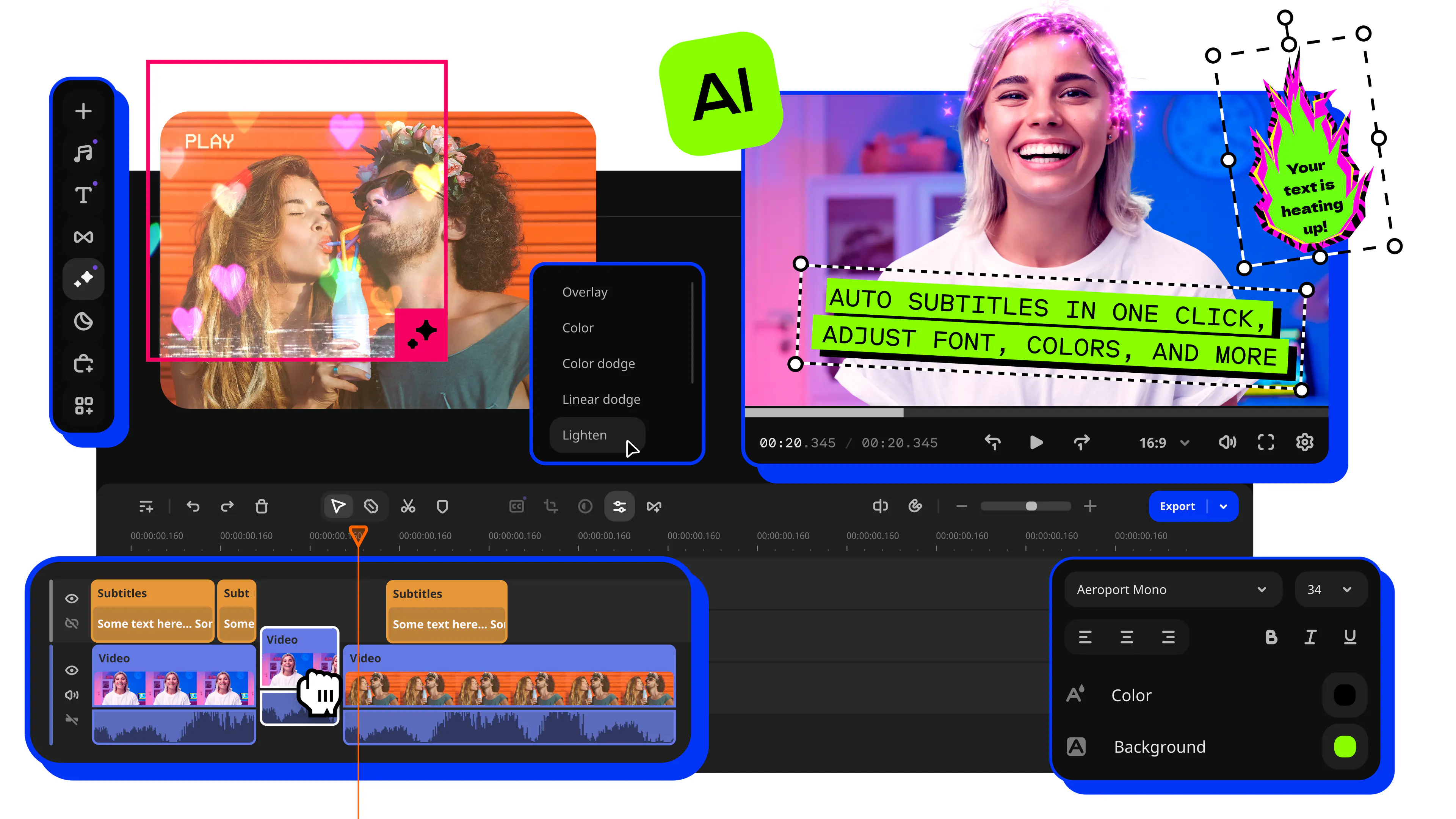
First, look for clarity over complexity. If a tool demands ten sliders, three graphs, and a mysterious checkbox just to fix uneven dialogue, it’s probably not built for everyday creators. Smart audio normalization software should take care of volume differences automatically, while still letting you step in when you want more control. Movavi Video Editor gets this balance right by keeping advanced options available, but never forcing them on you.
Second, think in terms of real scenarios, not feature lists.
Case one: a travel vlogger pulls audio from everywhere – busy sidewalks, quick voice-overs recorded in hotel rooms, music dropped in at the last minute. Normalization quietly evens things out, so the story stays front and center and no one has to keep riding the volume knob like it’s part of the experience.
Case two: an online course creator records lessons over weeks, sometimes leaning into the mic, sometimes drifting back in a rolling chair. When volume stays consistent from lesson to lesson, the course feels intentional. Without it, even great content can feel stitched together instead of thoughtfully built.
Case three: a social media editor lives on tight deadlines and shorter attention spans. Fast normalization keeps edits moving without sacrificing finish. The audio lands clean, feels confident, and sounds ready for feeds the moment it’s exported.
File flexibility matters more than most people expect. Whether you’re exporting mp3 audio, finishing a full video, or wrangling several files inside one timeline, the tool should keep up without forcing detours. Built-in leveling saves time and helps you avoid the subtle quality loss that creeps in when audio gets bounced between too many apps.
There’s also a reason to be wary of tools that rely entirely on online processing. They’re convenient, sure, but they can slow momentum and raise privacy questions. Desktop editors tend to feel steadier and more responsive, especially when you’re working with longer projects or layered sound tracks that need room to breathe.
And in the end, trust your ears. A solid balancer doesn’t announce itself. It doesn’t squeeze voices or drain music of its warmth. Everything just settles into place. If the result feels sharp or oddly artificial, the tool may be normalizing too aggressively. The goal isn’t technical perfection – it’s audio that feels natural, relaxed, and easy to live with.