Movavi Video Converter
The ideal way to get your media in the format you need!
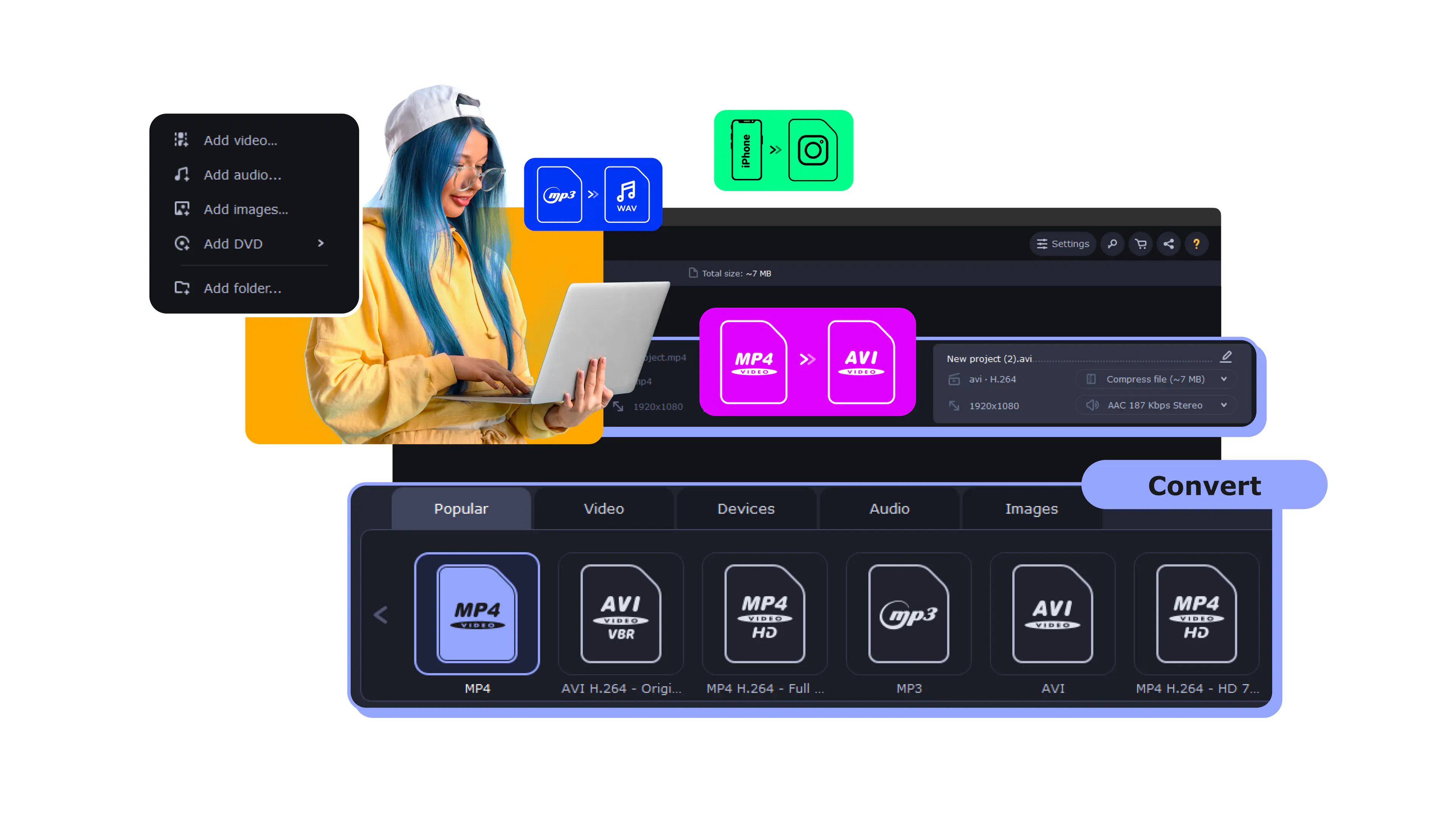
To rip a DVD, use Movavi Video Converter:
Download and install the program.
Open your DVD in the converter.
Select a preset and rip your DVD.

It's really important to turn your DVD collection into digital files because a lot of new computers don't even have disc drives anymore. That's where DVD ripping software comes in. It helps you make backup copies of your movies and creates digital versions that you can watch on any device, whether it's a family video or your favorite movie.
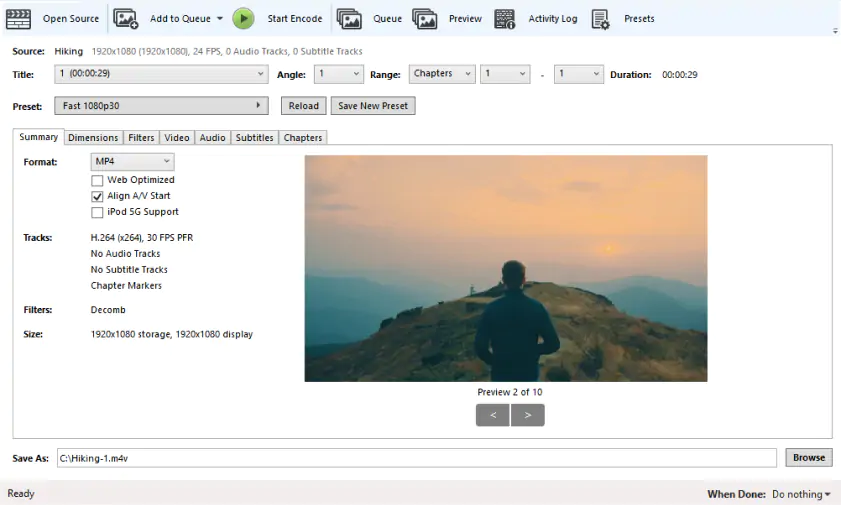
Best for: experienced users who need fine-tuned control over video encoding and are willing to dive into the technical aspects.
Why it was picked: this open-source powerhouse handles both DVDs and Blu-rays with professional-grade features, plus recent updates include useful presets for social media sharing.
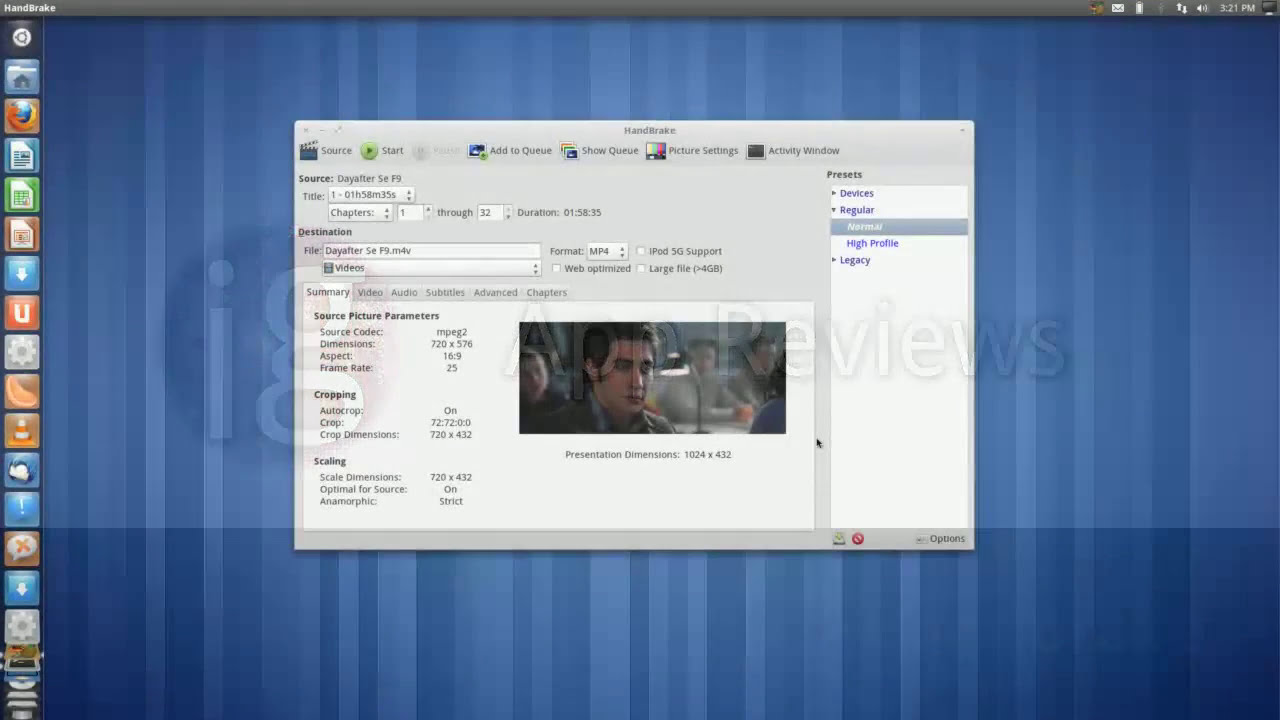
HandBrake is really good at ripping DVDs for free. It has a lot of features that let you customize the video and audio settings, which is great for people who want their videos to look and sound just right. Recently, they added some new presets that make it easy to share videos on social media sites that have limits on file size. A well-known tech website, PCMag, still thinks HandBrake is one of the best free software options out there, even in 2026. They like it because it's a powerful tool for converting videos, and it can hold its own against other professional programs.
The interface might look intimidating at first, but HandBrake's preset system helps beginners get started quickly. You can choose from device-specific presets (iPhone, Android, Apple TV) or customize every aspect of the encoding process manually.
Completely free and open-source with no limitations
Supports both DVD and Blu-ray disc formats
Extensive format support including MP4, MKV, and WebM
Advanced features like subtitle handling and chapter markers
Regular updates with improved codecs and bug fixes
Learning curve can be steep for new users
No built-in copy protection removal capabilities
Processing times can be slower than paid alternatives
Interface feels technical rather than user-friendly
What users say on Reddit:
Reddit users frequently note HandBrake's effectiveness as a free DVD ripper tool, particularly praising its great control over output settings and quality presets for less experienced users. Users highlight HandBrake's inclusion in creator tool recommendations alongside other professional software. However, users point out that HandBrake lacks the ability to rewrap or remux video and audio tracks from one container to another without re-encoding the video, unlike alternatives such as Xmedia Recode and AVIdemux. This limitation forces users to re-encode content even when simple container changes would suffice, resulting in quality loss and longer processing times.
What YouTubers say:
What reviewers say:
Recent updates:
HandBrake continues to evolve with regular updates focused on quality and performance improvements. Recent developments include new AV1 encoding presets that provide significantly smaller file sizes while maintaining excellent quality, making it ideal for users with storage constraints. The latest version also includes enhanced hardware acceleration support and improved compatibility with modern systems.
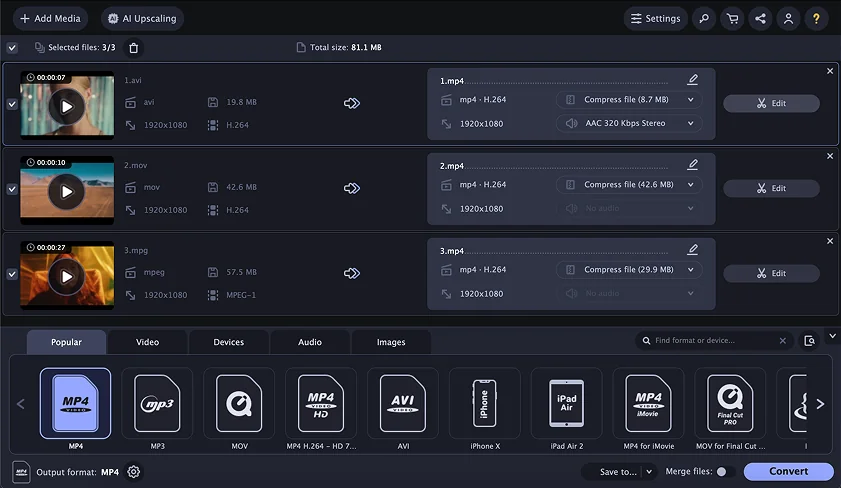
Best for: beginners who want professional results without technical complexity, especially those working with older DVDs that need quality enhancement.
Why it was picked: combines an intuitive interface with AI-powered upscaling technology that can significantly improve the visual quality of older DVDs.
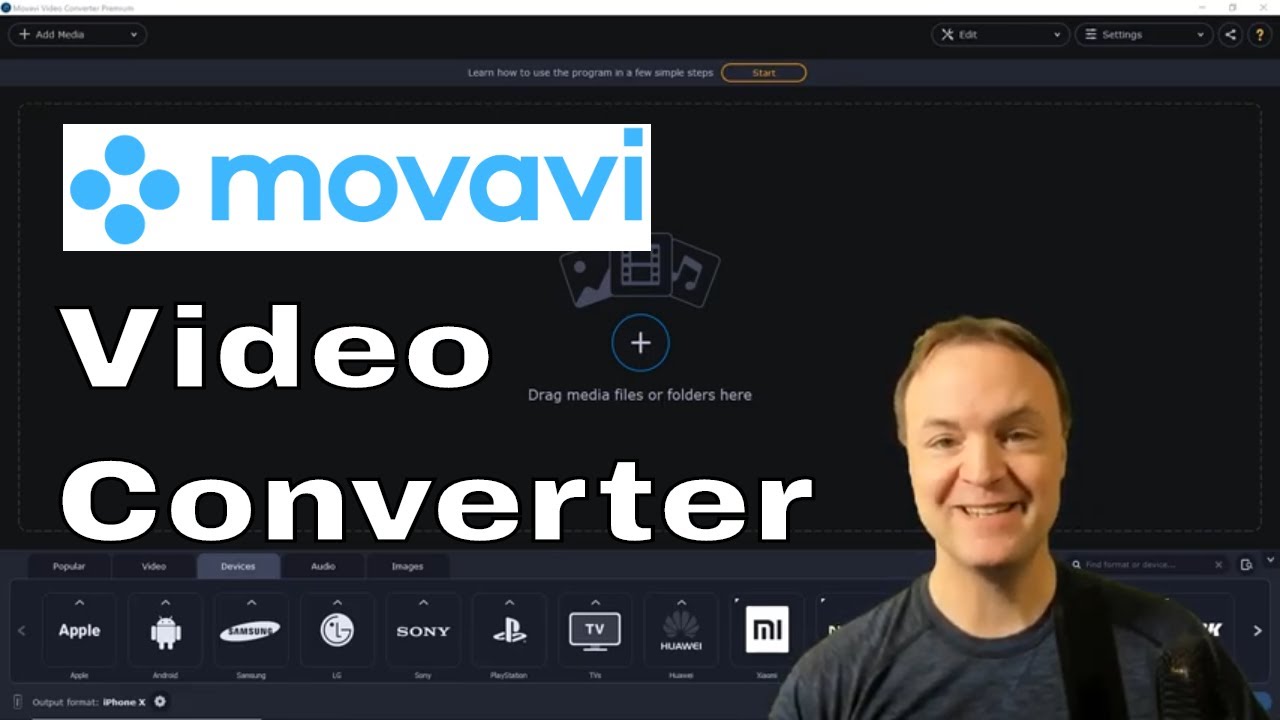
Movavi Video Converter transforms DVD ripping in a straightforward process. The software automatically detects your DVD structure and presents suitable conversion options. What sets this tool apart is its AI-powered upscaling feature that can enhance video resolution up to 4x, breathing new life into older family videos or classic films. According to G2 reviews, users consistently appreciate the software's balance between powerful features and ease of use.
The 2025 update brought significant improvements in processing speed, especially on newer Mac computers with Apple Silicon processors. During testing, the enhanced hardware acceleration made noticeable differences when working with longer movies.
Intuitive interface designed for non-technical users
AI upscaling improves quality of older DVD content
Fast conversion speeds with hardware acceleration
Built-in basic editing tools for trimming and enhancement
Supports over 180 video and audio formats
Free trial limited to 7 days with watermark
Copy protection handling not as robust as specialized tools
What users say on Reddit:
Reddit users appreciate Movavi Video Converter's simple UI and affordability, with users highlighting its straightforward approach that feels built specifically for video conversion tasks. Users praise the software's guided workflow that makes the conversion process feel less overwhelming compared to more complex alternatives. However, users report concerns about whether the software is functioning properly during operations, creating uncertainty about conversion progress.
What YouTubers say:
What reviewers say:

Best for: users who want the simplest possible workflow to create exact digital copies of their DVDs without any quality loss.
Why it was picked: offers completely free DVD ripping during its extended beta period with just a few clicks needed to create perfect MKV backups.
MakeMKV creates exact copies of your DVDs in the MKV format without any re-encoding or quality loss. This means faster processing times and perfect preservation of the original video quality, including all audio tracks, subtitles, and special features.
The software has remained in beta for years, which means it's completely free to use without any limitations or watermarks. The interface couldn't be simpler: insert your DVD, click a few buttons, and wait for the backup to complete.
Completely free during extended beta period
No quality loss since it doesn't re-encode video
Preserves all audio tracks and subtitle options
Simple interface requires minimal technical knowledge
Fast processing since no conversion happens
Only outputs to MKV format
Large file sizes since no compression occurs
Limited editing or enhancement options
May not work with all copy protection schemes
Beta status means uncertain future pricing
What users say on Reddit:
Reddit users highly praise MakeMKV for its reliable 4K UHD Blu-ray ripping capabilities, particularly noting its effectiveness with specific firmware configurations for backing up personal media collections. Users appreciate MakeMKV's role in building comprehensive media libraries through integration with Docker versions of media management tools like Plex and Jellyfin. However, users point out that MakeMKV is part of a complex workflow that requires substantial technical knowledge about encoding types, transcoding processes, and hardware-accelerated encoding for dockerized applications. Users also note the steep learning curve involved in understanding video formats, container formats, audio transcoding, and subtitle burn-in processes.
What YouTubers say:
Recent updates:
MakeMKV continues to receive regular updates, particularly for its SDF (Structural Data Files) system that enables support for new disc protection schemes. Recent updates in November 2025 improved compatibility with various Pioneer drives and enhanced LibreDrive functionality. The development team regularly releases new beta keys to maintain free access during the ongoing beta period.
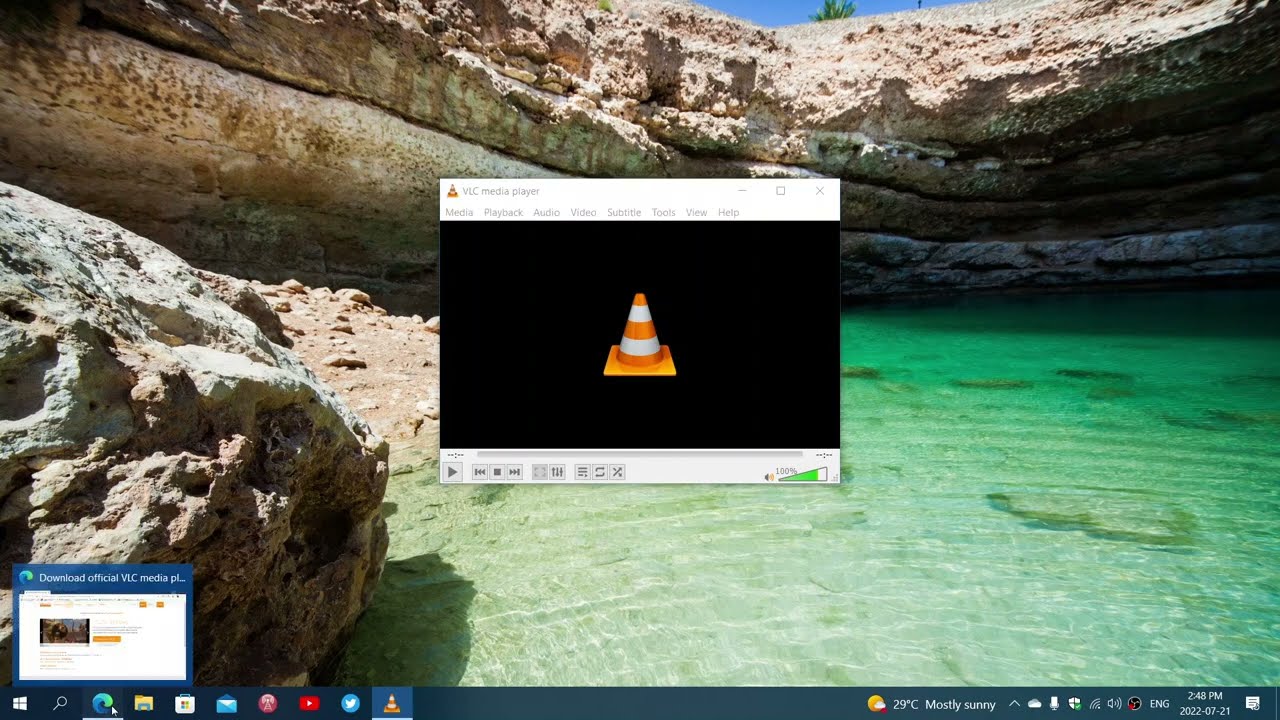
Best for: casual users who already have VLC installed and need occasional DVD ripping without installing additional software.
Why it was picked: this familiar media player includes hidden DVD ripping capabilities that work surprisingly well for basic conversion needs.
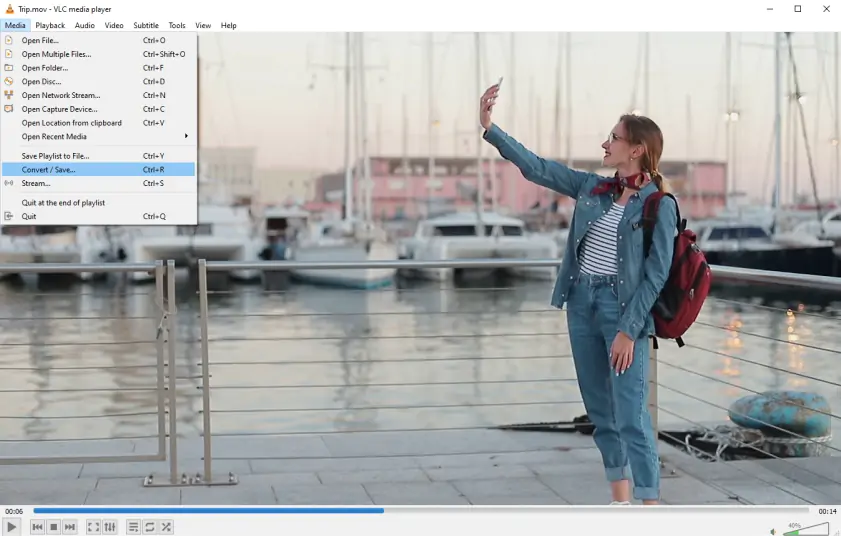
Most people know VLC as a versatile media player, but it also includes DVD ripping software functionality that many users never discover. The feature works through VLC's conversion interface, allowing you to extract your DVDs to various formats including MP4, AVI, and others. According to PCMag, VLC 3.0 added significant improvements including HDR10 support and Chromecast streaming capabilities, expanding its functionality beyond basic media playback.
While VLC's ripping features aren't as polished as dedicated software, they're perfectly adequate for occasional use. The biggest advantage is convenience – if you already use VLC for media playback, you don't need to install anything else for basic DVD conversion.
Already installed on most computers
Completely free with no trial limitations
Familiar interface for existing VLC users
Cross-platform support including Linux
No additional software installation required
Ripping features are somewhat hidden and unintuitive
Limited format options compared to dedicated tools
No advanced editing or enhancement features
Can struggle with certain DVD structures
Processing speeds slower than specialized rippers
What users say on Reddit:
Reddit users consistently praise VLC for its versatility as both a media player and format converter, with users highlighting its ability to play virtually any video format and handle various conversion tasks effectively. Users appreciate VLC's reliability across different platforms and its inclusion in creator tool recommendations alongside professional software solutions. However, users point out that VLC lacks some advanced streaming features compared to specialized alternatives like Elmedia Player, particularly built-in Chromecast, Roku, and AppleTV streaming capabilities. Users also note that VLC doesn't include features like built-in YouTube-dl integration for direct online video downloads that some competitors offer.
What YouTubers say:

What reviewers say:
Recent updates:
VLC continues to receive regular updates with the latest Android version receiving improvements in February 2026. The development team focuses on security fixes, performance enhancements, and expanding format support. Recent updates include better support for modern video codecs and improved streaming capabilities across different platforms.
Best for: professional users and video editors who need maximum format support and advanced processing features for their workflow.
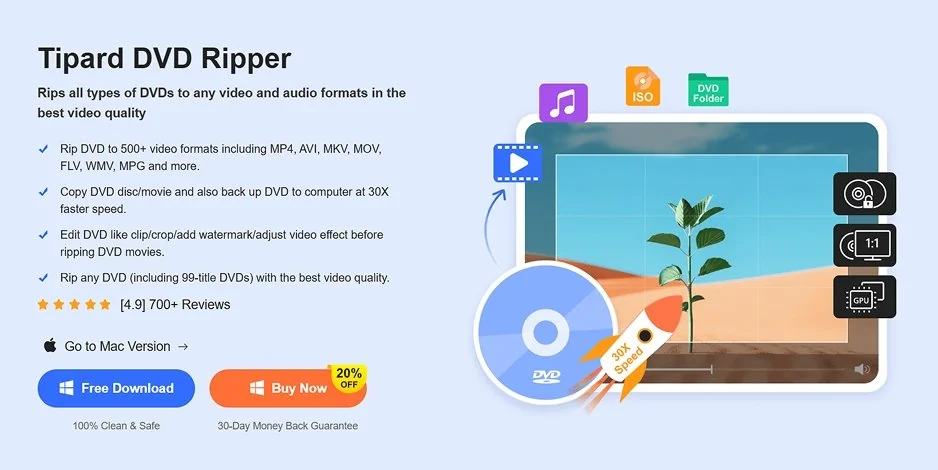
Why it was picked: supports over 500 output formats with AI-powered 4K upscaling and claims conversion speeds up to 30x faster than basic tools.
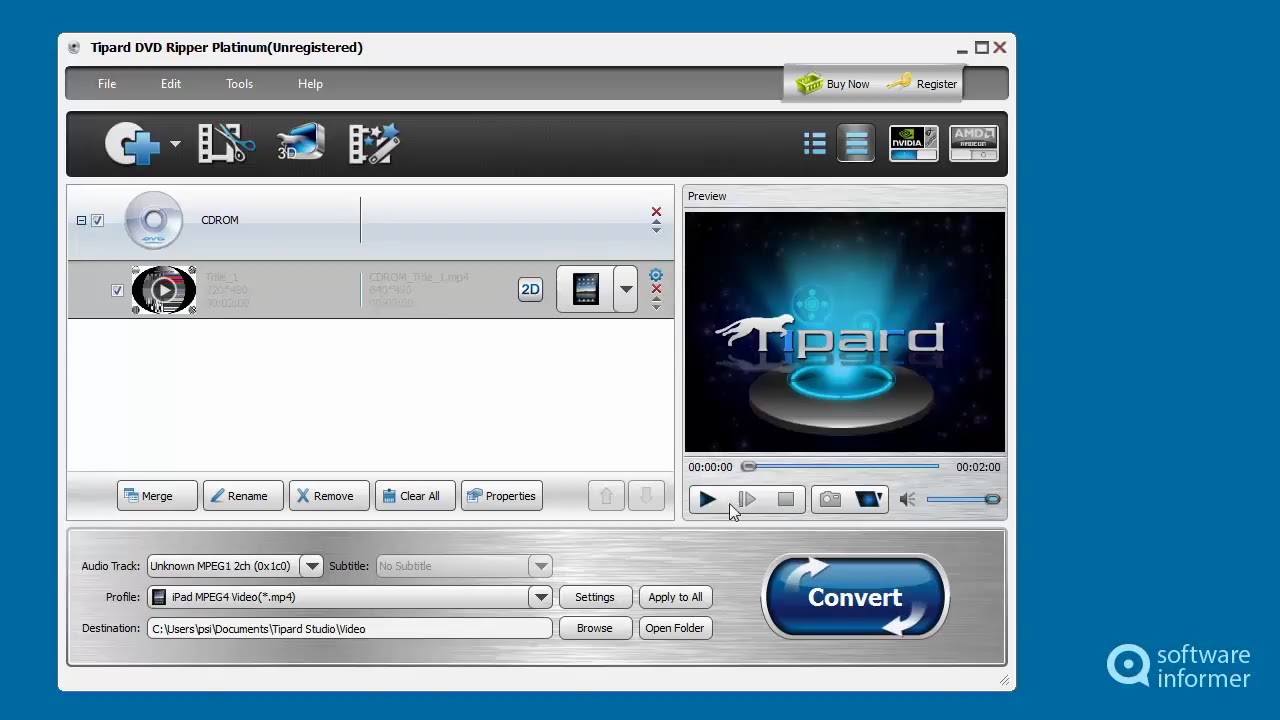
Tipard DVD Ripper positions itself as a professional-grade solution with an impressive array of features. The software supports an extensive range of output formats and includes AI-enhanced upscaling that can improve video quality up to 4K resolution. The interface provides both simple and advanced modes, letting users choose their preferred level of control.
The software includes comprehensive video editing features within the conversion process, allowing you to trim, crop, add effects, and adjust video parameters before final output. This integration can save time in professional workflows where DVD content needs editing anyway.
Supports over 500 video and audio formats
AI-powered upscaling up to 4K resolution
Integrated video editing tools
Batch processing for multiple DVDs
Hardware acceleration for faster conversion
Premium pricing for full feature set
Interface can feel overwhelming for basic users
Some advanced features require learning curve
Windows 11 and Mac versions have different capabilities
What users say on Reddit:
Reddit users generally appreciate Tipard's extensive format support and professional features, though some find the interface complex for basic tasks. Users note that the software performs well for batch processing of multiple DVDs. However, specific Reddit discussion data for Tipard DVD Ripper is limited, suggesting it may be less commonly discussed compared to more mainstream alternatives like HandBrake and MakeMKV.
What YouTubers say:
What reviewers say:
Recent updates:
Tipard has released comprehensive updates to their DVD ripper software, positioning it as one of the top tools with lossless AI upscaling capabilities in 2026. Recent developments include enhanced Level-3 GPU acceleration and improved AI upscaling technology that can transform low-resolution DVD content into 4K-quality digital files. The company continues to refine their decryption capabilities and hardware acceleration features.
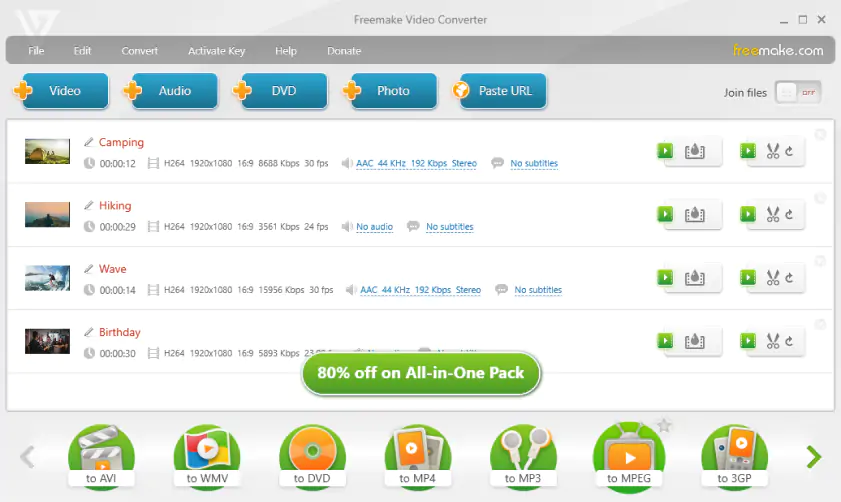
Best for: Windows users who want a straightforward, no-cost solution for converting DVDs to common video formats.
Why it was picked: provides a clean, beginner-friendly interface for Windows users with no payment required for basic DVD conversion features.
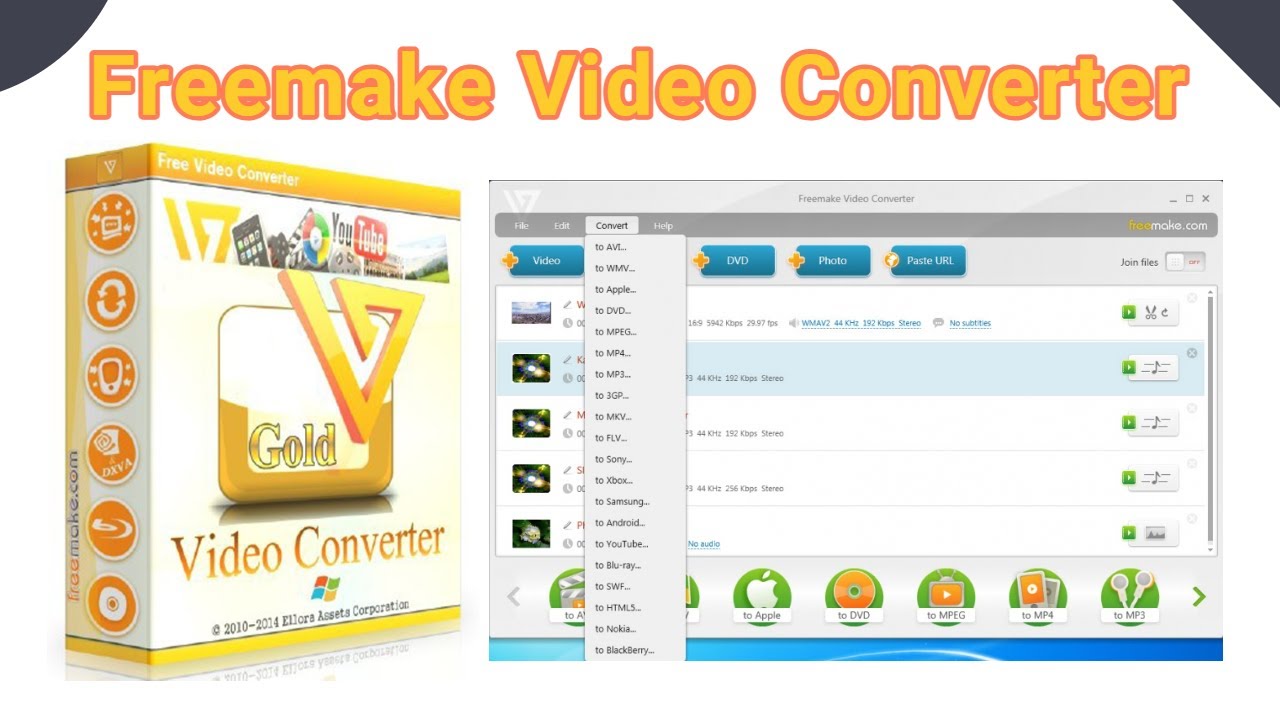
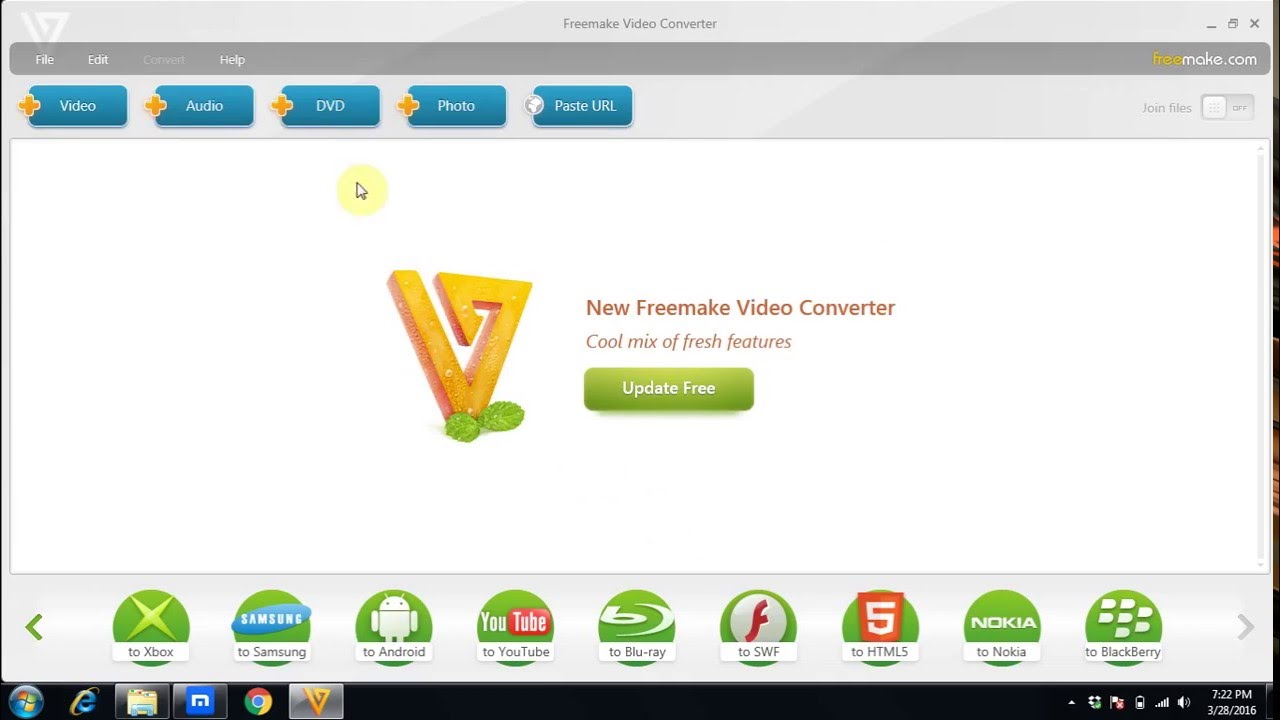
Freemake Video Converter focuses on simplicity and ease of use for Windows 11 and Windows 10 systems. The software presents DVD conversion as a simple drag-and-drop process with preset options for popular devices and formats. While it lacks the advanced features of professional tools, it handles standard DVD conversion tasks reliably.
The interface uses large, clear buttons and plain language descriptions that make the conversion process accessible to users with minimal technical experience. Preset options cover most common scenarios like converting for smartphones, tablets, or streaming devices.
Completely free for basic conversion features
Clean, intuitive interface design
Good selection of output presets
Reliable performance on Windows systems
No registration required for basic use
Windows-only compatibility
Limited advanced customization options
Longer processing times than premium alternatives
Some output formats require paid upgrade
Occasional ads for premium version
What users say on Reddit:
Reddit users have mixed opinions about Freemake Video Converter, with some praising its simplicity while others warn about potential issues. Users note that the free version works adequately for basic conversion tasks but has limitations that may frustrate power users.
What YouTubers say:

What reviewers say:
Recent updates:
Freemake has maintained regular updates to their suite of free video tools, with the latest version 6.0.0 released in October 2025. The updates include improved compatibility with Windows 11 and enhanced conversion capabilities. The company continues to offer their core video converter, downloader, and audio converter tools as free downloads.
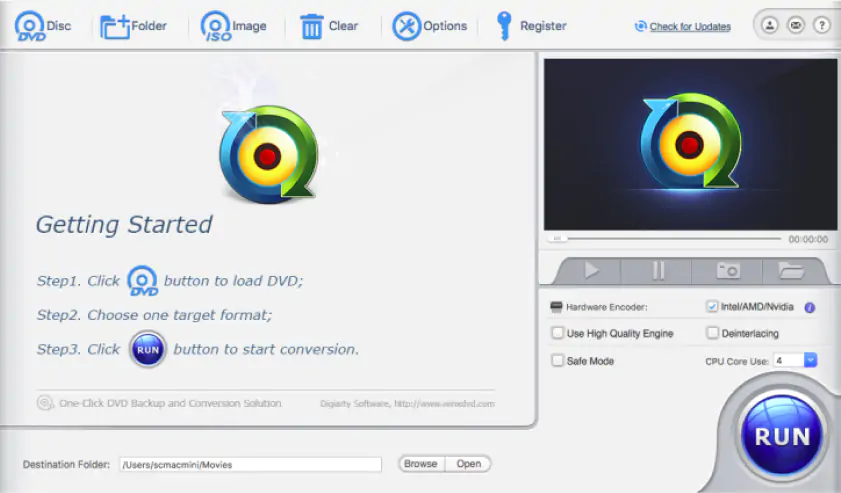
Best for: Windows users dealing with copy-protected DVDs who need reliable protection bypass capabilities.
Why it was picked: specializes in handling various copy protection schemes while maintaining good conversion speeds on Windows systems.
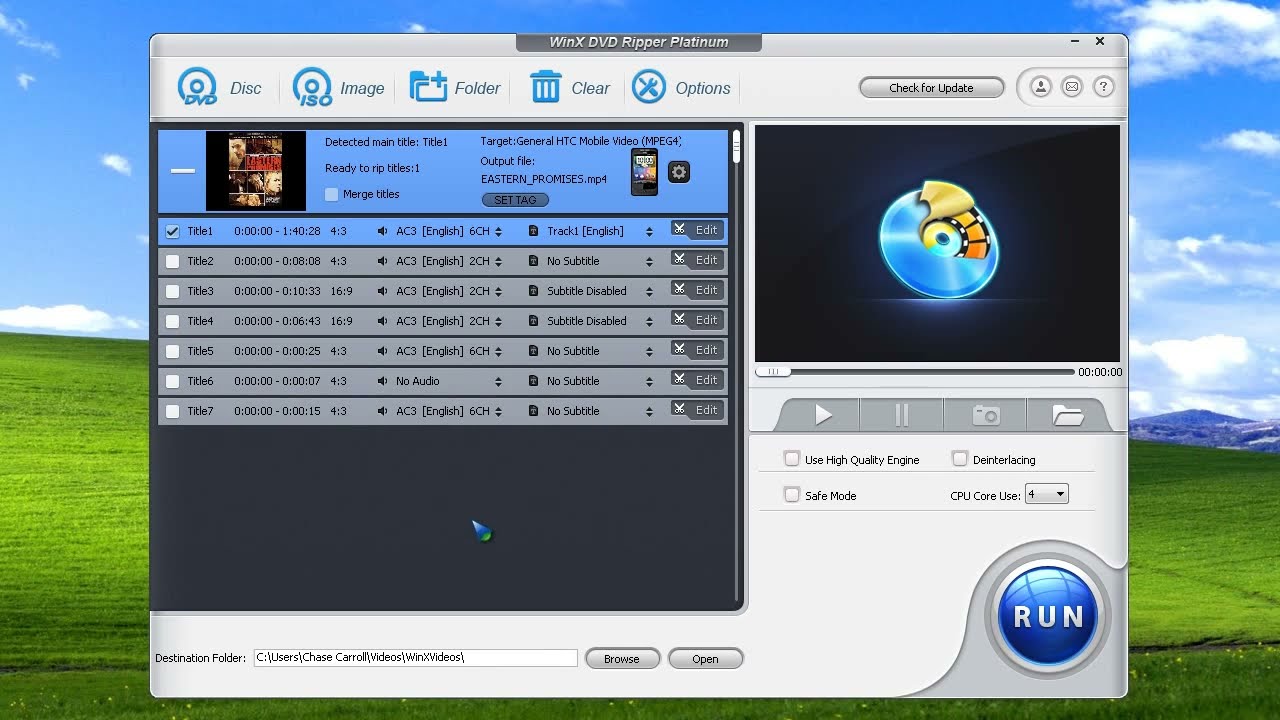
WinX DVD Ripper focuses specifically on DVD conversion for Windows computers, with particular strength in handling copy-protected discs. The software includes specialized algorithms designed to work with various protection schemes commonly found on commercial DVDs.
Both free and paid versions are available, with the free version providing basic conversion capabilities and the paid version adding advanced features like 4K upscaling and faster processing speeds. The interface balances simplicity with access to important customization options.
Strong copy protection handling capabilities
Available in both free and paid versions
Good conversion speeds on Windows
Regular updates for new protection schemes
Clean interface without excessive complexity
Windows-only compatibility limits cross-platform use
Free version has some feature restrictions
Less format variety than some competitors
Premium features require paid upgrade
What users say on Reddit:
Reddit discussions about WinX DVD Ripper are relatively limited, with users occasionally mentioning it in broader DVD ripping software discussions. Some users question the software's claims about being "free" when many features require payment.
What YouTubers say:
What reviewers say:
Recent updates:
WinX DVD Ripper Platinum received a major update to version 8.22.4 in November 2025. The update added support for iPhone 17 Series output profiles, updated the DVD Analysis Kernel for challenging discs, and optimized audio-video synchronization with automatic delay correction. The company continues to offer exclusive discounts for returning customers and maintains their focus on GPU acceleration technology.
Best for: users who regularly process multiple DVDs and need efficient batch conversion capabilities with good format support.
Why it was picked: excels at batch processing workflows while maintaining consistent quality across multiple disc conversions.
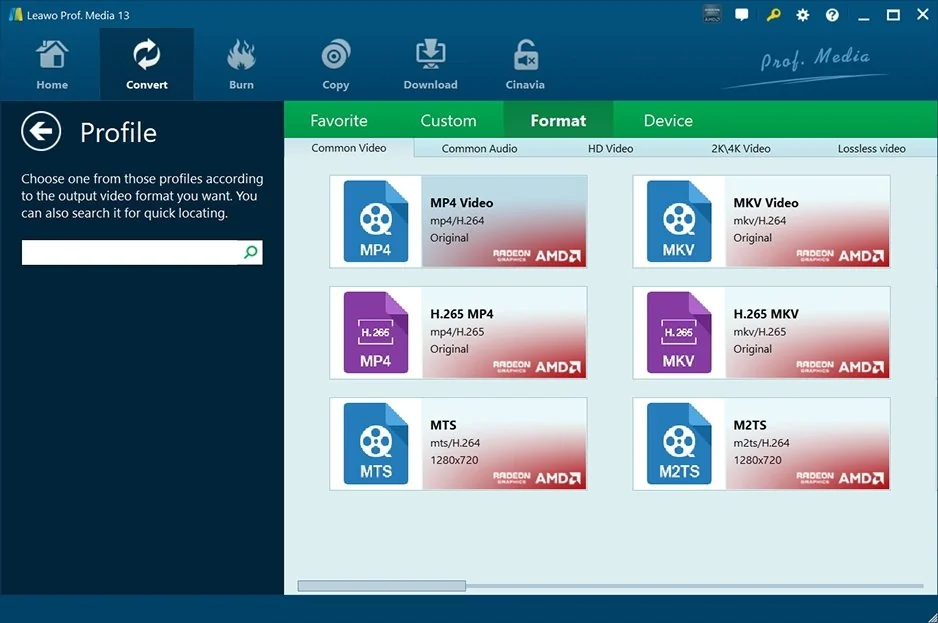
Leawo DVD Ripper emphasizes efficiency for users who need to convert multiple DVDs regularly. The software includes robust batch processing features that can handle several discs in sequence with minimal user intervention. Quality settings remain consistent across batches, making it useful for digitizing large DVD collections.
The interface provides a good balance between accessibility and advanced features. Users can stick with simple presets for quick conversions or dive into detailed settings for specific quality requirements.
Excellent batch processing capabilities
Wide range of output format support
Consistent quality across multiple conversions
Both Windows and Mac compatibility
Regular software updates and improvements
Paid software with no permanently free option
Interface could be more modern
Processing speeds vary depending on settings
Some features feel redundant with other tools
What users say on Reddit:
Reddit users occasionally mention Leawo DVD Ripper in discussions about DVD ripping software, though it's not as frequently discussed as HandBrake or MakeMKV. Some users note that Leawo offers competitive features but question whether the paid model is justified when free DVD ripper alternatives like HandBrake are available.
Recent updates:
Leawo DVD Ripper continues to be mentioned in current best DVD ripper comparisons for 2026, with reviewers noting its specialization in bypassing region codes and CSS protections. Recent analysis indicates the software maintains its position as a viable option for users dealing with multiregional playback issues, though it faces competition from both free and paid alternatives.
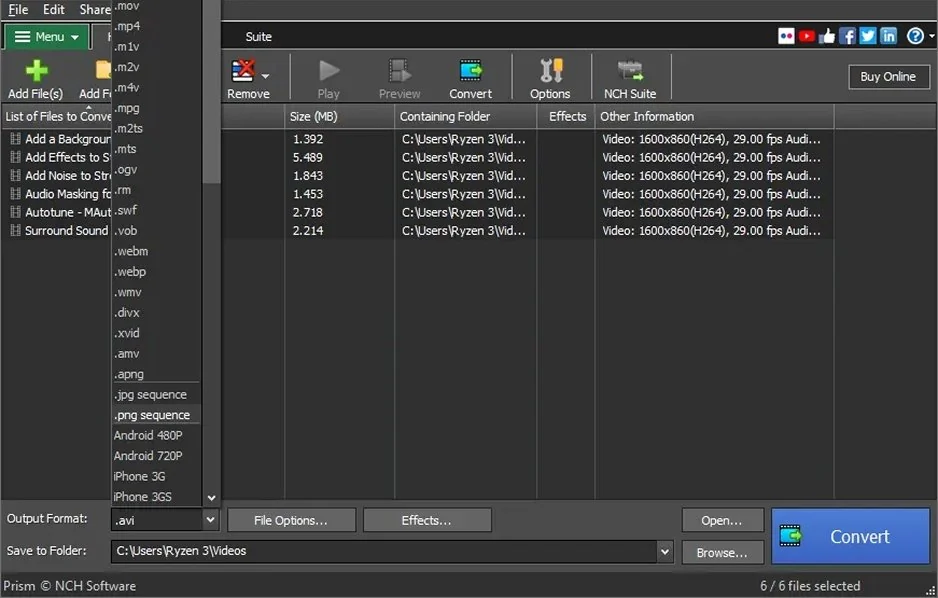
Best for: users who primarily need audio extraction from DVDs or want a simple conversion tool that handles multiple media types.
Why it was picked: offers solid audio extraction capabilities alongside video conversion, making it useful for users who want both formats from their DVDs.
Prism Video Converter takes a broader approach to media conversion, handling not just DVDs but various video and audio files. The software particularly shines when extracting audio tracks from DVDs, offering high-quality audio conversion options that some video-focused tools overlook.
The interface emphasizes simplicity over advanced features, making it approachable for users who want straightforward conversion without extensive customization options. Both Windows and Mac versions maintain consistent functionality.
Strong audio extraction and conversion features
Simple, uncluttered interface design
Handles multiple input media types beyond DVDs
Cross-platform Windows and Mac support
Good balance of features and simplicity
Paid software with limited free trial
Fewer advanced video features than specialists
Processing speeds moderate compared to optimized tools
Limited copy protection handling
What users say on Reddit:
Reddit discussions about Prism Video Converter are limited, with the software appearing mainly in discussions about accessible video to audio converters. Some users mention it as an option for audio extraction tasks, though it doesn't generate the same level of community discussion as more prominent tools.
Recent updates:
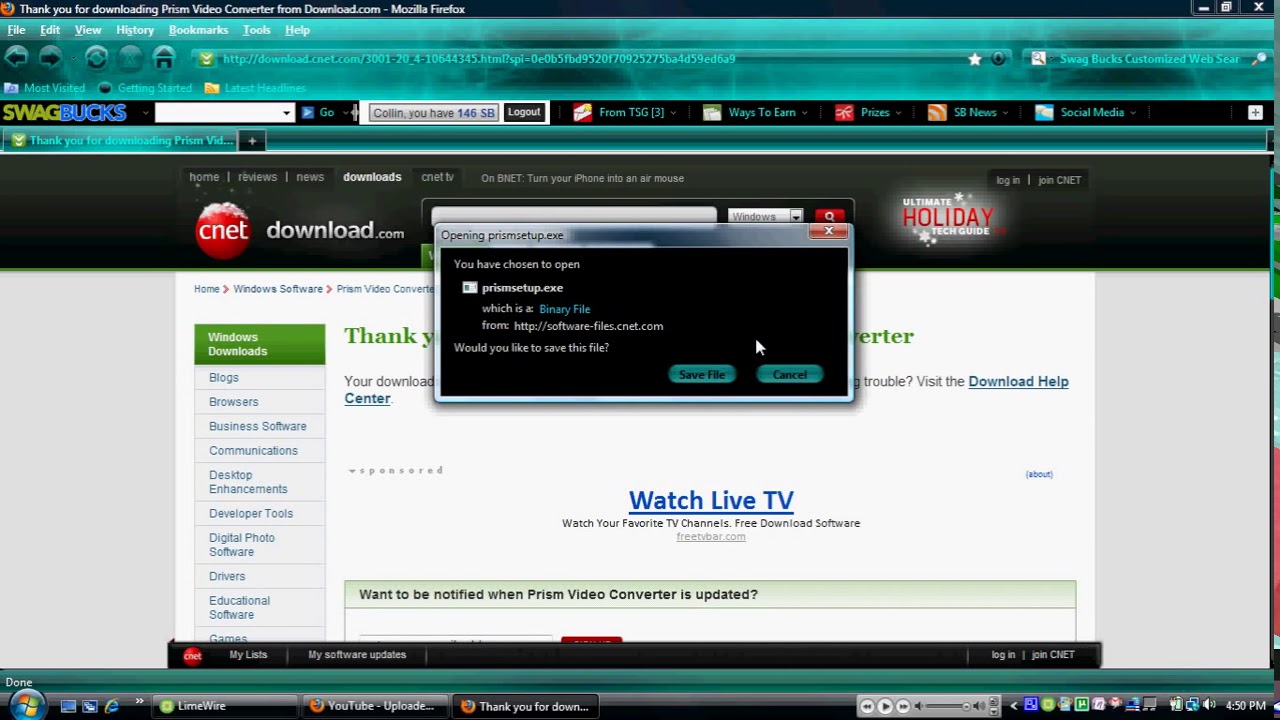
Prism Video Converter continues to be available through various channels and is mentioned in educational technology resources. Recent information shows the software being used in educational settings for video format conversion tasks. The NCH Software suite, which includes Prism, receives regular maintenance updates.
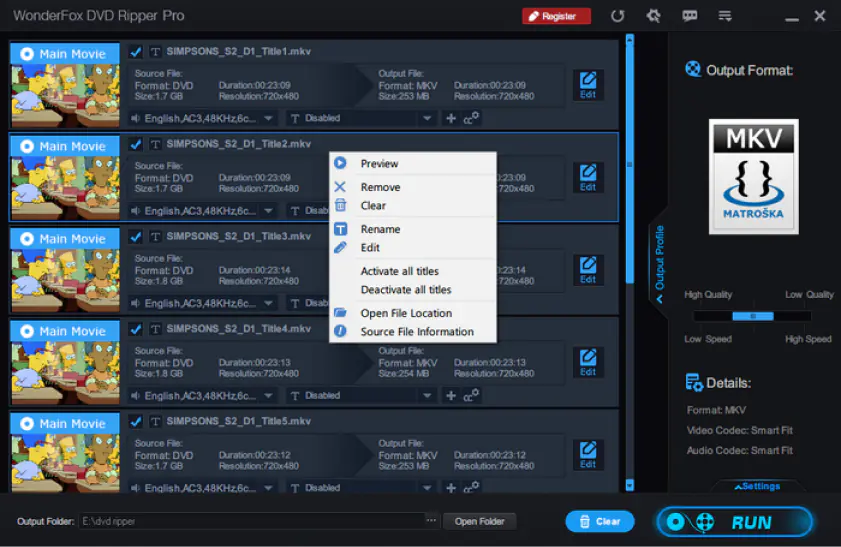
Best for: users prioritizing fast conversion speeds who work primarily with standard, unprotected DVDs on Windows systems.
Why it was picked: claims impressive processing speeds while maintaining reasonable quality output for users who value efficiency over extensive features.
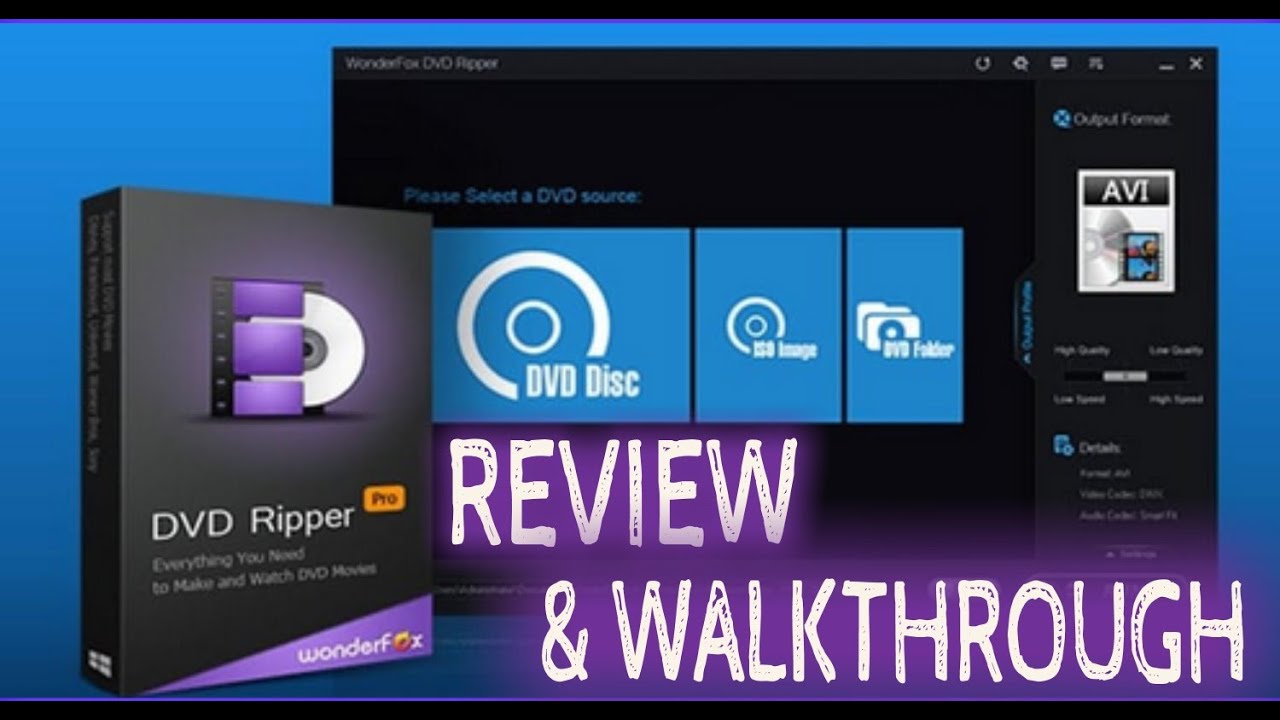
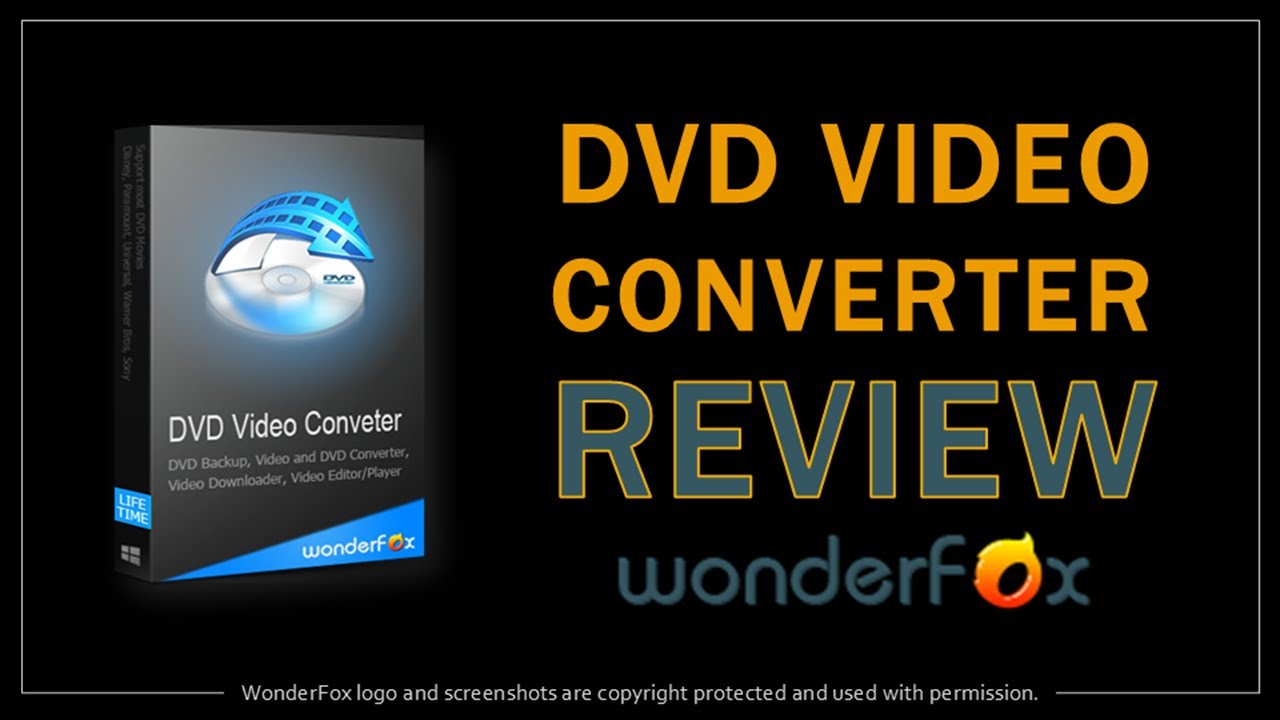
WonderFox DVD Ripper emphasizes speed and efficiency in the conversion process. The software uses optimized algorithms designed to process DVDs quickly while maintaining acceptable quality levels. This focus makes it particularly useful for users who need to convert multiple discs efficiently.
The interface keeps things straightforward with clear conversion options and minimal complexity. While it may not offer the extensive customization of professional tools, it handles standard conversion tasks reliably.
Fast processing speeds for quick conversions
Straightforward interface without unnecessary complexity
Good quality output for standard conversion needs
Regular updates for improved performance
Reasonable pricing for paid features
Windows-only compatibility
Limited advanced editing features
Copy protection handling could be stronger
Fewer format options than comprehensive converters
What YouTubers say:
Recent updates:
WonderFox DVD Ripper Pro received version 24.3 updates in April 2026, focusing on improved decryption capabilities and faster processing speeds. The software continues to emphasize smart compression technology and intelligent title detection for 99-title DVDs. The company maintains active development with regular updates for enhanced performance and compatibility.
Best for: budget-conscious users who need occasional DVD conversion and prefer free software over trial versions with limitations.
Why it was picked: provides genuinely free DVD conversion capabilities without trial periods or watermarks, though with more basic features than premium alternatives.
Blu-ray Master Free DVD Ripper offers a completely free solution for basic DVD conversion needs. Unlike trial versions that expire or add watermarks, this software provides unlimited use of its core conversion features without payment. The trade-off comes in fewer advanced features and format options compared to premium tools.
The interface focuses on essential conversion functions without overwhelming users with options they may not need. While processing speeds aren't the fastest available, they're adequate for occasional use.
Completely free without trial limitations or watermarks
Basic conversion features work reliably
Simple interface suitable for beginners
Both Windows and Mac versions available
No registration or payment required
Limited format and quality options
Slower processing than optimized paid tools
Minimal advanced features or customization
Copy protection handling is basic
Interface looks somewhat dated
I spent three weeks testing these tools with a variety of DVD types – from older family videos to recent commercial releases. Testing focused on conversion speed, output quality, ease of use, and reliability with different disc types. Each tool was evaluated using the same set of test DVDs on both Windows 11 and Mac systems where cross-platform versions were available.
Processing times were measured using a 90-minute feature film, and quality assessments compared output files using consistent bitrate settings. The biggest surprise was how much difference hardware acceleration made. Tools that properly utilized GPU acceleration showed dramatically better performance on newer systems.

DVD ripper software converts the video files to standard formats like MP4 that work on any device. DVD copying creates an exact duplicate of the entire disc structure, usually for burning to another DVD or storing as an ISO file.
Laws vary by country, but generally you can create backup copies of DVDs you legally own for personal use. You cannot distribute these copies or circumvent copy protection in some jurisdictions. Check your local laws for specific requirements.
When you buy a commercial DVD, it usually has some kind of lock on it to stop people from copying it. There are some free DVD ripper programs out there that can help you copy DVDs, but they might not be able to get past these locks. Some paid programs, on the other hand, have found ways to get around these protections. The problem is, really new DVDs might have brand new locks that nobody has figured out how to get past yet.
MP4 offers the best compatibility across devices and platforms. MKV preserves more DVD features like multiple audio tracks and subtitles. Choose MP4 for maximum compatibility or MKV if you need to preserve all original DVD features.
When you rip a DVD movie, it can create huge files – we're talking 4 to 8 gigabytes. But if you use compression, you can shrink those files down to 1 or 2 gigabytes, and the quality will still be pretty good. The problem is, if you're converting a whole bunch of movies, your storage needs can add up really fast.
Some video tools, like Movavi Video Converter and Tipard DVD Ripper, have a special feature that uses artificial intelligence to improve the quality of old videos. This feature can make the video look sharper and get rid of some of the noise that makes it look bad. But there's a limit to what it can do. If the original video didn't have much detail, you can't just add it in later.
Popular
Top MP4-to-GIF converters
Top free audio converters
6 Best Ways to Compress a MOV File [Windows/Mac/Online]
TIFF Converter | Convert JPG to TIFF & TIFF to Other Formats
Top 7 DVD Converters - Software for Windows & Mac [2026]
How to Change Video Format | Video File Converter Online
How to Edit a DVD Video (Copy, Convert, Compress, Edit)
12 Best Free MP3 Converters for Windows 10/8/7 – Movavi
Best Free DVD Rippers: 7 Easy Ways to Rip a DVD on Windows 10/8/7 & Mac
5 Best Ways to Rip a DVD to MKV [Windows and Mac]
How to Convert DVD to AVI [Free Included] – Movavi
10 Best Free MP3 Converters for a Mac [2026] – Movavi



1.5M+ users already subscribed to our newsletter