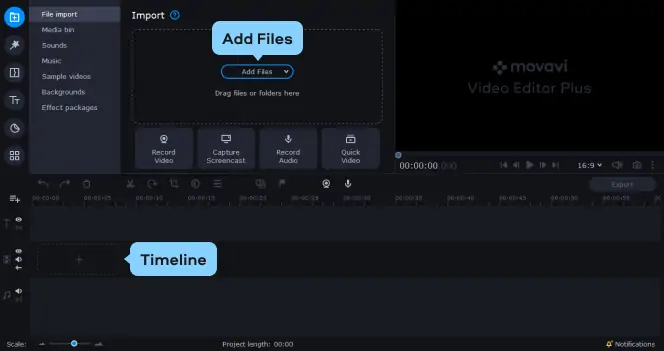


Split any movie – all popular formats supported
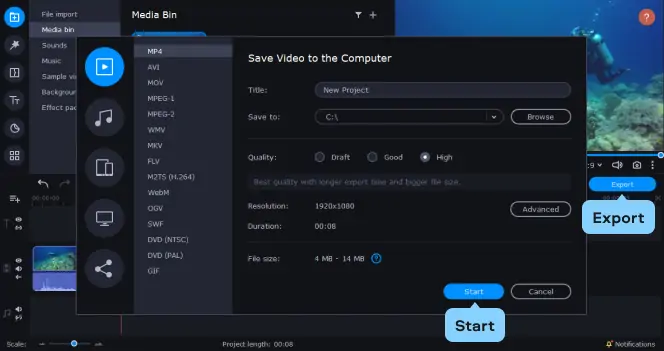
Movavi’s movie splitter supports a wide range of video formats. You can split AVI, MPG, MP4, MOV, WMV, ASF, DVD (IFO and VOB), 3GPP, 3GPP2, and Video CD (DAT) video files and save to AVI, MPEG or WMV formats. Great news: there’s no recompression when saving to AVI and MPEG.
One-click splitter kills ads – fast!
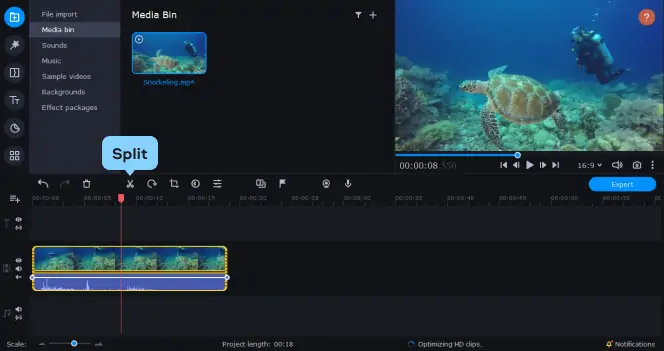
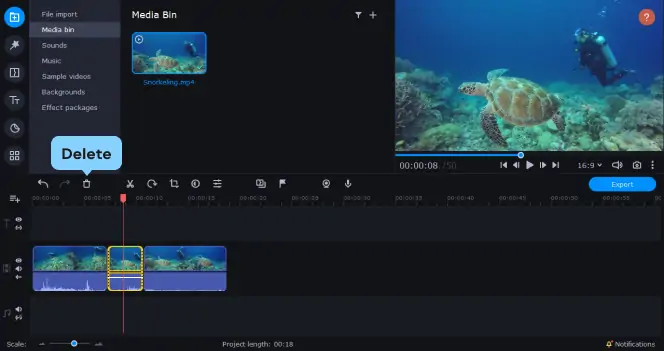
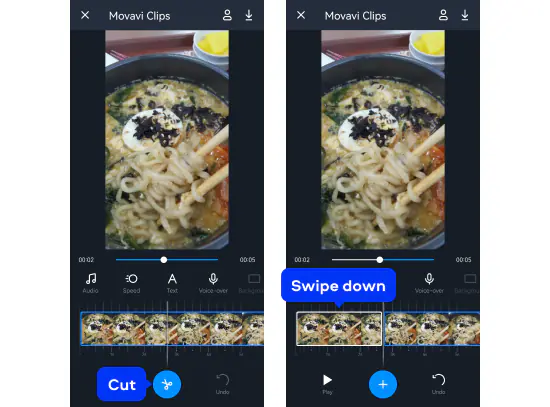
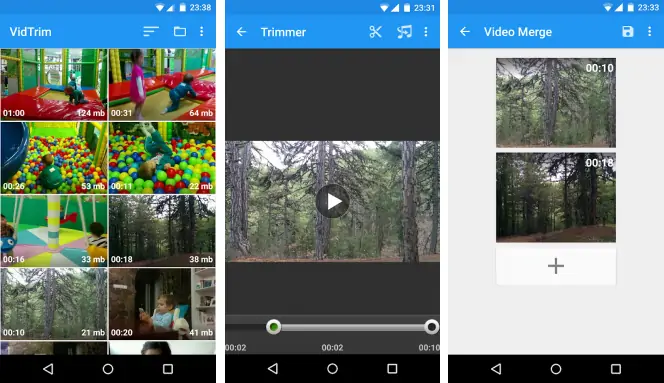
Watching video should be enjoyable and the preparation fast and simple. We make cutting unwanted segments like ads and trimming video clips as easy as pressing a button. The manual split mode lets you select the exact start and end points for each segment, press the split button and you’re done.
Split into parts by size, duration or number of segments
Free yourself from routine and automate your splitting. If you need to split large files for uploading to YouTube or your media player, Movavi SplitMovie is just the thing. The automatic mode lets you split a video into equal segments by size, length, or number of segments.
Cut whatever you want – the way you want
Select as many segments as you like, including intersecting fragments. Get full control over the splitting process. Preview the resulting video clips right inside the program.
Make trimming a snap without losing quality
With our unique new fast-splitting technology, cutting is fast and precise. SplitMovie uses a new decoding/encoding engine that greatly speeds up the splitting process. There’s no recompression or quality loss when you split an AVI file into AVI segments or an MPEG file into MPEG segments.
Split. Trim. Cut. Try Movavi’ splitting video software!
Download Free Trial*Disclaimer Please be aware that Movavi SplitMovie does not allow to convert copy protected videos and DVDs.