






Movavi Video Editor > Overview
Movavi Video Editor is more powerful than ever
Maximize your ability to edit video with the amazing new Movavi Video Editor!
- Make 3D magic on your PC – edit 3D video
- Edit video on the timeline with separate video, audio, and title tracks
- Work with unique input media sources: video and audio capture from camcorders, TV-tuners and VHS capture devices
- Use professional-grade filters and special effects
- Create groovy slideshows
- Share your video creations: upload to YouTube, Vimeo, and Facebook, burn, save for iPhone and more
![]()

Movavi Video Editor Key Features
Video editor timeline panel
Use our video editing software to edit video, overlay soundtracks and customizable titles
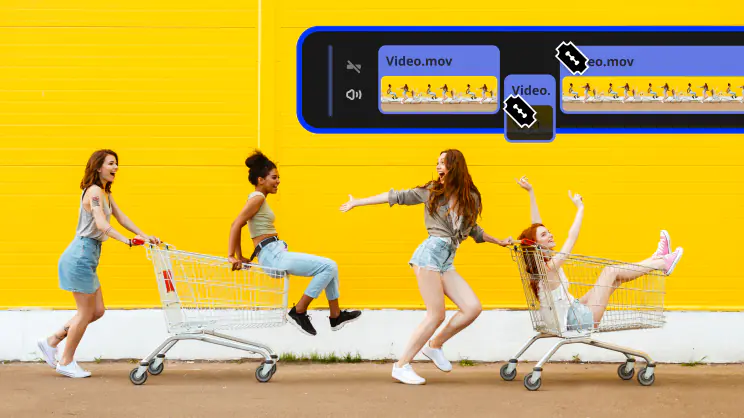
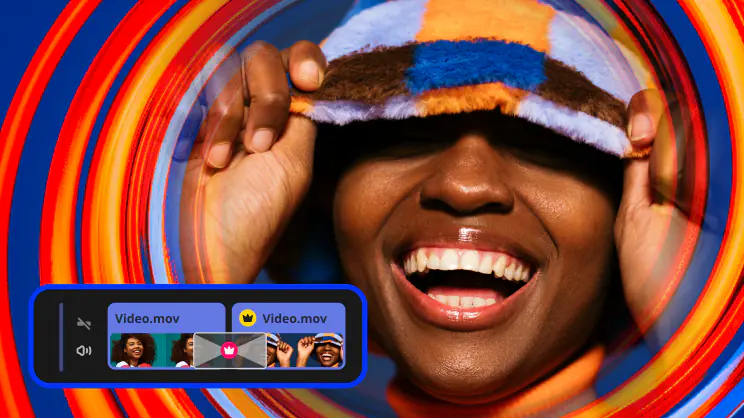
Movavi Video Editor's timeline panel gives you complete visual control when you edit video using our video editing software. Separate tracks for arranging videos, images, audio, and titles make the process of working with different types of media content in the video editor simplicity itself!
Use the additional audio track in the timeline of the video editor to enhance your videos and slideshows with soundtracks and special sound effects.
Overlay text titles on your videos and customize titles: change font color, size, style, and alignment, set title animation style, transparency, speed, and duration of movement.
Unique input media sources
Work with movies, music and pictures; record video and audio
Video Editor supports most popular video and audio formats. Plus, with our video editing software you can import graphics into your videos.
Capture video from DV camera and TV-tuner, add MPEG-2 TS and AVCHD video from camcorder, use family videos stored on VHS cassettes.
Easily expand your soundtrack with do-it-yourself audio recordings using a microphone, synthesizer, electric guitar, or any other sound card input.
Professional-grade filters and special effects
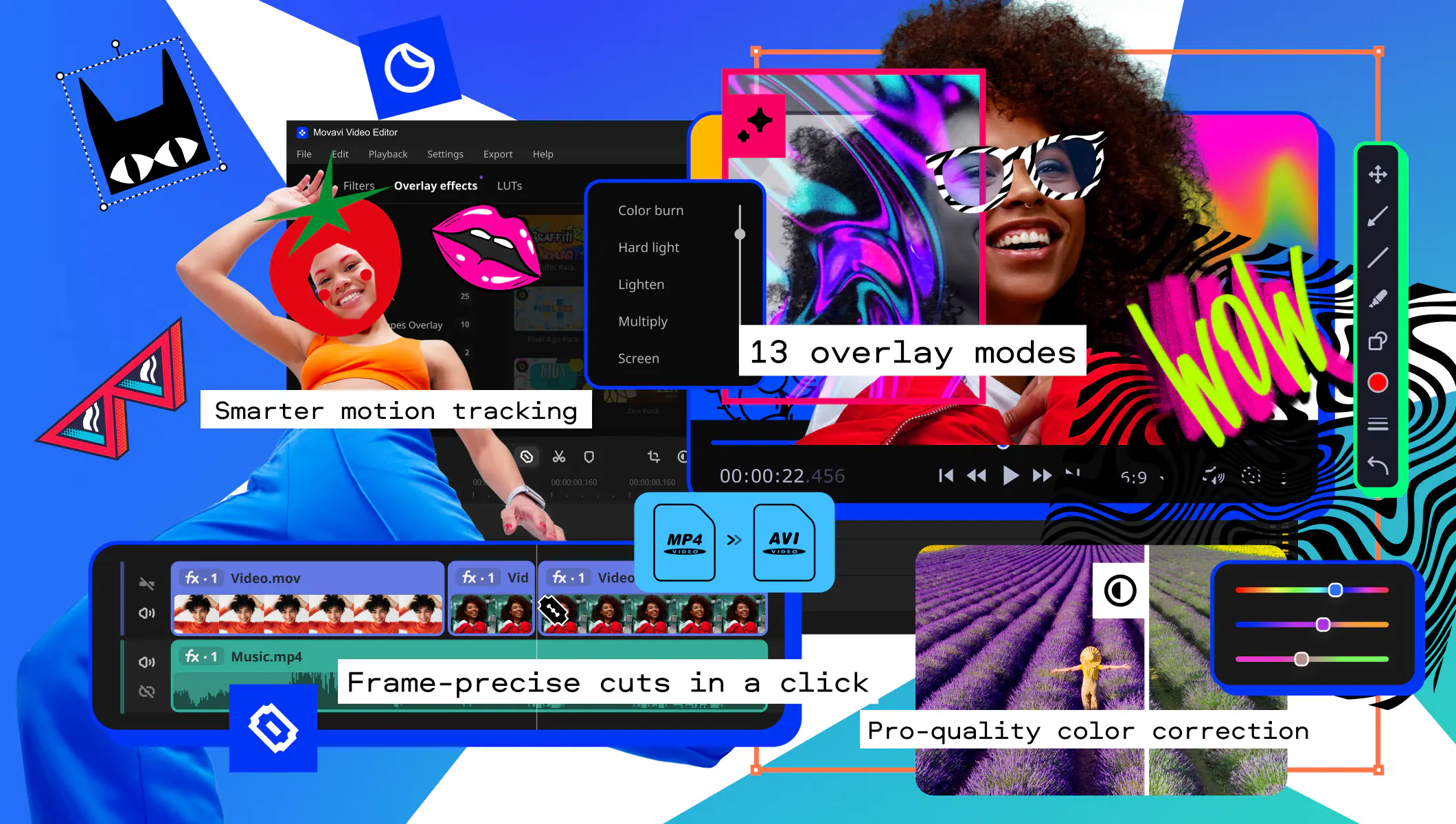
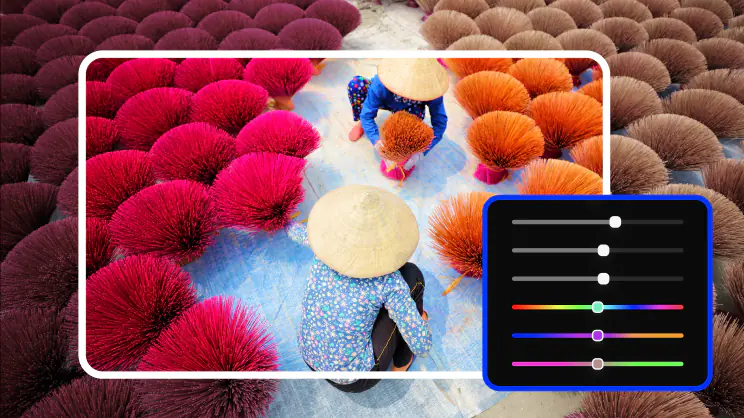
With our Video Editor you can choose from more than 20 automatic and customizable filters to fix a multitude of video quality problems
Movavi Video Editor's handy filters and special effects will improve the quality of your video clips or give a new perspective to a familiar image.
With Chroma key effect, walking on water and visiting Baden-Baden is possible in your home videos!
Our video editing software features convenient automatic filters and dozens of customizable presets to streamline the process of applying filters and effects.
As you add video or audio or work on transitions, effects, and titles, Movavi Video Editor continues to render your project in the background.
Video and audio transitions
Link separate episodes smoothly with each other
Movavi Video Editor gives you the choice of 23 stunning transitions to add before, after or between your video segments in the timeline.
A variety of ready-made presets means no need to manually set transition settings like duration and direction when you edit video using our video editing software.
More than two musical compositions in your project? Use Movavi Video Editor's audio crossfade transitions to blend them smoothly together.
Automatic slideshow creation
Create a stunning slideshow in just a couple of clicks
Liven up your photo gallery with soundtracks and stylish transitions! Movavi Video Editor lets you arrange the images on the timeline, choose your transitions and soundtrack – and hey presto! A unique holiday report is ready for presentation. You can even interweave images with video footage!
Multiple ways to share your video creations
Edit video then save it to any popular format, transfer it to a portable device, or burn it to DVD
Movavi Video Editor gives you a variety of available video formats in which to save your video. You can edit videos and then customize the format settings for optimum results, or use the ready-made presets in the video editing software to save your videos for any popular media player.
Export videos from our video editing program to your mobile device – just choose your device from the list and click 'Save'!
Upload to YouTube, Facebook, and Vimeo.
Burn your video to DVD. With Video Editor its done in a couple of clicks.
And more...
Work quickly and efficiently with our video editing software!
When adding HD video, Movavi Video Editor generates a special smaller video file so your editing is faster and smoother because you're not working with the oversized original video file.
While video editing is fun, it can also cause eyestrain if you're struggling to identify sequences from small thumbnails. Now you can change the size of the timeline thumbnails for the clip you're working with.
![]()
Go ahead and try Video Editor today!
Format Reference
Input Video Formats:
AVI, MPEG-1,2, MP4, WMV, ASF, 3GP (3GPP), 3G2 (3GPP2), MOV (QT), MKV, FLV, DVD (VOB, IFO), MOD, DAT, M2T (MTS), VRO, HTML5 (WebM, OGV), etc.
Output Video Formats:
AVI, MPEG-1,2, MP4, WMV, 3GP (3GPP), 3G2 (3GPP2), MOV (QT), MKV, FLV, M2T (MTS), HTML5 (WebM, OGV), etc.
Input/Output Audio Formats:
MP3, WAV, WMA, OGG, AAC, FLAC, Monkey's Audio.
Input Image Formats:
JPEG, PNG, BMP, GIF.
About Movavi
Founded in 2004, Movavi was formed by a group of digital aficionados dedicated to making video editing as simple as brewing a cup of coffee.
Our video editing software have been well-received and reviewed by PC World, CNet, MacNN, Yahoo!Tech, VideoMaker, and many other publications.
More than four million people and businesses in 92 countries use Movavi Video Editor and other Movavi software to edit video and take care of their other diverse video processing needs.